8 AI Shortcuts for Busy Social Studies Teachers
If you teach social studies—history, civics, or government—you know what it's like to race the clock. From endlessly updating current events to scaffolding primary sources (again), the to-do list never shrinks. This year, I set out to find practical AI tools that lighten my load without turning my class into an edtech jungle or losing the spirit of real debate. The results? Less grunt work, sharper lessons, and enough breathing room to (mostly) keep up with the headlines. Here’s what’s worked in my classroom—plus a few surprise wins that even veteran teachers didn’t see coming.
1. Icebreaking with the Past: AI-Driven "Historical Debates"
My students are famously bored by dummy warm-ups, but this year I tried something new: every Monday, we launch the week by interviewing a "guest" from history via AI. Students submit burning questions (“Was Hammurabi really just?” “How would Malala handle social media outrage?”), and the AI channels the voice of that figure right into our discussion. It’s part-edutainment, part serious inquiry—and as a bonus, even my quietest kids want in. By Thursday, they’re still quoting Elizabeth Cady Stanton.
Try People AI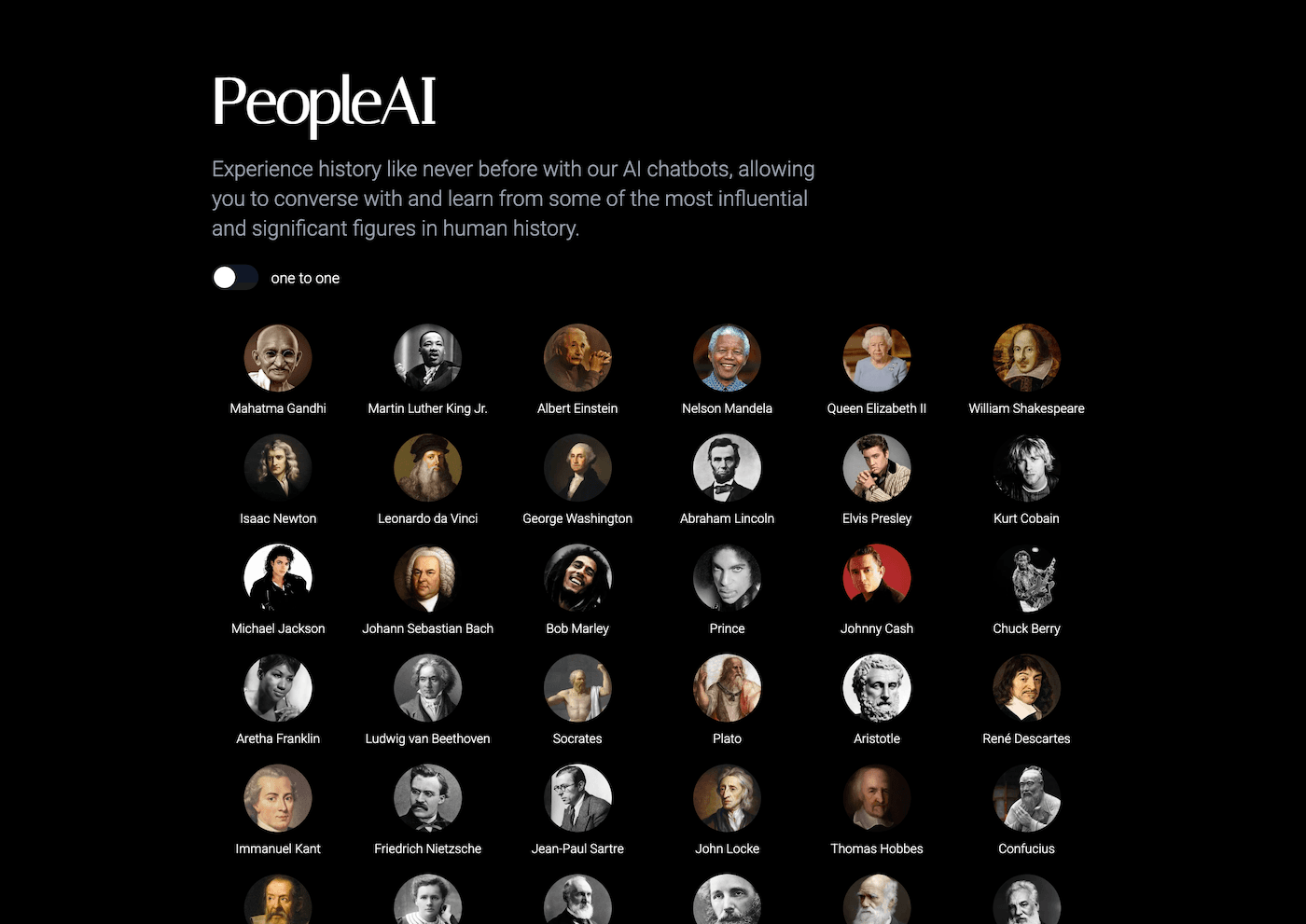
2. Getting Out of the Planning Spiral with Kuraplan
Confession: Social studies units never feel done. New current events, new standards, admin requests for cross-curricular links… I finally started using Kuraplan as a "rough draft" generator. I feed in my themes (Revolutions, Civic Protests, US elections), and it spits out skeleton lessons, essential questions, and project starters. I usually rewrite 70%, but now my energy goes to making units better—not to staring at a blinking cursor.
Try Kuraplan
3. Turning Any News Story Into Student-Ready Lessons
Keeping lesson materials fresh with real news is vital—but also a logistical headache. I copy relevant articles or video transcripts into Diffit, then instantly get multiple reading levels, vocabulary, and critical thinking questions. It’s my secret for differentiating in a single class period (especially for those last-minute world events). I even have ELL students lead news roundups now—they own the material because it's accessible.
Try Diffit
4. Visualizing the World with Instant Maps, Timelines, & More
Social studies is visual—but I’m not a graphic designer. Gamma saves me here: I drop in data, major events, or even a student essay outline, and Gamma constructs polished timelines, thematic maps, and side-by-side comparison slides. We use these for jigsaw presentations and student-led reviews. The best part is that kids can build their own slides—making our class feel more like a newsroom than a test-center.
Try Gamma
5. Role Play & Mock Trials, AI-Style
I love mock congresses and Supreme Court arguments—but writing cases and scripts for every scenario is too much alone. Now, I enter a scenario (“Should social media be regulated in schools?”), and the AI generates sample roles for students (advocates, dissenters, reluctant witnesses) plus sample cross-exam questions. Suddenly, even students who hate public speaking want a part—because the materials meet them where they are and help them find their voice. It’s as fun (and chaotic!) as real politics should be.
Try Conker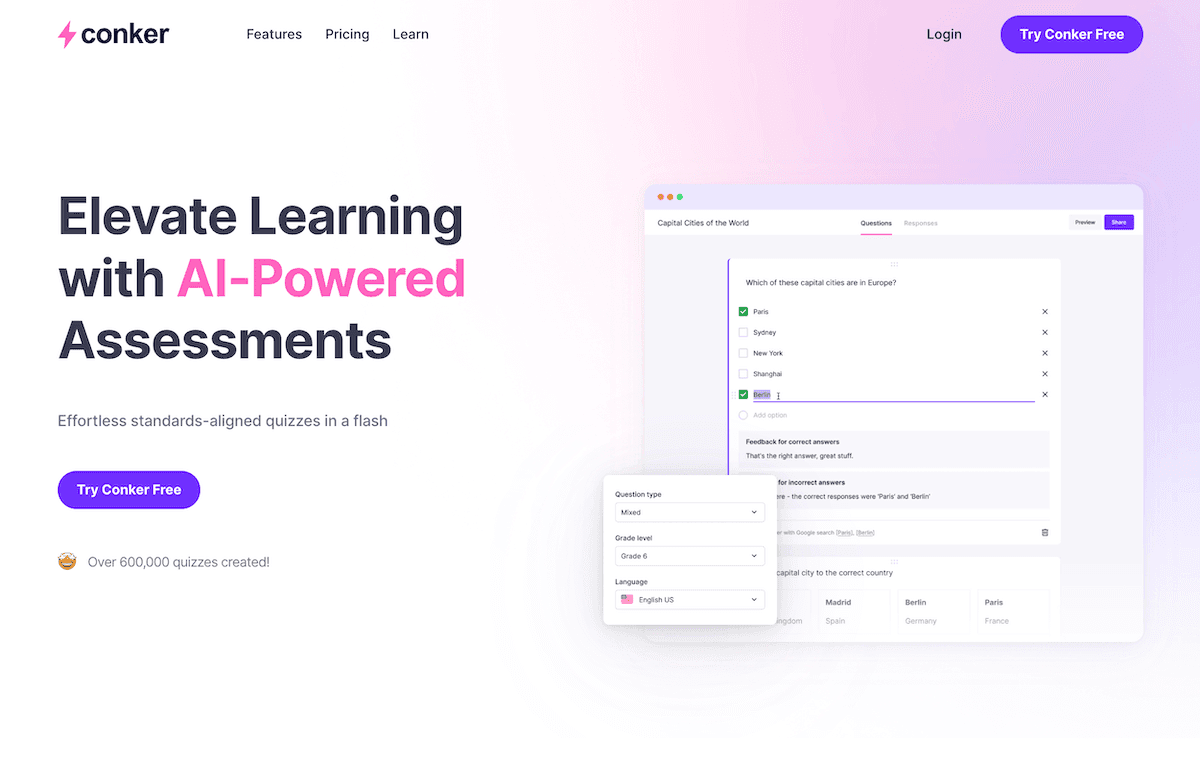
6. Student-Created Political Cartoons and Explainers
Every year, I try (and fail) to get students making political cartoons—but drawing can be a barrier. This spring, I paired written summaries or pointed commentaries from students with Fliki, turning their takes into short video explainers with voiceover and digital cartoon visuals. The result: more students sharing their work, and even my less artsy kids getting the thrill of published work. We share these as digital exhibitions at open house and in our school news blast.
Try Fliki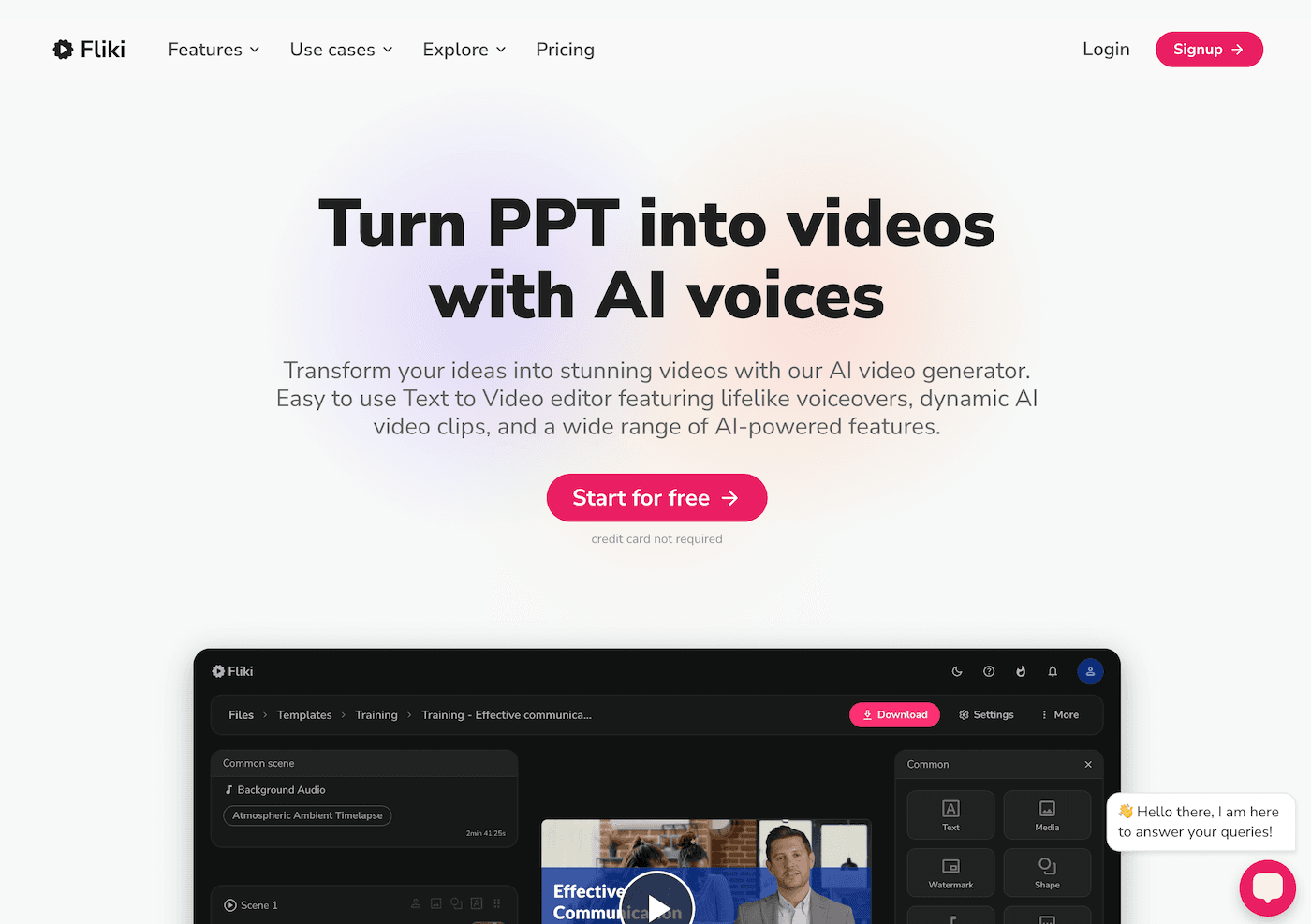
7. Real-Time Feedback on Persuasive Writing and DBQs
Nothing bogs down progress like a stack of document-based question essays. Gradescope now groups similar arguments and errors, letting me deliver feedback at scale. I still hand-score for depth and nuance, but the repetitive bits? Instantly addressed. Students get clearer, faster answers, and revision is far more focused—instead of just correction for correction’s sake.
Try Gradescope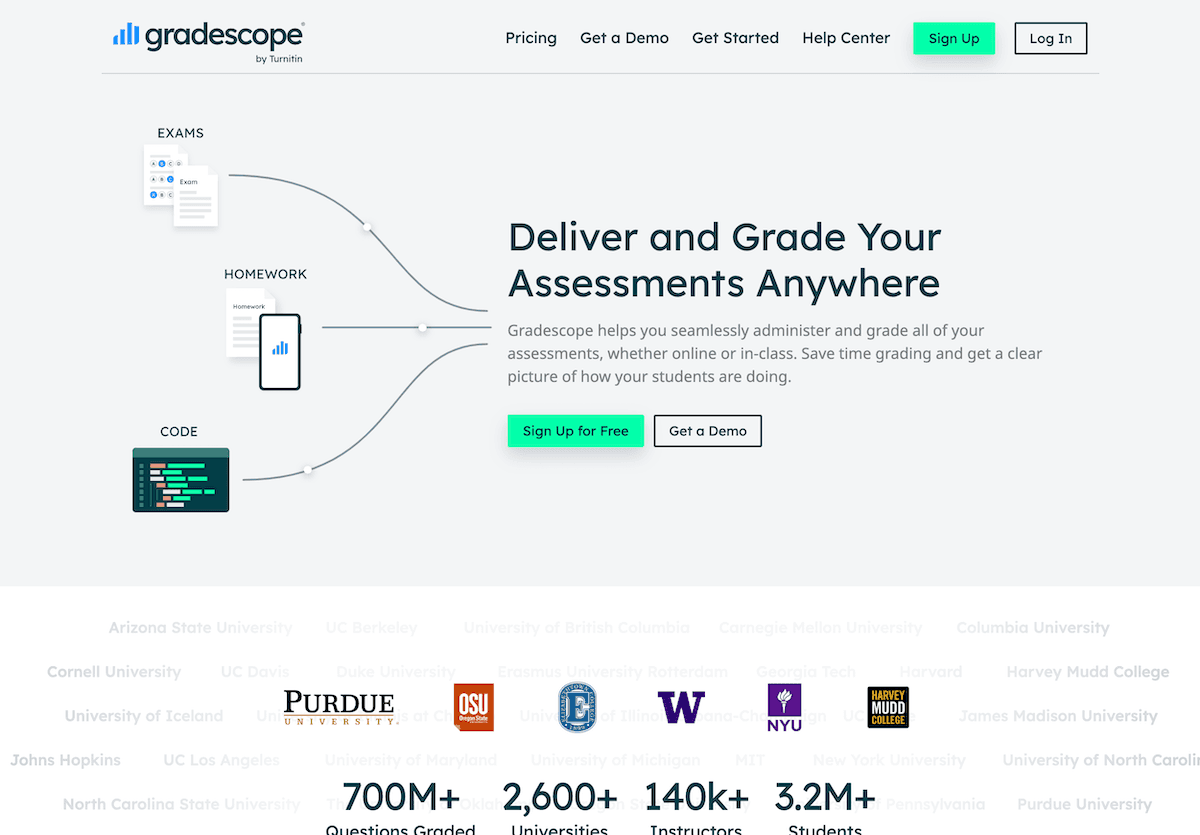
8. Student-Driven Study Guides and Review Games
Instead of giving out tired review packets before the big test, I turn to Jungle. I assign groups to build flashcard sets or trivia games based on our current unit. The AI checks for duplicates, suggests higher-order questions, and instantly makes decks the whole class can use (digitally or as real cards). My students argue over who gets the most questions right—and suddenly, study time is collaborative, not lonely.
Try Jungle
Real Advice from the Social Studies Trenches
AI is not going to magically make kids love the 19th Amendment (or seize that last homework assignment), but it does mean more time debating, collaborating, and connecting lessons to today’s world. My advice:
- Try one shortcut for your most stressful routine; let kids take the lead when you can.
- Don’t let AI erase your perspective—use it as a springboard, never as your substitute.
- Save your best PD hours for classroom conversation: that’s still where the true learning lives.
What AI hacks have transformed your social studies classroom? Share your wins (or your favorite #aiHistoryFails)—we're rewriting the playbook, one shortcut at a time.