AI Tools for Classroom Innovators
Do you ever find yourself thinking, "There has to be a better way to do this lesson"? Maybe you’re the teacher who always volunteers to pilot new programs, launches that cross-grade project, or loves giving students creative ownership (even if it means more mess). If you believe teaching is an act of constant reinvention, this one’s for you.
This past year, I set a goal: use AI not to automate the basics, but to make the big ideas in my classroom a reality. I wanted to go beyond what’s expected—to run interdisciplinary adventures, connect kids with new communities, and empower them to publish, present, and problem-solve in wild ways. After lots of trial and error, these are the AI tools I actually kept in my workflow. (And—yes—you’ll spot
Try Kuraplan
, but I promise it’s not the main character every time.)
1. People AI – Guest Experts and Collaborative Storytellers
Forget flat research tasks! Instead, we prep "panels" and community interviews using People AI—my students scripted real questions for simulated activists, artists, and even local historical figures. We’ve invited an "urban planner" to our city redesign brainstorm and interviewed an "epidemiologist" for our pandemic resilience unit. It flips research into real dialogue and gave quiet kids the chance to shine on the virtual stage.
Try People AI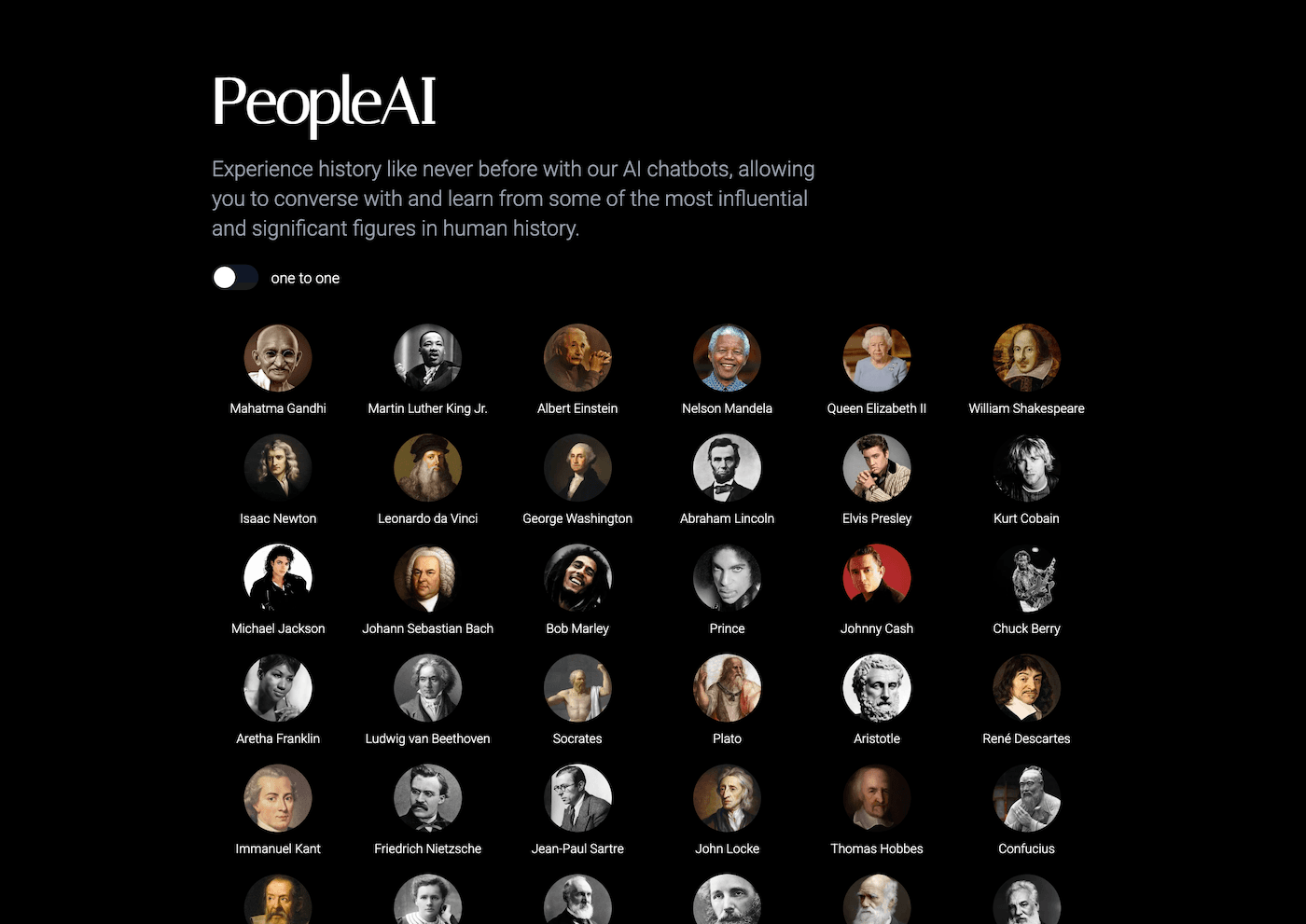
2. Kuraplan – Blueprint for Project Pioneers
I used to sketch out wild project ideas, only to stall because organizing a two-week mock-trial tournament or a cross-curricular community mapping project seemed overwhelming. With Kuraplan, I map the project’s backbone: phases, check-ins, and unexpected pitfalls (like how to pull in parents or present to real city officials). I always personalize the sequence, but it saves HOURS in the initial design, and lets me focus on bringing big ideas to life, not just putting out fires.
Try Kuraplan3. Jungle – Students as Designers of Learning Games
Instead of teacher-made review questions, I challenge students to build original game decks for each unit using Jungle. For our "Design a City of the Future" project, they created trivia to stump each other on urban ecology, then swapped decks with the science class. The competition and creativity deepened learning far more than a worksheet—and some of their games are now used throughout our grade.
Try Jungle
4. Magicbook – Publishing Student Impact Stories
Reflection journals? Good. Publishing real stories? Better. At the end of each project, we use Magicbook so students can create illustrated narratives about what they learned—often in collaboration with younger buddies or community groups. We turned a campus sustainability audit into a digital picture book for the district, and wrote collective memoirs for our oral history project. It makes learning visible—and builds empathy for real audiences.
Try Magicbook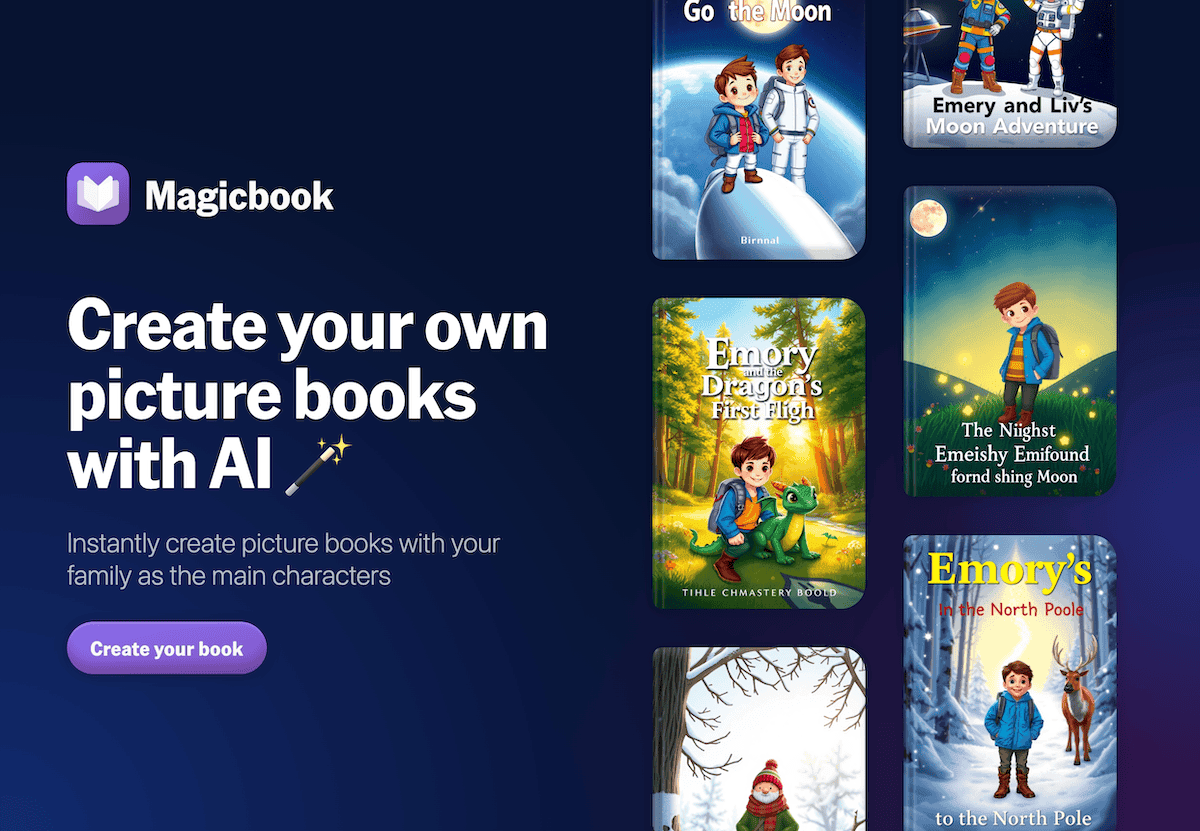
5. Gamma – Bringing Messy Masterpieces to Life
Ever run an experiment or a group build where the outcome is unexpectedly chaotic? With Gamma, my students document progress, create visual case studies (with photos, sketches, and reflection), and turn their process into an exhibition, not just a grade. Last spring, we ran a "Disaster Response Simulation"—and the postmortem, built in Gamma, became a resource for next year’s classes. Project boards, digital galleries, and shareable portfolios have never been easier.
Try Gamma
6. Suno AI – Class Anthems for Culture & Advocacy
Want students to feel real ownership over what they build? I have project teams use Suno AI to create soundtracks or advocacy songs for our campaigns. Whether it’s a sustainability jingle, a social justice anthem, or an opening theme for our student podcasts, kids script and edit the lyrics and get instant, catchy backtracks. Our assemblies have gone from awkward to legendary (and, yes, some of the tracks are shockingly catchy).
Try Suno AI
7. Diffit – Real-World Resources for Every Reader
Dreaming up authentic units is easy; making them accessible to every kid isn’t. I rely on Diffit to turn partner articles, news events, or even student-collected data into leveled readings, vocab lists, and comprehension checks. We built a school-wide "action research" summit using resources Diffit adapted for every grade and learner—including parents, ELLs, and our self-contained classrooms. It kept every group genuinely connected to the big idea, without teachers burning out making ten versions overnight.
Try Diffit
Honest Reflections from an (Occasionally Over-Ambitious) Teacher
AI isn’t going to make every moonshot project a success—but it does free you to dream wilder and include every learner. If you’re the type who’d rather ask "Why not?" than "Why?", my advice is simple:
- Use AI as your idea partner—for structuring, scaffolding, and letting students author their own work, not just consume it.
- Share your process, not just your product—reflect with students (and colleagues) on what worked, what flopped, and what’s worth remixing.
- Celebrate student creativity and impact, even when it’s a little rough…that’s the joy of innovation.
If you’re building something bold with AI in your classroom—or if your wildest experiment totally flopped—I want to hear about it. Let’s invent the future together, one (brave, sometimes messy) leap at a time.