6 AI Tools for Creative Feedback Fanatics
If you love catching those “aha!” moments, scribbling highlighter notes, or turning peer feedback into a weekly event, you probably also know the heartbreak: giving (and getting) honest, actionable feedback is the best driver of real learning—and the first thing to get crowded out by deadlines and grading stacks. For years, tech promised us auto-graded quizzes and rubric tickboxes, but real feedback needs nuance, context, and genuine student voice (not another green checkmark).
This year, determined to reclaim feedback as my core practice—and unashamed to get a little experimental—I tested the new crop of AI tools not for grading faster, but for making feedback richer, more creative, and actually fun for everyone involved. Here's what I kept using, dodging the one-size-fits-all listicle and focusing on unexpected, workflow-anchoring moves for teachers who see growth as a dialogue, not a score.
1. Gamma — Turning Peer Feedback Into Show-and-Tell
Every peer review cycle, I was haunted by vague scribbles (“nice detail!”). This year, I flipped the script with Gamma. My students dropped in draft slides, reflection images, and voice notes after a gallery walk. Gamma's AI organized the feedback—both formal (rubric cards) and informal ("wait, what if..." sticky notes)—into a living visual map, letting students
- See which comments repeated,
- Spot which project sections got the most debate, and
- React to classroom trends, not just my private notes. On project day, students gave mini-tours of their "Feedback Map," explaining how weird peer suggestions turned into real revision. Growth became public, celebrated, even a little competitive—and perfection wasn’t the goal anymore.

2. Kuraplan — Unit Maps with Built-in Reflection Loops
Most planners let you schedule a quiz; Kuraplan finally let me schedule feedback as an event. My hack: when mapping a unit, I stacked in not just due dates, but real feedback moments ("Peer Gallery Sprint," “Midpoint Self-Check-In,” "Ask a Parent to Comment Night"). The AI reminded me to pace these (not just rush last-minute revision!), and I used the editable sequence to make space for class Q&A, rubric co-design, and even audio feedback. The surprise? My most creative students wanted to edit the plan every week—rearranging which checkpoints most needed outside review. Suddenly, revision wasn’t a punishment; it was the story of the work.
Try Kuraplan
3. Jungle — Crowdsourced “Next Steps” Decks from Students
Exit slips are nice, but meta-cognition is where the juice is. Jungle let me crowdsource student-authored “Next Steps” decks:
- After feedback day, every student wrote a flashcard: "My best move yet," "My recurring weak spot," and “Try this next week.”
- Jungle bundled cards into a class deck, used for mini-assessment games, partner coaching, and—shock!—as warmups at the start of our next learning cycle. Result: The feedback loop became visible, actionable, and peer-owned. The deck became part confession, part pep talk, and my grading load became lighter because students actually planned their own next move. Who needs a Friday quiz when the class is hacking their own growth?

4. Conker — Creative Peer and Self-Checklists On Demand
Peer review needs focus. With Conker, I built feedback scaffolds that felt like real dialogue: for each big project, students helped generate lively, voicey checklist prompts—"Did the opening make you want to keep reading?" “Where did you laugh, get mad, or zone out?”
Suddenly, peer feedback forms weren’t generic—they were personal, connected to unit goals, and surprisingly fun for students to complete (teen-written rubrics beat mine every time). Even the shyest kids leveled up: their feedback stopped feeling like a hoop to jump through, and more like co-editing a friend’s YouTube channel. Revision wasn’t just for points; it was creative exchange.
Try Conker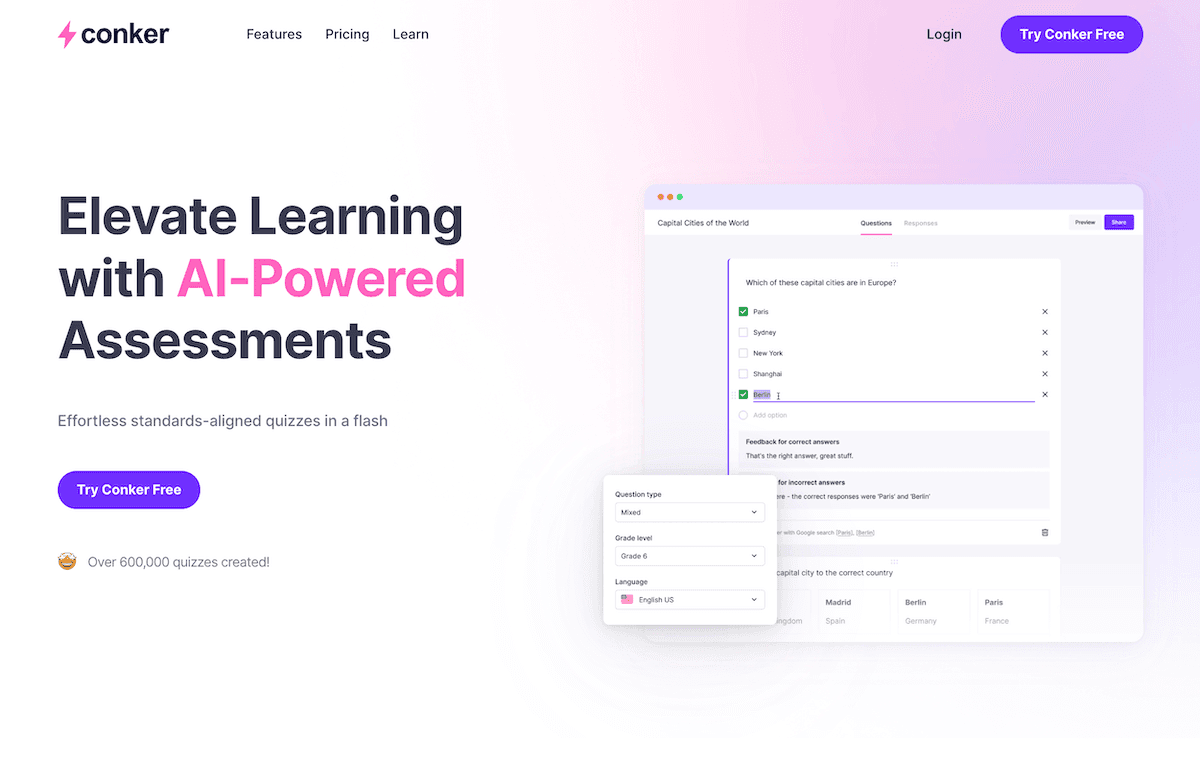
5. Gradescope — Themed Batch Comments for Reflection Days
AI assessment didn’t save my weekends, but Batch Feedback in Gradescope did. The secret? I grouped work by most common strengths and pain points ("great transitions," “citation chaos,” “bold argument, but vague evidence”). Instead of fifty micro-edits, I wrote one strong comment for each cluster, and then added two lines of personalized advice where it really mattered. On Monday, we held a “Pattern Reflection” session—students analyzed class-wide strengths and gaps, made “review squads,” and set their own feedback goals for the next checkpoint. My job shifted to coach and trend-spotter, not red-pen referee.
Try Gradescope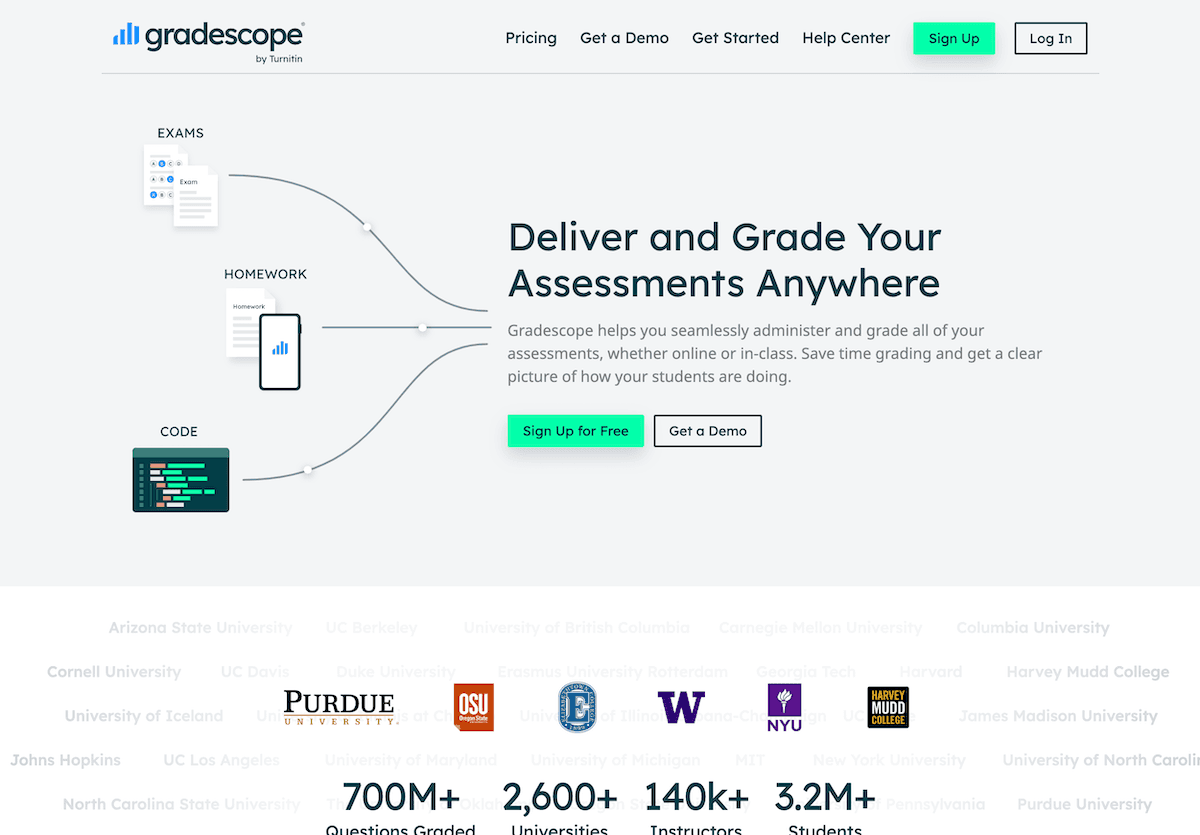
6. Suno AI — Feedback Routines That Actually Stick
After a marathon feedback round, the mood can tank—or soar—depending on how you mark closure. Enter Suno AI. My students wrote chorus prompts (“We Survived Peer Review,” "Feedback Ballad for the Brave," “Revision Is a Superpower”), and Suno generated a class anthem to mark the process, not just the grade. We played it after reflection, during walk-and-talk conferences, or to launch the next big challenge. These silly, semi-serious rituals turned feedback into an event and gave creative closure to revision days. Result: students anticipated feedback as a group milestone—and I got to celebrate effort and risk, not just tidy scores.
Try Suno AI
Real Feedback Tips for Creative Growth-Obsessed Teachers
- Make feedback rituals visible—anchor with class maps, closure songs, and public goal-setting.
- Let students co-author checklists, sequence revision points, or even “DJ” the feedback day with their own Suno anthems.
- Use AI as a partner in process, not the arbiter of points. These tools will amplify your own voice, speed the admin, and—when in students’ hands—keep growth happening far past the grade.
- Skip the auto-grader whenever possible. Lean into the tools that make dialogue and iteration visible, loud, and a little bit messy.
If you’re a feedback fanatic, or have an AI hack that redefined your class’s relationship with reflection, share your best story or workflow below—because the only grade that really matters is “better than last week.”