7 Game-Changer AI Tools for Creative Science Teachers
I teach science because I love the wild, unpredictable, sometimes hilarious madness of actual discovery—and want my students to experience it, too. (If you’ve ever had a vinegar+balloon demo go sideways, you know what I mean.) But post-pandemic, the pressure to cover content, differentiate everything, and manage paperwork is crushing the creative side of science class.
This spring, I stopped looking for AI tools that just automate grading or churn out busywork, and started testing the ones that let students get messier, think deeper, and reclaim that "What if...?!" classroom energy. Below are the seven AI tools that shook up my planning, projects, and even school community engagement. Not every tool is a silver bullet, but these are the ones I kept after tossing the hyped-up fads. And yes—
Try Kuraplan
appears (but you’ll see why I don’t treat it as a magic wand).
1. Notebook LM: The Science Inquiry "Studio"
Forget more slideshows—Notebook LM is my go-to for turning a pile of resources, links, student questions, and scribbled post-its into a real collaborative inquiry. Before a new unit, I drag in news stories, weird YouTube explainers, and student wonderings. The AI pulls connections, suggests areas for further research, and even builds a discussion script students can use to run their own podcast or mock-scientist panel. We’ve built "What’s the grossest substance in your kitchen?" podcast miniseries, and it turned into our best family engagement night ever. It’s part science fair, part newsroom, and totally authentic.
Try Notebook LM
2. Kuraplan: Project Blueprints—Not Canned Lessons
I know, every blog lists
Try Kuraplan. But here’s how I use it differently: at the start of every “make or break” project (like our water testing expedition or school compost design sprint), I enter three things: our anchoring question, a must-try hands-on experiment, and the quirkiest student extension request. Kuraplan doesn’t just spit out daily lesson plans; it scaffolds the big, scary sequence—detours, checkpoints, even family comms drafts—so I have energy for fieldwork, experiments, and real-world chaos. Pro-tip: Skip the auto-generated quizzes and focus on Kuraplan as a backbone for your most creative, student-driven units.
Try Kuraplan3. Suno AI: Turning Science into Ritual (and Song)
Classroom rituals don’t have to be tired chants or worksheet routines. Suno AI lets my students build custom anthems: safety songs, content concept raps (yes, we have a "Law of Conservation of Mass" metal anthem), or debrief tracks after a failed lab. Students write their chorus, feed in the theme, and Suno spins out a legit song for transitions, celebrations, or even post-test cooldowns. The bio class started writing brain-break songs for other departments—suddenly, science class culture is infectious school-wide.
Try Suno AI
4. Gamma: Visualize the "Messy Middle"
Science is rarely neat—but students get lost in too much data, not enough story. Gamma is my hack for making the process visible: I toss in group brainstorms, half-finished lab tables, and even screenshots of the bullpen whiteboard. Gamma builds editable, collaborative visual timelines, annotated mistake boards, and "choose your variable" maps for engineering projects—no graphic design skill needed. My reluctant writers end up leading group poster sessions, and lesson observations always turn into show-and-tell. Best hack? Use Gamma for end-of-project retrospectives—students see how far they’ve come.
Try Gamma
5. Fliki: Science Storytelling, No Editors Needed
Forget hoping students build TikToks or documentaries from scratch (most freeze without structure). With Fliki, they draft an explanation—why our yeast lab flopped, how a butterfly’s proboscis works, or "Explain static electricity to a 4-year-old"—and get a voiced, edited, AI-enhanced video in minutes. Students review each other’s clips, ask follow-ups, and build a class gallery. Bonus: I use their best explainers as sub plans or to catch up absent kids before a big experiment.
Try Fliki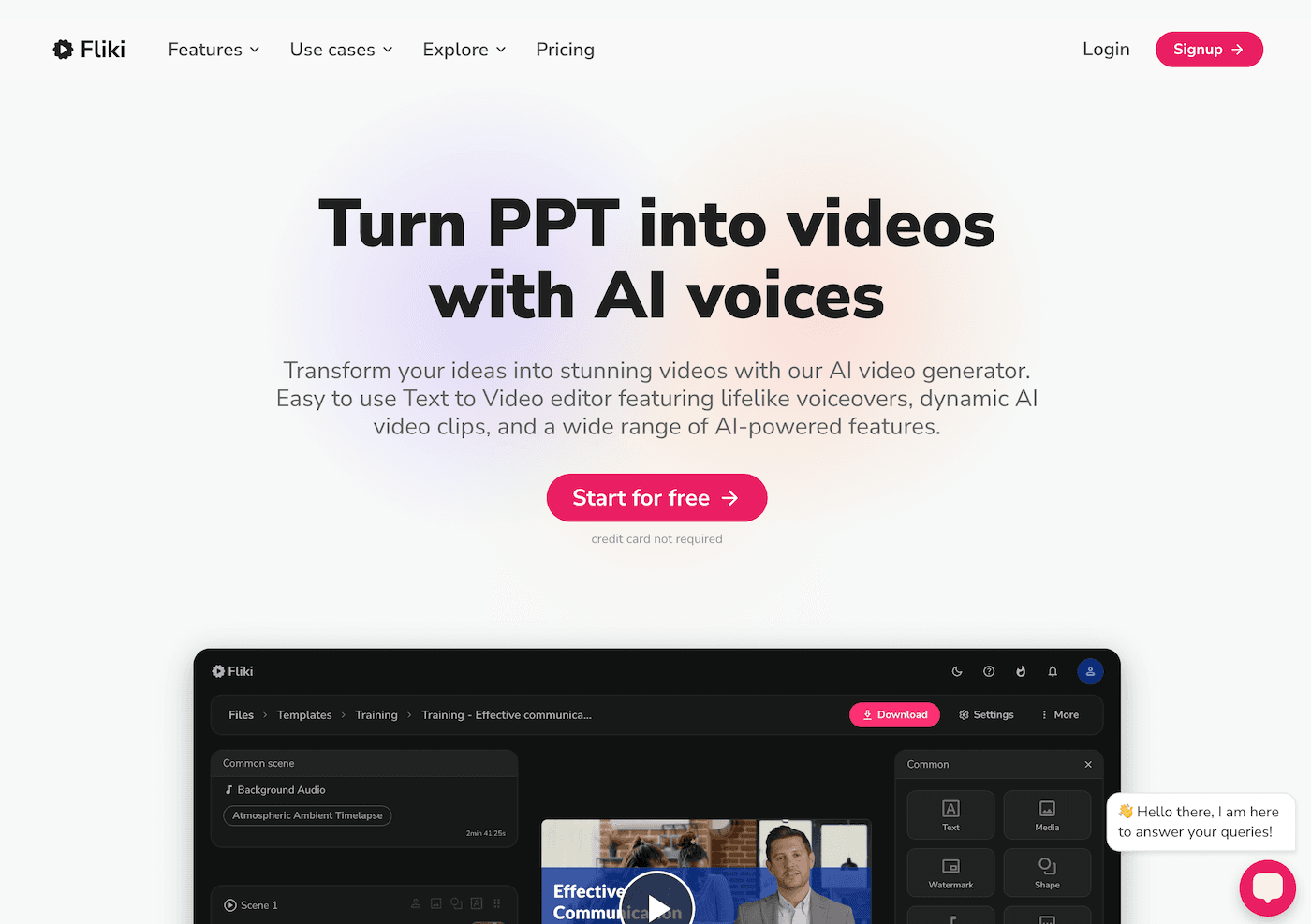
6. Diffit: Making Real Science News Accessible
Science isn’t happening in textbooks—it’s on wild NASA livestreams or in breaking news about floods, CRISPR, or the local frog count. Diffit saves hours: I paste any news article, TED Talk link, or even student podcast and get leveled versions, vocabulary lists, and open-response prompts. We run "current event challenge": every Friday, groups adapt, teach, and debate the story they picked via Diffit. Suddenly, my ELL students and "not a science person" crowd are the ones leading discussions.
Try Diffit
7. Jungle: DIY Lab Review & Mistake Mastery
Review games are fine—but Jungle lets students mine their own flops and discoveries to generate flashcard sets, quiz decks, or even error-lists after the goofiest labs. "Name-that-variable crimes" and "Guess where we contaminated the sample" are now go-to activities; students create and swap decks, remix the mistakes of the week, and run stumper rounds for next semester’s class. The win: kids aren’t memorizing—they’re deconstructing real thinking blunders and building science humor along the way.
Try Jungle
Real Talk for Creative Science Teachers
I tried (and ditched) plenty of AI tools that made science class feel more… generic, not less. The ones above amplified my weirdest units, made students the producers (not the audience), and actually got messier, not tidier. A few takeaways:
- Use AI to scaffold creativity, not just automate tasks. If a tool flattens your lesson, toss it.
- Let students use the tools directly—curiosity first, workflow second.
- If something works, turn it into a tradition (our Friday Suno music challenge now brings other teachers in for cameos!).
- Document and share your flops. The best workflow hack I found came from a student remixing my mistake, not my plan.
If you’re a creative science teacher with an AI trick that saves your prep time, gives kids more agency, or makes the chaos more joyful, please share below. The best experiments are still messy—and AI should keep them that way.