6 AI Tools for Teachers Who Love Trying New Things
If you’re the type of teacher who’s always piloting a new project, running a lunchtime club, or swapping classroom routines on a whim, you probably know two things: students thrive on novelty, and there’s never enough time (or support) to pull off all your wild ideas. Every year, I see a wave of new edtech—most of it designed for just-out-of-college teachers or the ultra-organized. But real classroom magic happens when teachers experiment: launching a cross-grade podcast, running a school-wide poll on snacks, or letting students redesign the sequence of a unit.
This past year, I challenged myself: could AI actually help me experiment MORE—not just automate old routines, but help me launch, remix, and reflect on pilot projects with less burnout? The answer: yes, but only if you find the right tools. Here are six AI helpers that I now reach for whenever I want to break the mold, with hacks and warnings learned from a year of wild trial and error. Kuraplan is here, but only as one ingredient in my experimentation toolkit (not another lesson script!).
1. Notebook LM – Your Class’s Innovation Lab (Not Another Google Doc)
Every experiment starts with a mess: student brainstorms, YouTube inspiration, post-it debates, and that voice note you recorded while sprinting to lunch duty. I let everything pile up in Notebook LM. Here’s the twist: Notebook LM’s AI clusters similar threads, surfaces recurring themes, and proposes discussion prompts or Q&A scripts automatically. Now, when my environmental club or Socratic seminar group wants to try something new, we use our digital notebook to map the journey—pivot points and flops included. Students remix the output into pilot podcasts, mini-documentaries, or next steps—not just another end-of-project slideshow. It’s my secret weapon for documenting the process, not just the product.
Try Notebook LM
2. Gamma – Visualizing Every Pivot (Even Mid-Experiment)
Let’s be honest: when you try new things, half your plans end up ripped to shreds by week two. My trick? Treat Gamma as a “storyboard for experiments.” I dump idea sketches, failed drafts, or quick wins into Gamma, and it autogenerates flexible slides or digital exhibits to chart the journey. During our "Reimagine Recess” pilot, my class used Gamma to snapshot every brainstorming session, from sketchy field diagrams to sticky-note voting. When admin walked in, they saw how students iterated, not just the final idea. Bonus: when our math-art mashup fell apart, Gamma let us laugh at our failed prototypes together and sparked the next (actually successful) version.
Try Gamma
3. Kuraplan – Flexible Skeletons for Wild Projects
Here’s the honest pitch for
Try Kuraplan
: I use it not to script core lessons, but whenever I want to try something nobody in my building has done before. I’ll sketch the big ambition (“Let’s run a debate podcast and a family museum night in the same unit”), jot a couple of must-hit outcomes, and let Kuraplan draft a flow with built-in checkpoints and reflection days. My hack: share the skeleton draft with students and colleagues, then immediately edit, break, and reorder it as the project evolves. Kuraplan gives me enough structure to keep an experiment from imploding—but never gets in the way of adapting or failing forward.
Try Kuraplan4. Jungle – Student-Driven Quizzes for Pilot Units & Clubs
Trying something new exposes unexpected gaps: maybe your trivia tournament bombed, or your Genius Hour group forgot the difference between hypothesis and hunch. I outsource review to students via Jungle. After each wild project or club meeting, every group submits “what was hardest/confusing/weird” and Jungle turns it into instant flashcards and games. I use these decks for peer-led review sessions, exit ticket contests, or even sub days. The win? Even in the pilot phase, students get to help define what mattered (and what didn’t land), and review is always fresh—not copy-paste drills.
Try Jungle
5. Fliki – Prototype New Project Formats (Not Just Videos)
You want to roll out a new genre—digital science explainers? Podcast-style arguments? Case study vignettes? Getting students to take the first risk is tough (especially if your idea is “half-baked”). With Fliki, students can script a rough draft and the AI spins up an audio or video version—imperfect, but ready to share and build on. My game-changer this year: use Fliki to prototype club announcements, “elevator pitch” experiments, or to summarize failed trials. Sometimes the best feedback comes when students see and hear their own ideas, rather than waiting for the polished finale.
Try Fliki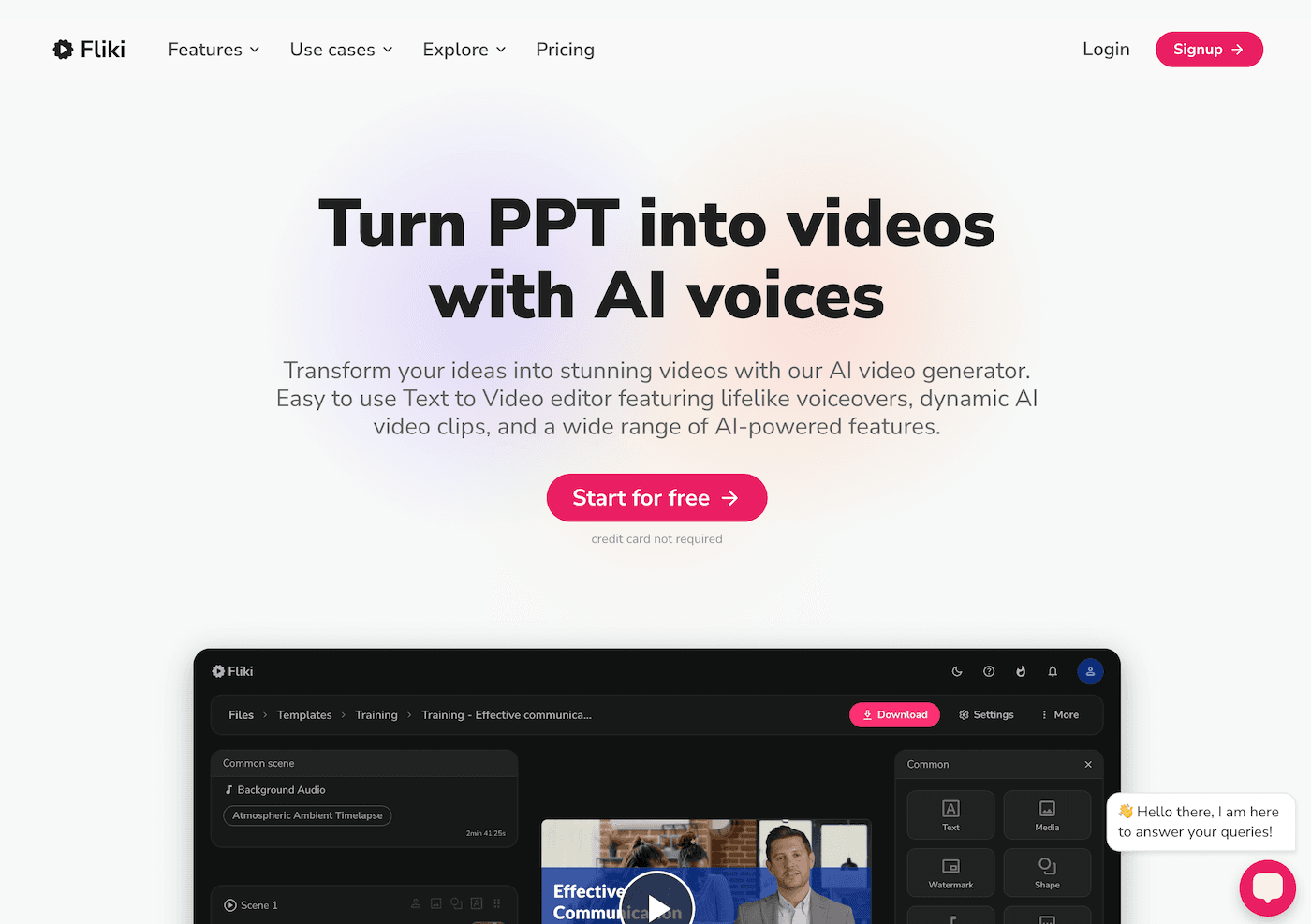
6. Suno AI – Rituals and Celebration for Every Pilot
Launching new routines is exhausting—so I let my class invent the celebration. When we finish something new (and especially when it flops), students write a Suno prompt (“theme song for our debate that bombed,” “serious science cheer,” “club anthem for trying new things”). Suno AI generates a track we play during pilot reflection, end-of-unit shares, or as a daily reset for the next experiment. Some of our best community rituals, like "The Attempt Anthem" or "Friday Remix," began as Suno prompts in the wake of a failed idea.
Try Suno AI
Honest Reflections: Don’t Let Tool Lists Box You In—Experiment!
AI alone won’t make you an innovative teacher—but the right tools let you run with new ideas, document real process, and invite students (and admin) into the journey. My advice?
- Try ONE tool with your next pilot project or club, and let students hack the workflow as you go.
- Use AI to scaffold, document, and reflect—not to script the wild out of your teaching.
- Celebrate both the flops and the wins: some of my best tools became traditions because of the projects that didn’t work.
If you’re running an experiment this year—or have an AI hack that helped you try something outside the box—share it (and your best disaster story) below! Let’s make space for more creative, human classroom pilots in 2025.