6 AI Tools for Creative Teacher Planners
Every teacher knows the standard planning session: you gather your standards, some pacing guides, try to picture your students’ faces, and spend your weekend mapping a path through the next month. But some of us? We turn planning into a playground—riffing off student ideas, remixing units mid-semester, and collecting inspiration from everywhere. Whether you’re the teacher who brings in museum guides, builds interdisciplinary mashups, or loves inventing project cycles from scratch, you need tools that empower—not box in—your creative process.
This year, I ditched one-size-fits-all templates and set out to test which AI tools actually respect the art of planning. Not the "copy-paste this into a calendar" stuff, but the kind of flexible, visual, multi-modal workflows that creative teacher-brains crave. Here’s what I found: Six tools—each tested during late-night brainstorming, wild curriculum pivots, and group project scheming—that unlocked new energy for my teaching (and, shockingly, helped me finish before dinner now and then).
Below is the real-world guide for teachers who want their planning time to fuel them—not just survive another week. (Bonus: Yes, you’ll find
Try Kuraplan
, but not where you expect it.)
1. Gamma – Unit Mapping That Feels Like Storyboarding
Who says curriculum planning has to start with a spreadsheet? Gamma lets you drag, drop, and remix unit ideas—turning your brainstorms, student samples, resource links, and sketches into a living, visual map of your quarter. My routine: dump every wild idea into Gamma, then invite colleagues (or your class!) to re-sequence, comment, and suggest creative add-ons. The tool’s AI turns sticky notes and random Word docs into beautiful, modular slideshows—great for sharing with admin, printing for your wall, or pivoting mid-unit when inspiration hits. Gamma turns planning into something closer to art direction than admin busywork.
Try Gamma
2. Kuraplan – Creative Guardrails, Not a Script
There are days I want to build my own plan from scratch…and others when my ambition needs a backbone. That’s when I rely on Kuraplan—not to dictate, but to offer a starter skeleton. Plug in your wildest essential question ("How could our city run on ocean energy?", "What story does our cafeteria menu tell?") and let it sketch a draft sequence—objectives, pacing, checkpoints. What I love: Kuraplan is surprisingly tolerant of weird ideas, offering standards-aligned suggestions without crushing creative flow. Then, of course, I break the script, rewrite half, and let my students edit the rest. The result? Real rigor, real flexibility.
Try Kuraplan3. Notebook LM – Turning Resource Chaos Into Creative Gold
Ever finish a planning session surrounded by articles, notes, links, podcast clips, and student suggestions… only for them to disappear by Monday? Notebook LM is my creative catch-all: drop in anything—syllabus snippets, exit tickets, voice memos, even doodles. The AI organizes, pulls themes, and even scripts Q&A or podcast outlines for your next class. On my last PBL unit, students helped me feed their research and brainstorms into our shared notebook; Notebook LM generated interview scripts, reflection prompts, and project debriefs—all from our beautifully messy planning process. Great for capturing those spontaneous bursts of brilliance we always forget to write down.
Try Notebook LM
4. Fliki – Storyboarding Lessons That Break the Mold
Not every lesson starts with a slide deck. Sometimes the best launch is a story, a documentary intro, or a student-narrated experiment. Enter Fliki: write a quick intro, dialogue, or even a project "hook," and Fliki transforms it into a narrated mini-video or audio snippet. I started using it to storyboard new units: drafting a script for "Day in the Life of a Medieval Healer," "Argue Like an Abolitionist," or "This Object Has a Hidden History," then dropping the output straight into class as an opener. Bonus: Fliki’s quick-build works for creative project pitches, flipped classroom videos, or turning student writing into shareable showcases.
Try Fliki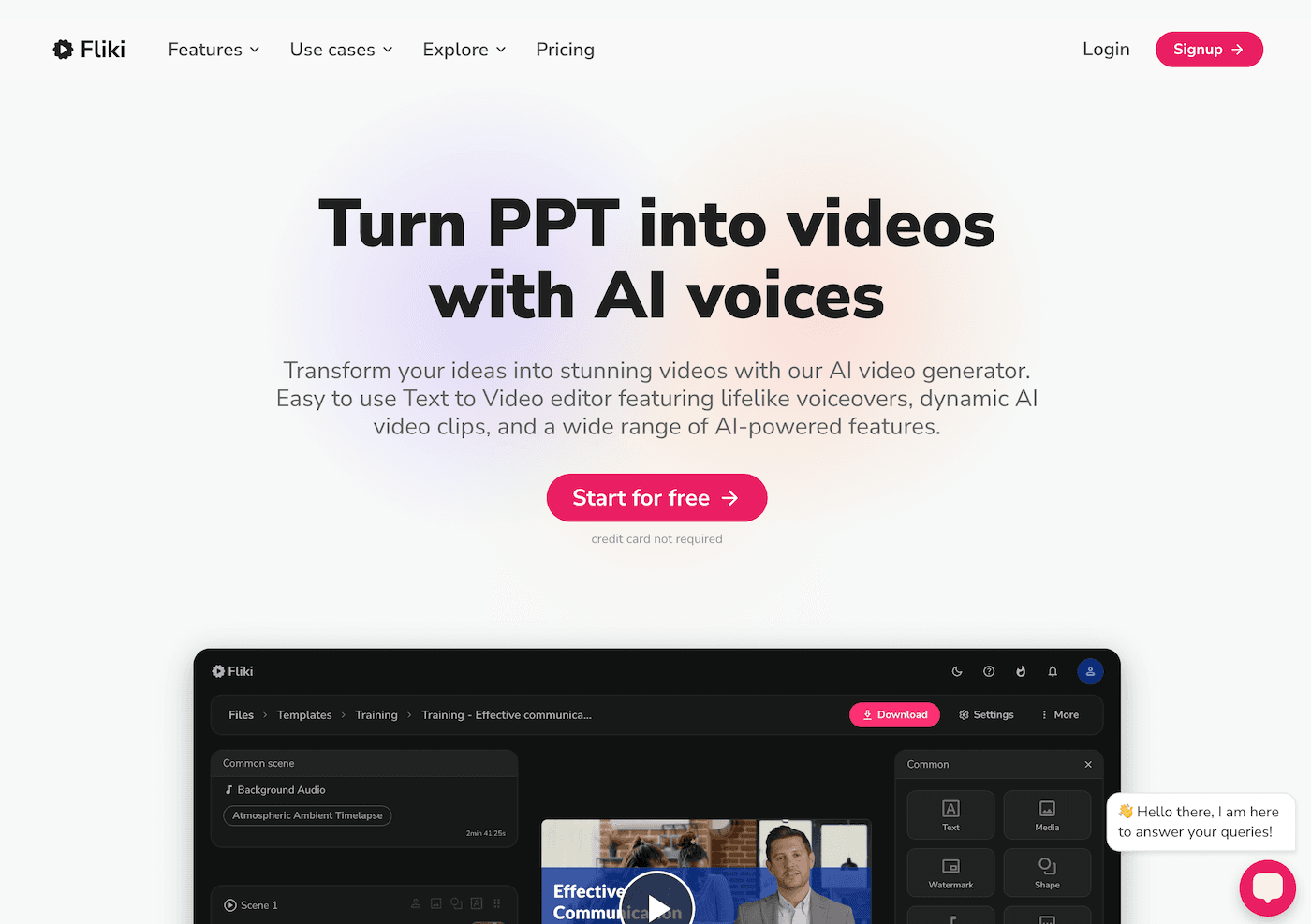
5. Jungle – Brainstorm Banks and Student Choice Boards
Creative planning = endless revision. Jungle lets you crowdsource, remix, and organize idea decks—whether it’s new essential questions, "what if" prompts, or project launch mysteries. My favorite use: after planning each unit’s big theme, I let students propose wild project options, reflection prompts, or "challenge the teacher" review cards in Jungle. The AI sorts, flags duplicates, and helps build leveled choice boards—so every student sees a path (and a challenge) in your plan. Jungle is also a powerful tool for building living study guides or collaborative assessment banks with your team.
Try Jungle
6. Suno AI – Rituals for Brainstorming and Reset
The best ideas rarely come after the fifth cup of coffee—they come when the room’s energy resets. Suno AI lets you crowdsource class (or department) rituals, anthems, or even planning "theme songs." Here’s how it changed my workflow: every time my co-planner and I get stuck mid-session, we enter a prompt like "brainstorm jam for wild ideas" or "celebrate tossing out a boring unit," and Suno spits out a new, original tune. Sometimes we play them to re-energize a tired class, sometimes to mark project launches. Now, even our planning meetings end with laughter—and the kind of fresh perspective that leads to truly creative lessons.
Try Suno AI
Final Thoughts: Planning is your Canvas—Use the Right Tools
If you treat curriculum design as a living, creative process (not a rote task), these AI tools are your sketchbook, storyboard, and remix partner. My advice:
- Start with one planning routine you dread—and let an AI tool crack it open for new inspiration.
- Invite students (or trusted colleagues) into your planning sandbox—fresh voices make for bolder lessons.
- Don’t let "AI" mean automated templates; use these tools to make your planning time more human, not less.
Have a favorite creative planning hack, AI-generated lesson launchpad, or tool that helped you pull off your wildest project? Drop your story below—let’s fill our classrooms (and calendars) with designs that surprise even us.