6 AI Tools for Teachers Who Love Experimenting
You know who you are: You’re the teacher who says “what if” more times a week than anyone in your building. Your classroom is a pilot program for every workflow, strategy, and half-baked hack you learn at a conference, and you’re never afraid to tear up the old playbook (or at least doodle wildly in its margins).
I’ve lived there for years—testing project cycles, flipping the schedule, launching a student entrepreneurship fair, and (sometimes disastrously!) letting groups co-author their own curriculum. You learn quickly: experimentation can either inspire students…or eat your planning time alive.
So this semester, I set out to discover AI tools that supercharge teacher-led experimentation, not just automate the old routines. Not hype—field-tested, practical helpers for the teachers who are most likely to remix everything tomorrow. Each tool below plays a different role in my experimentation toolkit—and they’re listed in the order I reach for them, not just for sponsorship points. (Yes,
Try Kuraplan
finally made my wildest projects feel possible…with a twist.)
1. Notebook LM – From Idea Soup to Innovative Launches
When your head (and your desktop) are full of half-written lesson plans, wild resource links, and last night’s “what if” texts, keeping track is chaos. Notebook LM became my central lab notebook: I drop in quotes, research PDFs, student brainstorms, snippets from Twitter, and random voice notes. The AI arranges connections, spots themes, and even proposes Q&A scripts or podcast outlines for student pilots. It’s my chaos wrangler—a secret weapon for connecting seemingly unrelated ideas before I build prototype lessons. Students even use it to script and record “bug report” podcasts after an experiment or a failed project run.
Try Notebook LM
2. Kuraplan – Flexible Project Skeletons (Not Presets)
I’ll be honest: most AI planners feel like straitjackets. But when I have a wild idea ("Can we run a unit like a start-up?"), I throw just the broad strokes into Kuraplan and let it generate a timeline with editable milestones and reflection prompts. The real hack: I share every draft with students or co-teachers, letting them rearrange, add checkpoints, or drop what doesn’t fit on the fly. This way, Kuraplan is a creative framework—not a policy. Sometimes I toss out half the sequence, but the scaffolding lets me experiment without burning out on logistics or missing those vital check-in points.
Try Kuraplan3. Fliki – Prototyping Lessons With Student Media
Every teacher-experimenter gets the urge to swap out a worksheet for a student-made video, scripted story, or podcast—but the editing hurdle is real. Fliki cuts the friction: students draft scripts or explainer text and Fliki turns them into sharp narrated video or audio with a single click. We’ve used this to pilot “explainer” station rotations, group science showdowns, and mini-PSAs—often with just a class period’s notice. Bonus: quick student feedback (“What stuck?” “What needs a do-over?”) is now visible and audible, not buried in written reflections.
Try Fliki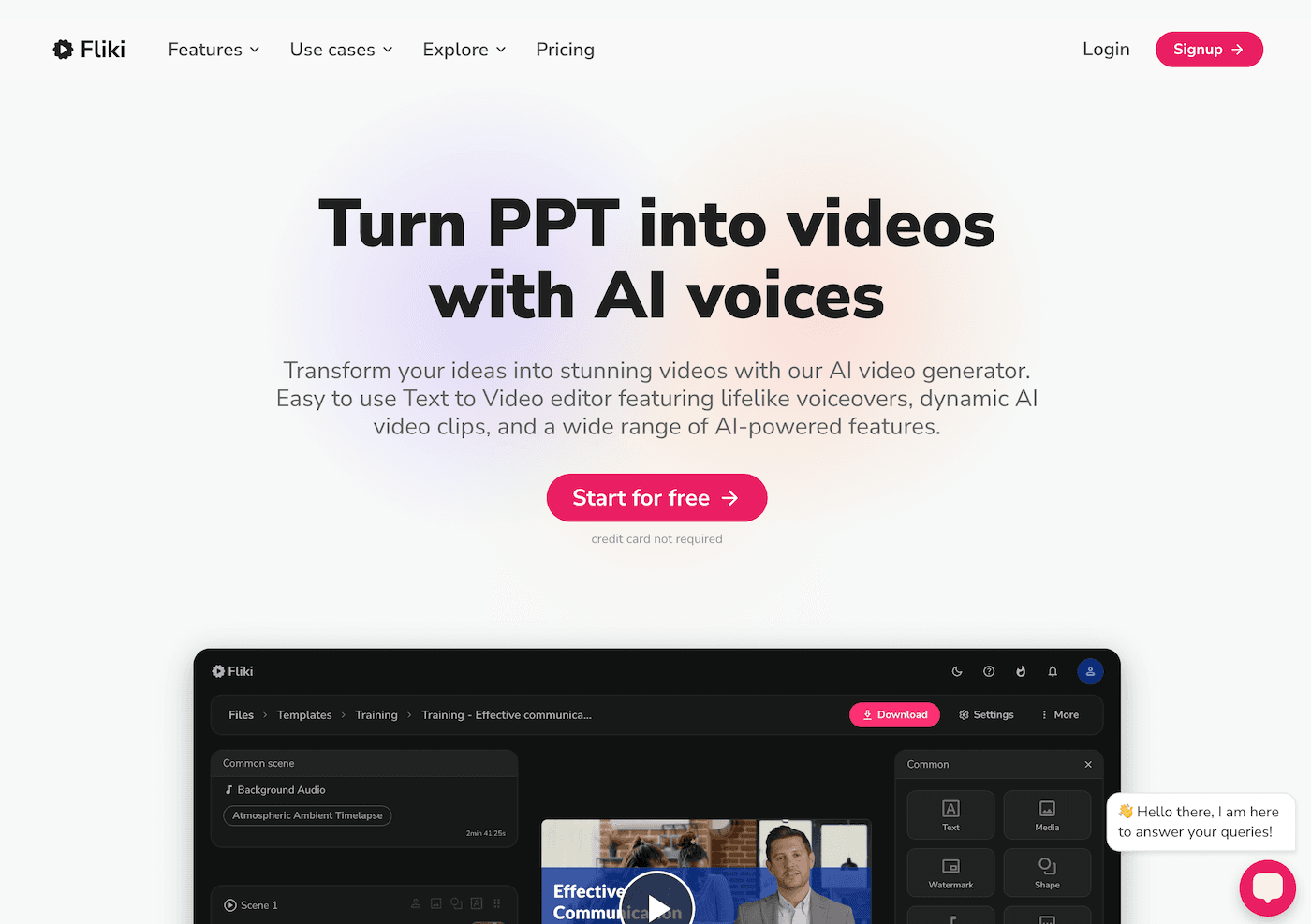
4. Jungle – Experimenting with Assessment, by Students
Turning assessment into an experiment is easier when students build it with you. After a new lesson launch or failed project, I ask students to use Jungle to crowdsource flashcards and quiz questions about sticky concepts, workflow challenges, or even “what you’d change if you ran this project next time.” Their decks often capture more nuance (and real confusion) than my standard check-ins, and the AI highlights patterns I missed. Review days now become collaborative sprints—and our next round of experiments are better because the assessment was an experiment in itself.
Try Jungle
5. Gamma – Documenting the Journey (Not Just the Results)
Experimenters know: process is the story. Gamma lets my classes storyboard their progress with zero design skills. We use it to document failed attempts, sketch pivot plans, or turn group brainstorm chaos into beautiful, living visuals. Whether building “hypothesis diaries,” peer review slideshows, or “project postmortems,” Gamma is the portfolio tool for teams who want to share how they learned, not just polished finals. Bonus: admin visits get a shockingly honest look inside real innovation (and we finally have proof of process for team meetings).
Try Gamma
6. Suno AI – Rituals to Launch, Reset, and Reflect on Experiments
Creativity isn’t sustainable if there isn’t culture. I make every class experiment (epic win or flop) memorable with Suno AI. We generate a “launch day” anthem (based on student prompts), a “Celebrate That Wild Failure” chant, or even a “What Did We Learn?” jingle to wrap our reflection days. Not just silly, these become real student touchstones—reminders that risk-taking is baked into our routine. When experimentation feels exhausting or vulnerable, music becomes the glue that holds up morale and courage.
Try Suno AI
Honest Tips for Fellow Schools-of-One
- Let students into your process—share what’s in your AI planners, your brainstorms, your flop stories. The best experimental insights (and hacks) always come from students.
- Pick one workflow to automate, so you can focus on the messy fun—let AI handle documentation, routine review, or the “is this possible” timeline work.
- Document the process, not just the results—your next, best experiment will probably emerge from the chaos, not your initial plan.
- Celebrate the loop—fail, remix, reflect, and keep your humor. AI is finally catching up to our weird teaching style.
If you’ve piloted a wild idea or built something new with your students and an AI tool, drop your workflow, proudest hack, or best disaster below—we’re all learning, failing, and inventing the future, one wild experiment at a time.