6 AI Tools for Teachers Who Love Feedback
Confession: I’m obsessed with what students really think—about my lessons, about each other’s work, about their own progress. If you’re the teacher who craves exit tickets, hosts fishbowl critiques, or stays late to read every reflection, you know that actionable feedback is the heart of growth. But let's be real: gathering, organizing, and responding to feedback can eat your energy, especially when you want more than "good job!" and generic rubrics.
This past year, I set out to find the AI tools that make feedback workflows faster, richer, and (crucially) more student-owned. My focus: not just auto-grading, but tools that help students, teachers, and peers give and use feedback in ways that change learning—for the better. Here are the six that truly stuck in my practice, with some specific hacks for using them wherever (and however) you teach. You’ll see
Try Kuraplan
, but only as one piece of the puzzle, not the main event.
1. Jungle – Student-Created Reflection Decks
Exit tickets get stale fast. This year, I flipped my review process: after every big project or unit, I had students generate a set of flashcards in Jungle—one reflection, one misconception, one question they wish they’d answered. Jungle instantly organized these into a remixable deck for small-group discussions, peer-to-peer review, and even parent-teacher nights. The wildest thing? Students started leaving feedback comments for next year’s class ("Watch out for the gravity lab!"). Reflection stopped being homework and became a self-sustaining dialogue.
Try Jungle
2. Kuraplan – Feedback Loops Baked Into Every Plan
Every school year, I say I'll stop leaving feedback as an afterthought—and then November hits. This year, I started every unit in
Try Kuraplan, but not just for the lesson skeleton: I specifically asked Kuraplan to insert mid-unit pulse checks, peer critique days, and built-in moments for student voice. The best move? Kuraplan’s suggestions for differentiated reflection prompts ("Write a note to your future self..." / "What’s one question you hope gets answered before the unit ends?") made my check-ins fresher. Even admin noticed my feedback cycles were more structured and less last-minute.
Try Kuraplan3. Conker – Effortless, Honest Peer Review
You know how peer review often devolves into "Looks good!" or, worse, intimidating nitpicking? Conker flips the script: I used it to build simple, scaffolded peer feedback checklists for both writing and presentations. My classes loved the clarity—"Did you notice a strong example?", "Was something confusing?"—and students reported feeling safer giving and receiving critique. Conker even let me collect anonymized feedback on group projects, which students dubbed "secret positives and puzzle notes." Revision days turned into real growth, not just rubber-stamping drafts.
Try Conker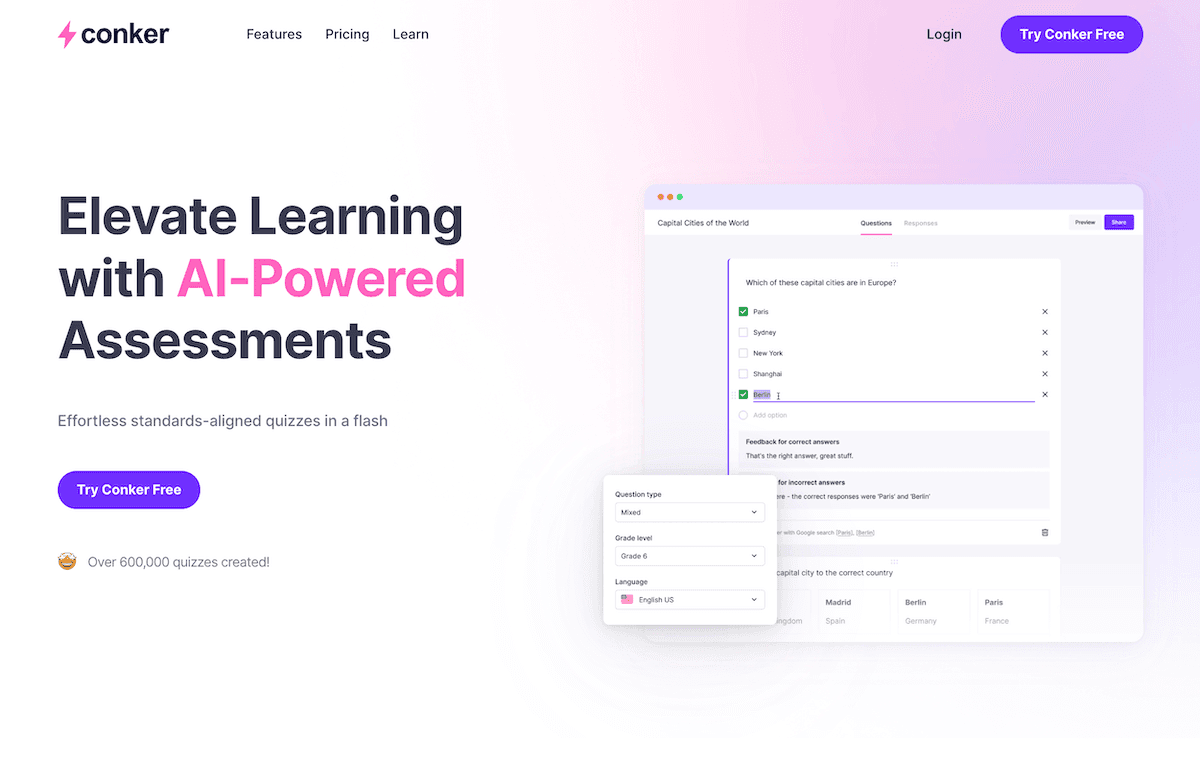
4. Gradescope – Fast, Themed Summative Feedback (For Teachers Too!)
Marking essays or projects in a meaningful way is time-consuming—especially if you want to focus on themes, not just right/wrong answers. Gradescope changed my workflow by auto-clustering similar responses. Once I saw the big trends (common misconceptions, unexpected genius ideas), I could write targeted comments once, personalize as needed, and send a "What Most Students Did Well / Could Try Next" message to the whole class. The shocker: Students started reflecting on my feedback together, volunteering to "spot the pattern" before revision. Feedback became a class conversation, not a private score.
Try Gradescope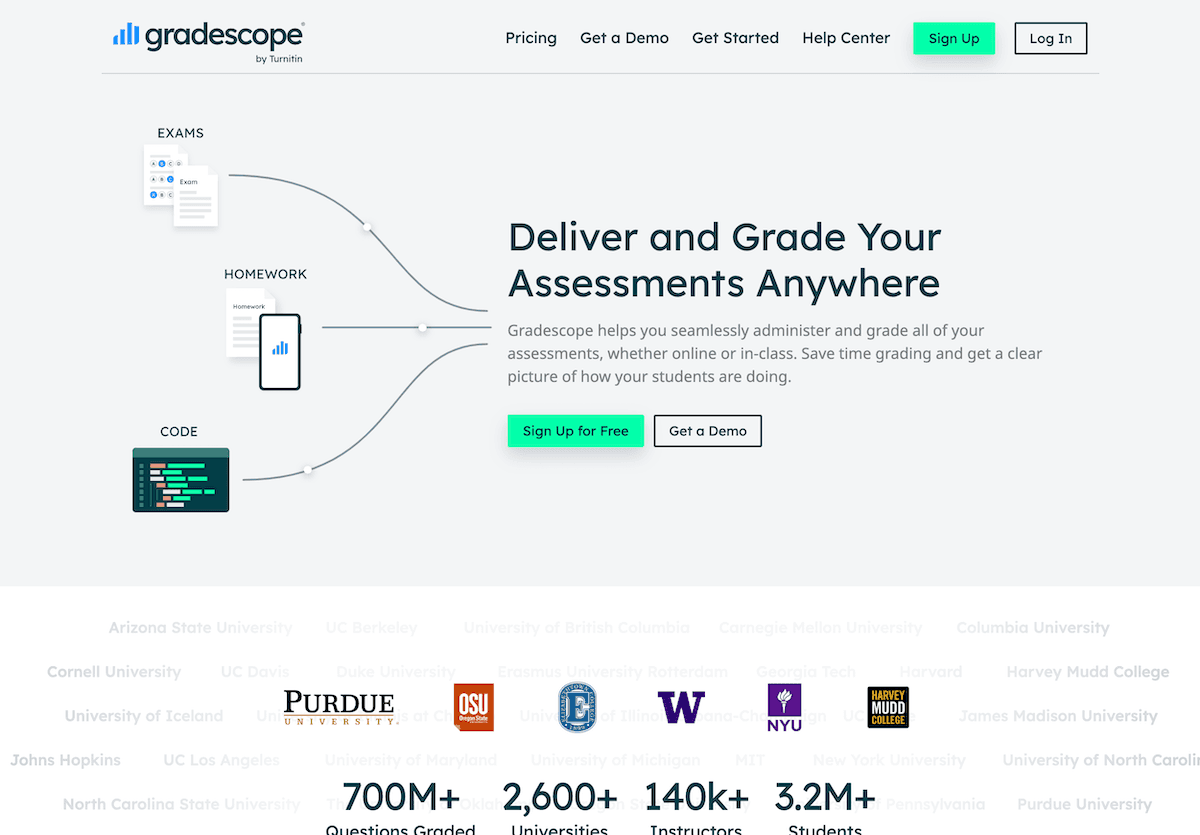
5. Diffit – Adapted Peer & Self-Assessment for Every Level
I love self-assessment and peer feedback, but in a mixed-level class it quickly gets inaccessible. Diffit let me drop in my self-assessment forms, project rubrics, and even audio reflections, and instantly generated accessible versions (simpler language, translation options, support prompts). I began using Diffit to generate "starter questions" for feedback journals, making it easier for all students (especially newcomers and neurodiverse kids) to participate honestly. Now, even my lowest-readers co-own the feedback process, and our class critique rituals are more inclusive than ever.
Try Diffit
6. Notebook LM – Student-Led Portfolio Reviews
Digital portfolios are only as good as the stories behind them. I started batch-uploading student work, peer comments, and self-assessments into a shared notebook in Notebook LM. The AI flags recurring strengths, surprise trends, and even prompts students with reflection questions based on their own submissions ("You improved most during the podcast unit; why?"). For our portfolio showcase, students recorded short Notebook LM-powered "reflection podcasts" that let them guide teachers and families through their own progress. Even my shyest students finally had a voice that didn’t get drowned out in the rush of the semester.
Try Notebook LM
Honest Advice for Fellow Feedback-Obsessed Teachers
- Let students build (and remix) the feedback process as much as possible. The more ownership, the more honest the growth.
- Use AI not as a replacement for relationships, but as a means to scale meaningful critique—even on weeks when you’re drowning in to-dos.
- Make feedback visible: publish class "trend notes," celebrate rewrites, and let students reflect out loud. Feedback breeds more feedback (some of my best insights came from student meta-feedback—"Your comments are too cryptic!").
- Don’t let tech drive your values: If a tool makes feedback less personal or less actionable, tweak or drop it. The best ones bring your practice (and your students’) into sharper focus.
Are you a feedback fanatic, or have a favorite AI-powered workflow that changed the way your class learns from mistakes (and each other)? Share your story—I promise, we all need better feedback in 2025.