6 AI Tools for Teachers Who Love Inventing New Courses
Not every teacher dreams in pacing guides and PLCs. Some of us spend our nights thinking: "What if I built a podcasting innovation block?" "Could advisory morph into a school journalism studio?" "How about a Sherlock Holmes math/science mashup or a design thinking seminar?" If you’re the staff member who keeps getting voluntold to design new electives or if you just can’t pass up a course pilot when admin say "let’s try something different," you know: inventing a course from scratch is thrilling—and completely overwhelming.
The good news: the latest wave of AI tools can amplify your creative weirdness instead of flattening it. But most of the advice out there is built for plugging into a static curriculum—not for the teachers who are constantly inventing, blending, and remixing. After 12 years bouncing from genius hours to interdisciplinary electives to project-based math/art pairings (and surviving three rollover electives this spring), here are the 6 tools that made inventing new courses actually possible—without burning out the dream.
1. Kuraplan — Draft the Wild Skeleton Quickly
When you’re hatching a brand new course (or rebooting an old one), the blank-canvas paralysis is real. I use
Try Kuraplan
NOT as a dictator, but as my "launchpad builder": I plug in my must-hit skills (yes, standards matter), the course theme ("Civic Media Lab," "Experimental Engineering," "Storytelling for Change"), and a wishlist of possible final products. Kuraplan spits out a flexible outline with deadlines, project ideas, family comms, and (crucially) plenty of editable checkpoints. I project the plan, let students and collaborators tear it apart, and keep revisiting whenever we change direction. The magic is that you don’t start from the void—but you’re not stuck in anyone else’s box.
2. Gamma — Build Courses as Living Visual Boards
Wild new courses are, by definition, in beta. You need more than a syllabus—they need a home base. Gamma lets me (and my course designers) drag in every crazy brainstorm, field trip snap, student-pitched module, or mid-unit pivot, and instantly create an evolving, visual timeline or course "gallery." For our "History-Thru-Design" elective, my Gamma board was our syllabus, exhibit, and archive rolled together—students could edit, annotate, and even pitch the next week's workshop or showcase directly in our shared flow. When open house rolls around, you’ve got proof of process—not just a list of readings.
Try Gamma
3. Diffit — Adapt Content On the Fly for Experimental Cohorts
If you’re inventing a new course, your sources are all over the place: primary documents, news, YouTube demos, even student-created material. How do you adapt it for all your learners? I use Diffit constantly: I paste in a fresh podcast transcript or a peer's research article and get instant, multi-level versions plus vocab and reflection questions—all in minutes. Now, I never get stuck because a go-to text is at the wrong level or a group’s inquiry is "too niche." The wildest discovery: my students started using Diffit to remix content for each other—turning the elective into a true learning community, with no "lowest common denominator" drag.
Try Diffit
4. Magicbook — Publishing as Project and Showcase
Every new elective deserves a real artifact—not just another slideshow. Magicbook lets my groups build collective fieldwork anthologies, digital notebooks, or illustrated project yearbooks. We’ve compiled pilot units as publishable course guides for next year’s students. Our community journalism class sent Magicbook "community welcome guides" back out to the neighborhood; my passion-project seminar produced a digital gallery of student writing and inventions. Magicbook handles layout and art (goodbye, Canva disasters). Best advice? Make publishing part of the curriculum: give every course a living, student-owned product.
Try Magicbook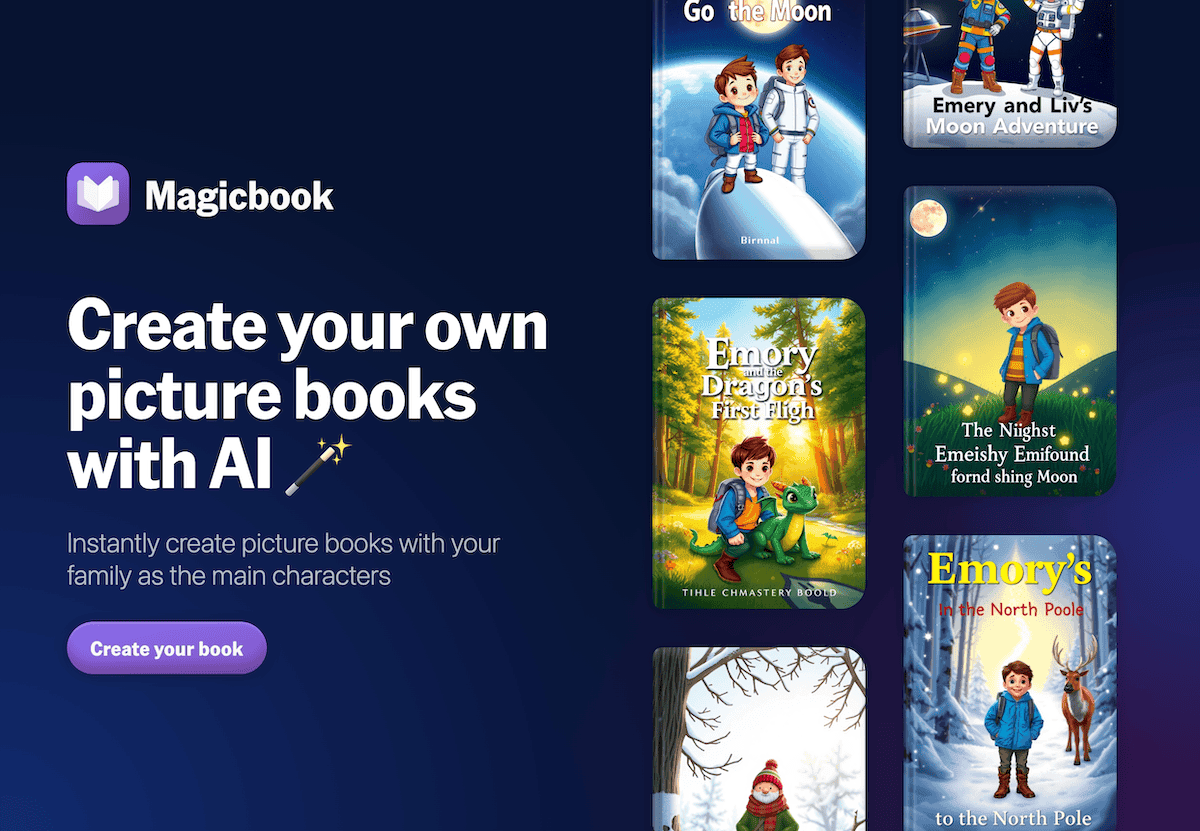
5. Jungle — Student and Team-Authored Debrief Decks & Launch Boards
Invented courses don’t have easy review days or test banks. Jungle became our ritual: after every new module, capstone, or design challenge, students submit what stumped them, wildest pivots, and “best idea we didn't do (yet)” as cards. Jungle’s AI bundles these into reflection games, peer workshops, and even next-cohort launch boards. The decks rotate between classes—so what this term’s students wish they’d known, next term’s can build on, laugh at, or fix. My best workflow: archive every Jungle deck as a "beta test log"—new units write themselves after a few rounds.
Try Jungle
6. Suno AI — Ritualizing Beta-Test Energy and Major Pivots
Man, the joy (and pain) of pioneering a new course can’t be overstated. Suno AI became my team’s barometer: after every launch event, crisis, capstone day, or "How Did We Survive That Panel" week, my students crowdsourced song prompts ("That Wasn’t in the Syllabus Blues", "Ode to our Podcast Disaster", "Beta Blockers Anthem"). Suno churned out instant, team-made soundtracks for milestone days, closure, or recovery. These rituals built camaraderie, celebration, and (truth be told) a sense of resilience for both teachers and learners. Our "This Wasn't a Test—We Survived" playlist is now tradition for every new elective cycle.
Try Suno AI
Final Survival Tips for Course-Inventors
- Let the tools help you START, but never dictate the roadmap: Your course is a living thing—update plans (Kuraplan, Gamma) in the open, let students and team co-own revisions.
- Publish and archive as you go: Gamma, Jungle, and Magicbook will make your wildest pivots and messy launches a source of next year’s confidence (and admin’s peace of mind).
- Celebrate process, not just results: Suno rituals, Jungle debriefs, and Magicbook yearbooks make your pilot course an event worth repeating—even if it all changes next time.
- Don’t be ashamed to remix every cycle: Use student voice (and last term’s biggest fails) to prototype the next version. That’s real innovation.
If you’re a teacher forever launching wild new electives, piloting interdisciplinary blocks, or dreaming in "course hacks," share your favorite AI survival workflow below (especially the ones that admin still don’t quite understand). In 2025, the stuff we invent is what kids (and future teachers) will remember—and I hope, with a little help from AI, we keep inventing longer.