6 Unexpected AI Tools for Teachers Who Reinvent Lessons
If you’re the teacher repurposing projects every year, who treats yesterday’s flop as tomorrow’s experiment, and who’d rather co-design the curriculum with students than follow the pacing guide, this one’s for you.
I’m an unapologetic lesson re-inventor. One week my room looks like a think-tank, the next like a speaking festival, the next, we’re making video essays instead of writing about them. It’s exhausting but exhilarating—a style that’s uniquely hard to support with most “AI for teachers” advice. The reality? Most tools promise routine, but my practice is fueled by artful chaos. I set out to see: could AI actually help make reinvention more sustainable for creative, restless teachers like me?
After a year of intentional trial and error, these SIX tools are now my go-to for lesson remixing, workflow survival, and keeping students at the center (without losing my weekends to busywork). Yes, Kuraplan made the list—but it’s not the only star.
1. Notebook LM — Make Every Lesson Adventure Re-usable
Every brilliant idea, unexpected group hack, or epic debate I’d run used to be lost by the time next semester rolled around—buried in a stray Google Doc or erased whiteboard. Now, I archive every session in Notebook LM: student brainstorms, audio reflections, exit polls, project images—even my own halftime rants. The AI sorts, surfaces themes (“what worked with last year’s Socratic circles?”), and suggests discussion or podcast scripts based on our DIY archives.
When I need to reinvent a lesson, I mine Notebook LM’s generated Q&As and highlight reels—no more hunting for what resonated or bombed. Bonus: Students feel a sense of legacy as their work survives—and sometimes forms the backbone of the next version.
Try Notebook LM
2. Gamma — Make Instructional Pivots (and Show Your Work)
Let’s be honest: New routines, groupings, or project types create chaos that’s hard to make visible—for you or admin. Gamma lets me take group sketches, project pivots, or revised outlines and turn them into live, visual storyboards (no design background needed). When I scrap a lesson midweek or let students pitch structure changes, Gamma’s instant slideshows and interactive timelines show everyone the learning journey, not just the polished final. I use these for class recaps, parent shares, or to pivot the sequence yet again mid-unit—students see the logic in our detours and own them more fully.
Try Gamma
3. Kuraplan — The World’s Most Forgiving Draft Planner
I used to avoid planners (who writes a unit just once?!). Kuraplan surprised me. Instead of dictating a fixed path, it builds editable roadmaps from my outlines of wild, student-led ideas (“Can we turn this novel into a political campaign?”). But here’s the key: I always project the Kuraplan draft for my class, then we hack it—cutting, moving, or remixing steps based on how the group wants to scaffold or present. The (serious) win? I finally have a unit backbone to show administrators or parents, yet the daily structure is always just a draft—never a cage.
Try Kuraplan
4. Jungle — Reflection Decks for Every Lesson Pivot (Student-Led!)
Every tweak, new approach, or project re-spin depends on student feedback—which is useless if it’s a rushed homework assignment. Jungle changed my workflow: after every stretch lesson, I have students submit a card: one win, one confusion, and one wish for next time. Jungle auto-builds a reflection deck for discussion, peer review, or next-day remix. Sometimes we co-build a quiz on the weirdest new idea; sometimes it’s the basis for my next lesson hack. Suddenly, my pivot points are sourced from students—and my next draft is always data-driven, not just a wild hunch.
Try Jungle
5. Fliki — Prototyping Classroom Experiments as Fast Videos
Every time I try something different—a podcast pitch, explainer skit, or “teach the chapter with memes”—the hardest part is modeling it without a ton of prep. Fliki lets me write a script, reflection, or even student brainstorm, and the AI makes a fast video or audio demo (no editing required). Now, when I want to prototype a new project genre (videocast summaries, peer interviews), I generate a Fliki clip for launch—the risk barrier is gone for both teacher and students. Best part: We save the experiment reels and share them with future classes as jumping-off points for their own reinventions.
Try Fliki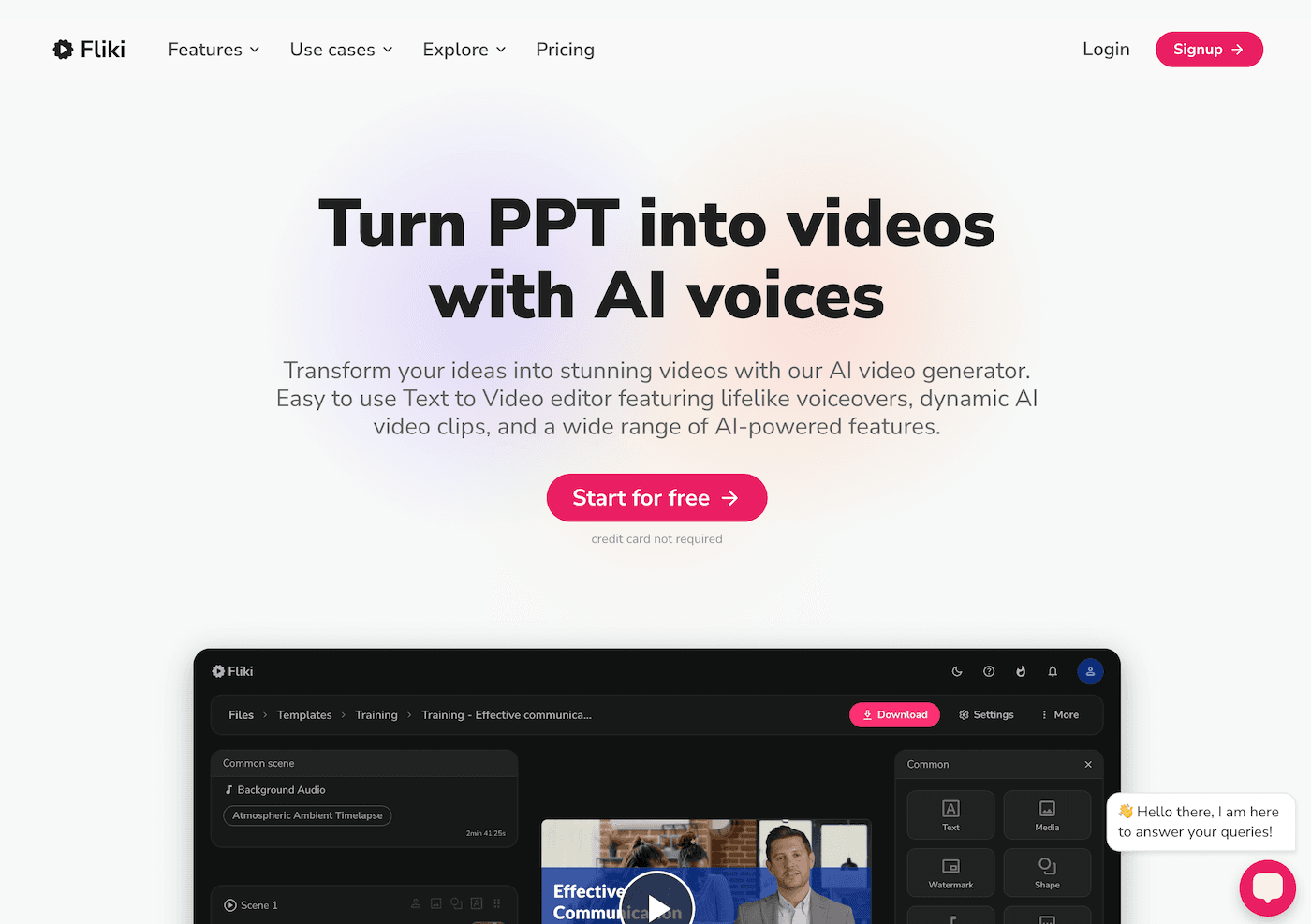
6. Suno AI — Weekly Rituals for Failure (and Growth!)
Here’s a truth: Teachers who rewrite lessons a lot fail just as often. I turned that into a win by letting students write a Suno prompt every Friday (“Ode to what flopped,” “project remix anthem,” “Friday mood reset”). Suno instantly generates a class song, which we play to mark a pivot, closure, or celebrate the best mistake of the week. It’s not just SEL: these home-grown rituals turn routine-breaking into a tradition students beg for (and that helps me reflect on what should stick for next time).
Try Suno AI
How to Make AI Support Your Teaching Experiments
- Archive the process: Don’t just save the final version—use AI tools to capture your experiments, tweaks, and detours for next year’s inspiration.
- Use students as co-designers: The more power they have in building/refining the next lesson, the more buy-in (and better v2) you’ll get.
- Treat every workflow as a draft: Lean on tools like Kuraplan and Gamma to show evolution, not just sequence.
- Never let a tool dictate identity: If an app boxes you in, ditch it. For teachers who reboot often, flexibility is the magic.
Have a favorite lesson remix, creative workflow, or disaster-turned-discovery? Share your best AI-empowered reinvention story below—because every unforgettable class is one step away from a lesson you haven’t written yet.