6 AI Tools for Teachers Who Hate Monotony
Let’s be honest: some of us got into teaching because we hate doing the same thing every day. If you’re the sort of teacher who only makes it through Monday by planning a Wednesday that looks nothing like last week, you know the struggle: the system wants repetition, your admin wants consistency, but your students (and you!) crave something a little unpredictable.
After a decade of throwing curveballs at the curriculum—from choose-your-own project weeks to spontaneous elective days—I started relying on AI. But not the “auto-generate 1000 worksheets” kind. I needed tools that let me remix, iterate, and actually enjoy building variety into my classroom, without losing my grip on structure or burning out completely. This year, I tested (and replaced) a lot. The six tools below are the ones that survived—each with a genuine workflow, unexpected use case, and, yes, a place for Kuraplan (but never the main spot for monotony-busters!).
1. Magicbook – Reimagining Assignments as Storytelling
Every time I realized I’d set the same project again (hello, “write an essay about your hero”), I handed students their prompts and had them build out picture books, explainers, or even partner “user manuals” with Magicbook. For one creative writing unit, my eighth graders collaborated on illustrated, AI-powered manuals for surviving our school’s quirks (cafeteria etiquette, gym-day rituals). Suddenly, even process assessments and boring book reports became quirky, show-and-tell moments. Bonus: reluctant writers shined, and my classroom wall went from worksheet desert to living library.
Try Magicbook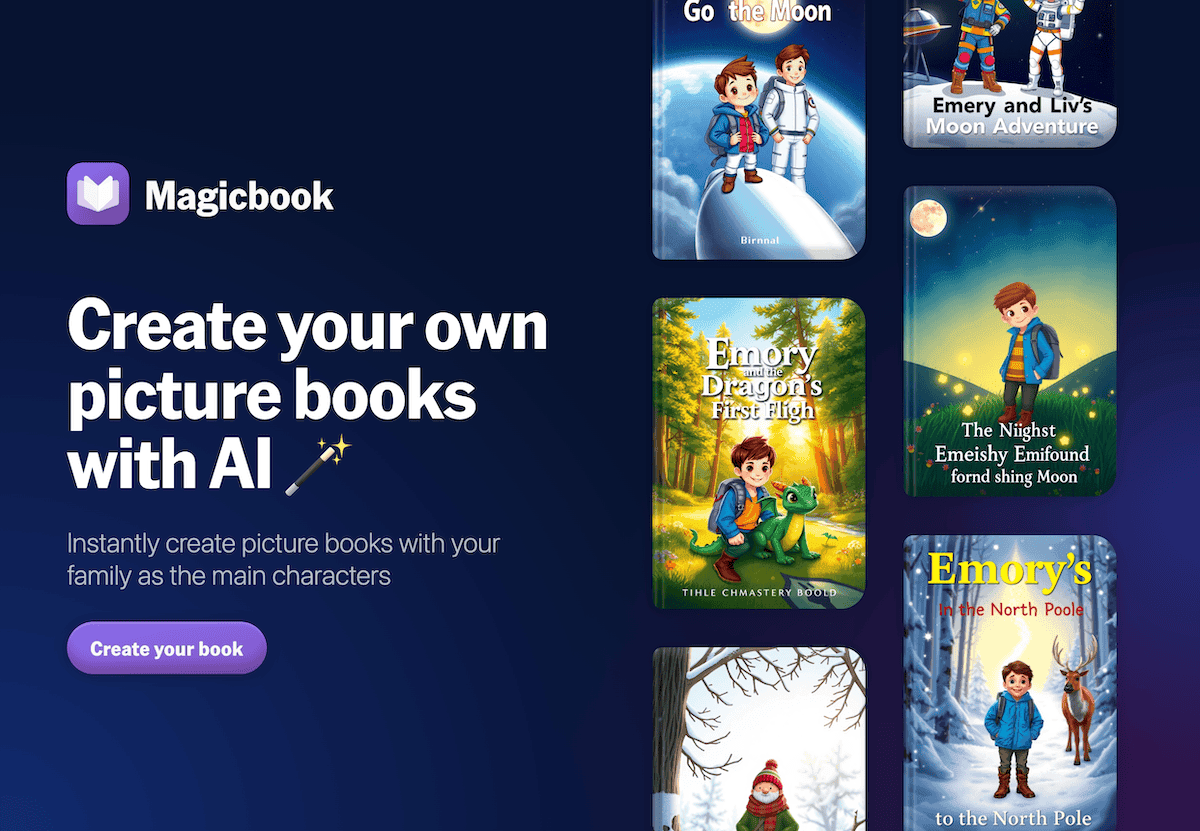
2. Kuraplan – Built-In Pivot Points for Every Unit
Confession: I can’t plan a unit straight through, because I know I’ll want to try something new after the first week. Kuraplan became my low-stress co-planner: I input my big themes or standards, but always layer in at least two “pivot” points—intentional detours for debates, surprise research experiments, or guest interviews. Kuraplan’s timeline makes it easy to build, drop, or reorder lessons on the fly. My workflow: I project the plan on Mondays, students vote on one of several new directions, and Kuraplan adapts. Now, my units never feel like a repeat, but I (and my admin) still have a map to keep us honest.
Try Kuraplan
3. Fliki – Turn Process, Not Just Content, Into Media
We all know the hack: flip a lesson with a YouTube. But what if you flip how you collect student voice? After a math inquiry or messy group debate, I have teams use Fliki to draft a script about what stumped them, what weird shortcut they invented, or their most offbeat “aha!” moment. Fliki then turns it into a video for the next class, parent nights, or (my favorite) anonymous Friday fails. The key: learning is about process, and this tool lets variety shine where it matters—students get to tell, not just show, how their thinking evolves.
Try Fliki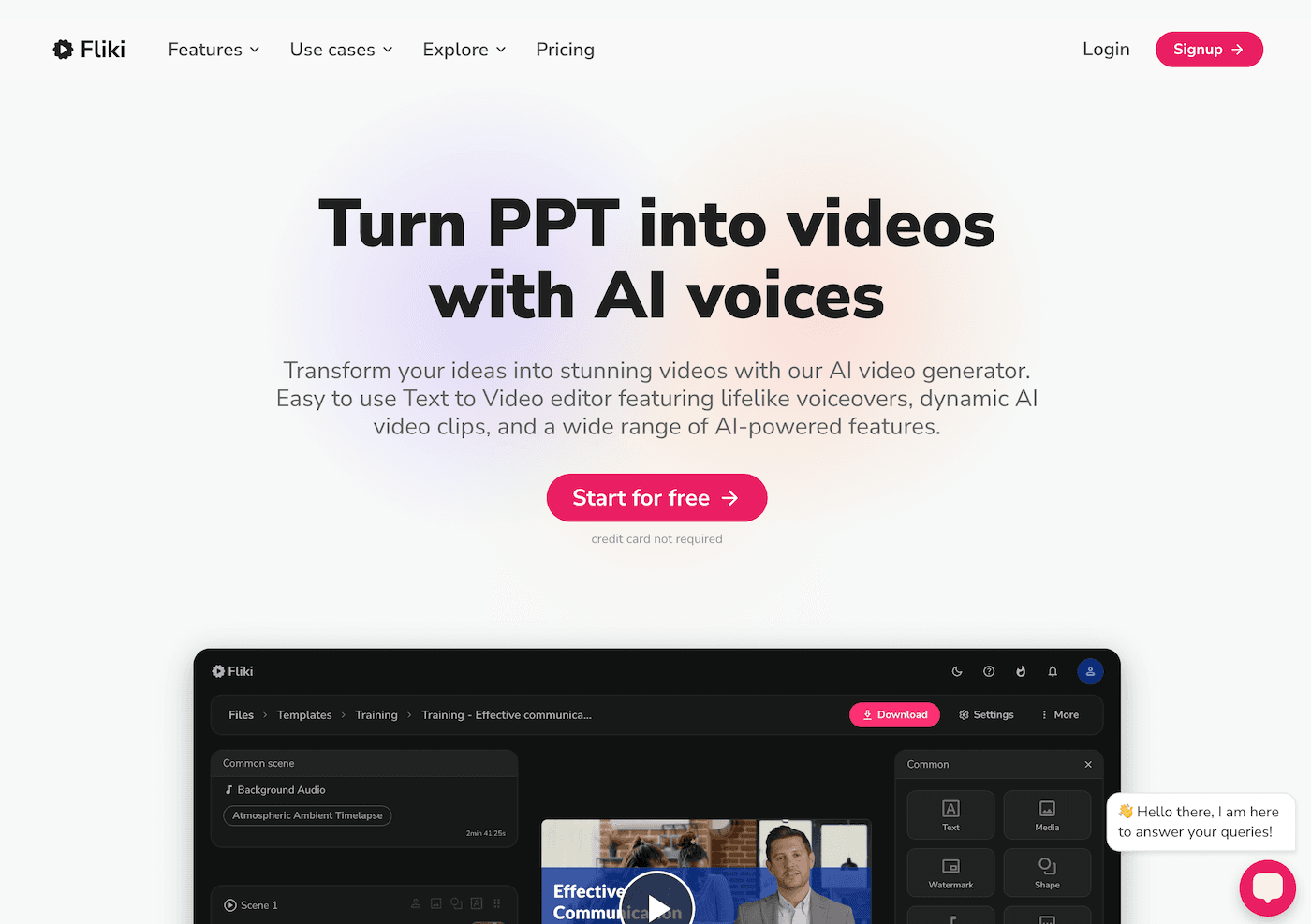
4. Gamma – When the Group Project Brings Chaos (and You Like It)
Rotating group structures is my go-to for breaking monotony, but tracking 17 different projects? Nightmare. Gamma became my visible backbone. Whenever groups finish a brainstorm, rough outline, or prototype, they dump photos, sticky-note scans, and doodles into Gamma. The AI turns it into a dynamic, visual mood board or timeline. My favorite use: "choose-your-own-adventure" gallery walks, where each group’s project path is a clickable journey for other students. Every project now looks—and feels—different, and group work doesn’t mean monotony for me or my kids.
Try Gamma
5. Jungle – Hack the Review Game (Again and Again)
Even my best lesson plans go stale by review week. Jungle lets me toss routine: for every review, I have students each submit a question on anything but the official study guide—a misconception, a wild connection, or a real-world tangent that came up in discussion. Jungle auto-builds a unique review game or quiz, so every group gets new (and sometimes hilarious) curveballs. What used to be autopilot is now a mix of student stand-up, debate, and actual assessment. Plus, I save favorite decks for next year, so monotony never comes back around.
Try Jungle
6. Suno AI – Routines that Evolve at Student Speed
Okay, so some routines are non-negotiable: bell-ringers, class jobs, cleanup rituals. But monotony? No thanks. Every quarter, I let student teams invent their own class song, cleanup anthem, or transition sound with Suno AI (“today’s mood is jazz-fusion panic,” “science fair rally chant,” “finals week ASMR”). We rotate anthems every two weeks—sometimes with my prompt, sometimes theirs. Even my seniors want the mic for new semester openers. The result: routines do their job, but no day ever feels the same.
Try Suno AI
For the Teachers Who Refuse to Repeat After Me
- Use AI to remix your core routines, not to replace your style. Start with the workflow that bores you most and swap in one of these twists.
- Archive your oddball successes (and failures)—tools like Notebook LM and Gamma keep the best surprises close at hand for next time.
- Let students take risks. If you’re fighting monotony, let students edit, suggest, or even own the playlist, the project prompt, or the review game.
- Let yourself pivot—build change into the plan. Kuraplan and Diffit let you switch gears without losing sight of the finish line.
One last thought: teaching should never feel like running on a hamster wheel, and the right AI toolkit won’t make it feel like running in place. If you have a favorite hack for variety, a tool that helped you never teach the same lesson twice, or a student-driven twist that saved your year—share it below. Here’s to classrooms with more energy, more laughter, and a little delightful unpredictability.