6 AI Tools for Teachers Who Love Show & Tell
There are teachers who love routines—and then there are the ones who get a light in their eyes when a student brings in a fossil from home, when a parent emails a family recipe for World Cultures Week, or when you throw open advisory with a "bring your favorite gadget" showcase. If you believe real learning happens when school and the outside world blur together—and wish you could make every lesson a little more visible, personal, and student-driven—this post is for you.
I’ve taught everything from third grade science to high school journalism, and every year, the magic memories come from Show & Tell moments: the impromptu class museum, the parade of cultural artifacts, the mini science fair cobbled together with oddball objects from home. The challenge? Making room for so many voices, documenting it all, and ensuring every learner gets to contribute, no matter their skills or confidence level. Most AI for teachers leans organization and planning—but what about AI for celebrating student stories?
Below are 6 workflow-tested, field-friendly AI tools that helped me bring more "show & tell" into every subject. Each comes with a specific teacher use-case, a hard-won workflow, and a candid lens on where it shines. Kuraplan features early (because yes, you do need a structure to catch all this creativity), but the others are about turning your classroom into the window, not just the box.
1. Magicbook – Publishing the Classroom Archive
No tool leveled up my Show & Tell tradition like Magicbook. Every month, we built a new digital anthology: “Our Wildest Finds,” “Recipes from Our Cultures,” or “Stories Behind Stuffed Animals.” Every student contributed a page (writing, drawing, photo, interview, or infographic), and Magicbook’s AI handled the clean layout, illustration, and assembly—so every sense of voice and style was welcome.
We published Magicbook anthologies after family showcase nights, at the end of project cycles, and even as surprise keepsakes for incoming classes. Students who never spoke up in discussion glowed when their object or voice lived in the class archive. For any subject where Show & Tell, oral history, or student artifacts matter, this was the single biggest boost to equity and memory.
Try Magicbook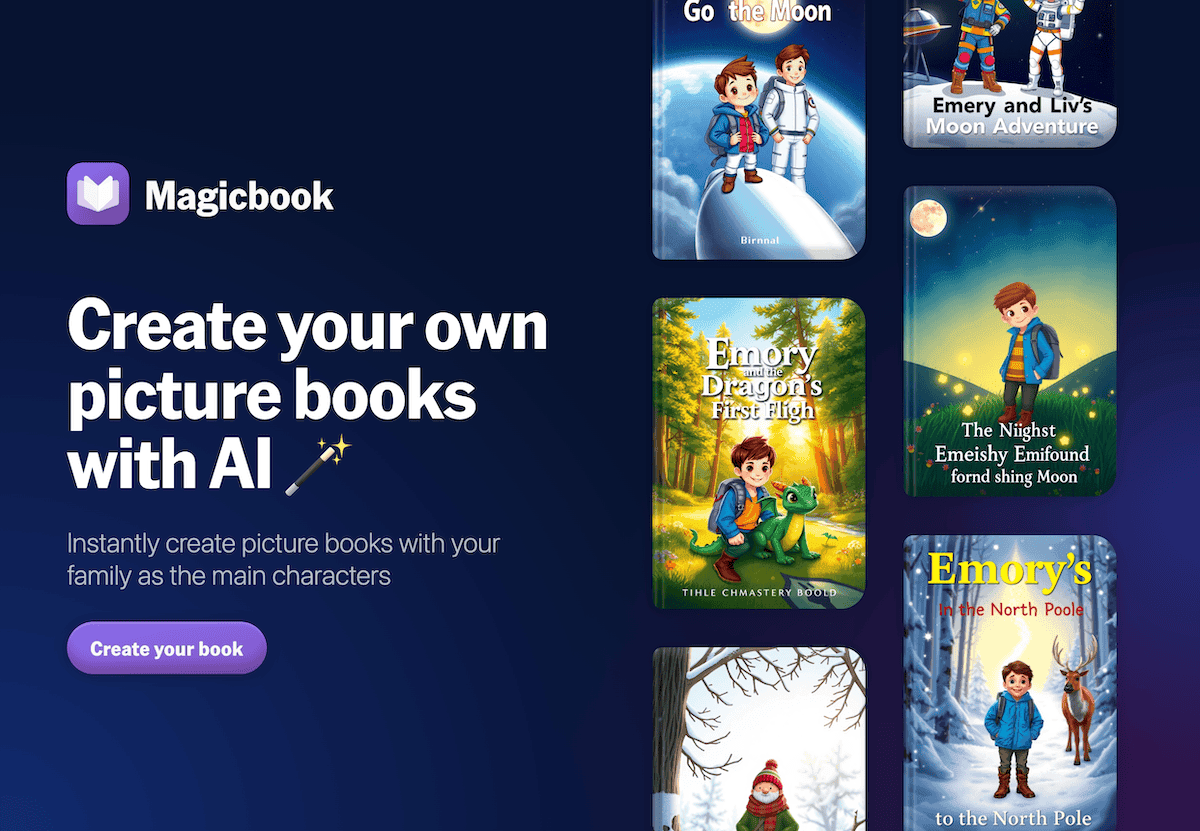
2. Kuraplan – Mapping Out Real-World Connections and Student Shoutouts
If you're running a classroom where daily routines might be upended by a five-minute "here’s what I brought from home" session, you NEED a backbone—but it better be flexible. My move: Every unit plan in Kuraplan starts with a "public share" slot (for artifacts, student demos, or expert walk-ins), a blank box for parent/community surprises, and a scheduled "reflection and publishing" slot.
Crucially, we projected the evolving Kuraplan plan on Mondays so students could request extra time when a classmate wanted to demo an invention or a grandparent was coming to share history. The map gave us confidence to go with the flow—but also helped admin and families see this wasn’t just chaos. Student voice became a standard feature, not a bonus.
Try Kuraplan
3. Gamma – Building Class Galleries and Digital Museums
Sick of student work, artifacts, and photos living and dying on the classroom wall? Gamma let me create student-curated "exhibits" in five minutes: We dropped in photos of everyone's Show & Tell, their write-ups, videos of presentations, and even group captions. Gamma’s AI organized it into a scrollable, shared gallery or living timeline—annotated by the class, updated for every new addition.
The best part? We projected Gamma galleries at family math nights, World Cultures open houses, holiday heritage festivals, and sent home share links. Students got to "docent" their own section; even the most reluctant presenters became proud curators when parents dropped in comments or admin dropped by for a tour.
Try Gamma
4. Diffit – Making Every "What I Brought" Accessible
The only downside of Show & Tell? Not every story or artifact comes with an audience-appropriate explanation. My hack: whatever students wrote, described, or sourced—from ELL recipes to a middle schooler’s letter from their cousin abroad—went through Diffit. Now, every narrative, infographic, or artifact log was available at multiple reading levels, with built-in glossary and comprehension checks. Everyone could participate, regardless of language, reading skills, or confidence.
As a bonus: peer presentation days became less about "Who read from their card best?" and more about "How many could explain what made their share meaningful?" Diffit ensured Show & Tell really included the whole room.
Try Diffit
5. Notebook LM – Archive Stories, Memories, and Student Interviews
You can run hundreds of Show & Tell days and still forget the best story by spring. With Notebook LM, my students helped me build a living class "memory bank": uploading audio reflections after each share day, photos from museum field trips, family interview transcripts, and even video questions from home. The AI clustered artifacts by theme ("collections of family objects," “favorite science demos,” “wild animal encounters”), suggested podcast or Q&A recap scripts, and even highlighted underrepresented voices.
We used Notebook LM to create recap podcasts, student-driven guides (“How to Give a Show & Tell for Next Year’s Class”), and to archive every unique voice. The legacy effect: my kids took pride in leaving a map for future crews—and parents saw their child’s voice live long after the lesson ended.
Try Notebook LM
6. Suno AI – Ritual Soundtracks for Big Sharing Days
The best Show & Tell days leave the room buzzing, but closure matters. After each big round of demo presentations, family cultural shares, or artifact showcases, my group co-wrote a prompt—"Song for the Object That Sparked Conversation," “Chant for Show & Tell Survivors,” “Anthem for Storytellers.” Suno AI generated an instant class track: we played it to mark closure, reflect together, or share as a mini-memento for the class or wider community.
Suno became our Show & Tell heartbeat: students who were overwhelmed by presenting often returned for the music, and anxious classes used the ritual to reset before tests or field trips. By spring, our playlist told a richer story than any binder I could compile.
Try Suno AI
Honest Tips for Bringing Show & Tell to the Center
- Archive and publish, don’t just display: Magicbook, Gamma, and Notebook LM mean every story and artifact lives on, not just in the moment.
- Map Show & Tell into your sequence—reserve time for public share and reflection during Kuraplan planning, and update as student voice demands.
- Scaffold for access: Diffit is how you ensure every student can participate, not just those who are confident speakers or writers.
- Ritualize closure: Suno anthems make the whole class invested in the sharing process, not just the outcome.
- Let students and families co-edit: the more you treat Show & Tell as a shared project, the more ownership and memory you build.
Are you running a classroom where student voice, artifacts, and shared stories are the heart of every unit? Got a workflow or tool for making Show & Tell shine—without burning out? Share your story below. More visible, student-powered learning should be the norm—not the exception—in 2025.