7 AI Tools for Teacher-Creator Classrooms
Have you ever thought, "My classroom could be an actual studio—not just a place for worksheets and polished essays?" Maybe you run a journalism lab, debate elective, podcast club, or just believe students should publish, build, and experiment as much as possible. This year, I set a goal: use AI only if it made us co-creators—not just consumers.
Below are the tools that moved the needle for me and my students. These picks go beyond "generate a lesson plan" (though, yes, there is a
Try Kuraplan
twist!) and into new territory: content creation, collaboration, and student ownership. None replaced my teaching—but a few did reinvent my workflow and how my students express themselves. If you’re the kind of teacher who treats the classroom as a launchpad, read on.
1. Podcasting, Student-Style: Notebook LM
I wanted my high schoolers actually talking to sources, not just summarizing articles or faking "interviews." Whenever we dive into a new unit (climate change, AI ethics, immigration stories), we feed articles, notes, and wild student questions into Notebook LM. The AI helps them spot the most "debate-worthy" topics, builds question banks, and even outlines sample podcast scripts. Students record mini-episodes (in one class, three students even ran an advice column for new 9th graders!). Authentic voice, real-world skills, and nobody hiding behind PowerPoint slides!
Try Notebook LM
2. Co-Planning Big Creative Projects: Kuraplan
Here’s where I use
Try Kuraplan: not as my daily lesson robot, but as a collaborative blank-canvas for big projects. We map out "Produce a Class Podcast Season" or "Community Storytelling Festival" live, editing Kuraplan’s sample scaffold as a class. Instead of just following the AI template, my students critique, revise, and argue over the timeline ("Let's swap episode order!" "We want more time for interviews!"). The AI saves me dozens of hours on rubrics, check-ins, and communication plans—and brings out surprising student leadership.
Try Kuraplan3. Rapid-Fire Slides & Visuals: Gamma
When students are building portfolios, pitching stories, or prepping TED-style talks, Gamma is our rocket booster. I let students dump their research notes, images, and themes in a shared folder. With one click, Gamma auto-builds draft slideshows. The win? Students focus on how to tell the story (hook, structure, evidence) instead of fiddling forever with design. It’s also my go-to for quick "conference-style" roundtables. Even shy kids get excited to present when their slides actually look pro.
Try Gamma
4. Storybooks for Older Creators: Magicbook
Writing a research report is fine—but translating that research into a book for real audiences is better. I let teens use Magicbook to turn science topics, oral history transcripts, or contemporary issues into digital storybooks for 3rd graders. (The hardest challenge: can you explain CRISPR or climate gentrification using only simple images and six sentences per page?) The process brings a new level of audience awareness—and we share books with elementary classes and families. One ELL student glowed: "My little brother understands what I do in school now!"
Try Magicbook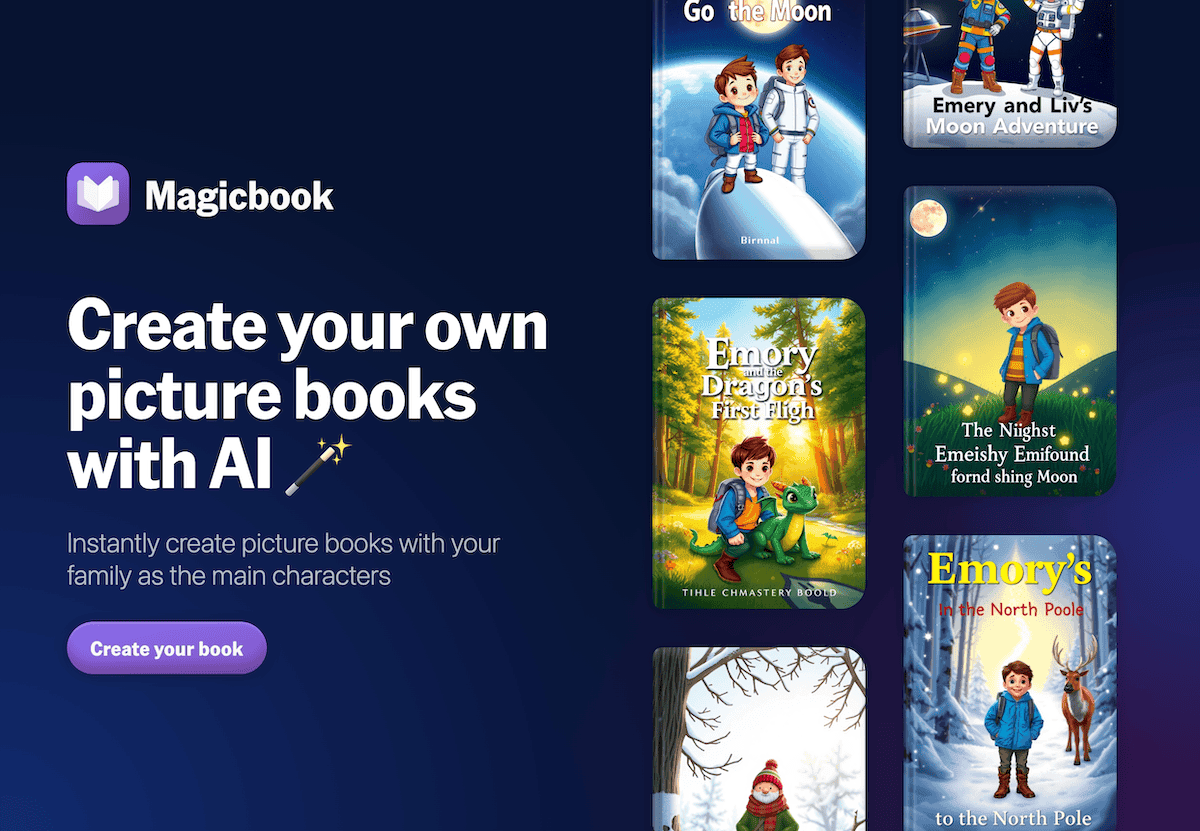
5. Student-Built Debates & Panels: People AI
My favorite twist on People AI? After researching current events, students "invite" an AI guest—real or fictional—to spark a panel debate or roleplay. They create their own hot-seat interview, asking wild, open-ended questions. For our "future of journalism" module, students quizzed an AI "Edward R. Murrow" on media bias, then compared that to a fictional influencer "guest." The most dramatic discussions all year! This tool is my secret for pulling in quieter voices and levelling the debate playing field.
Try People AI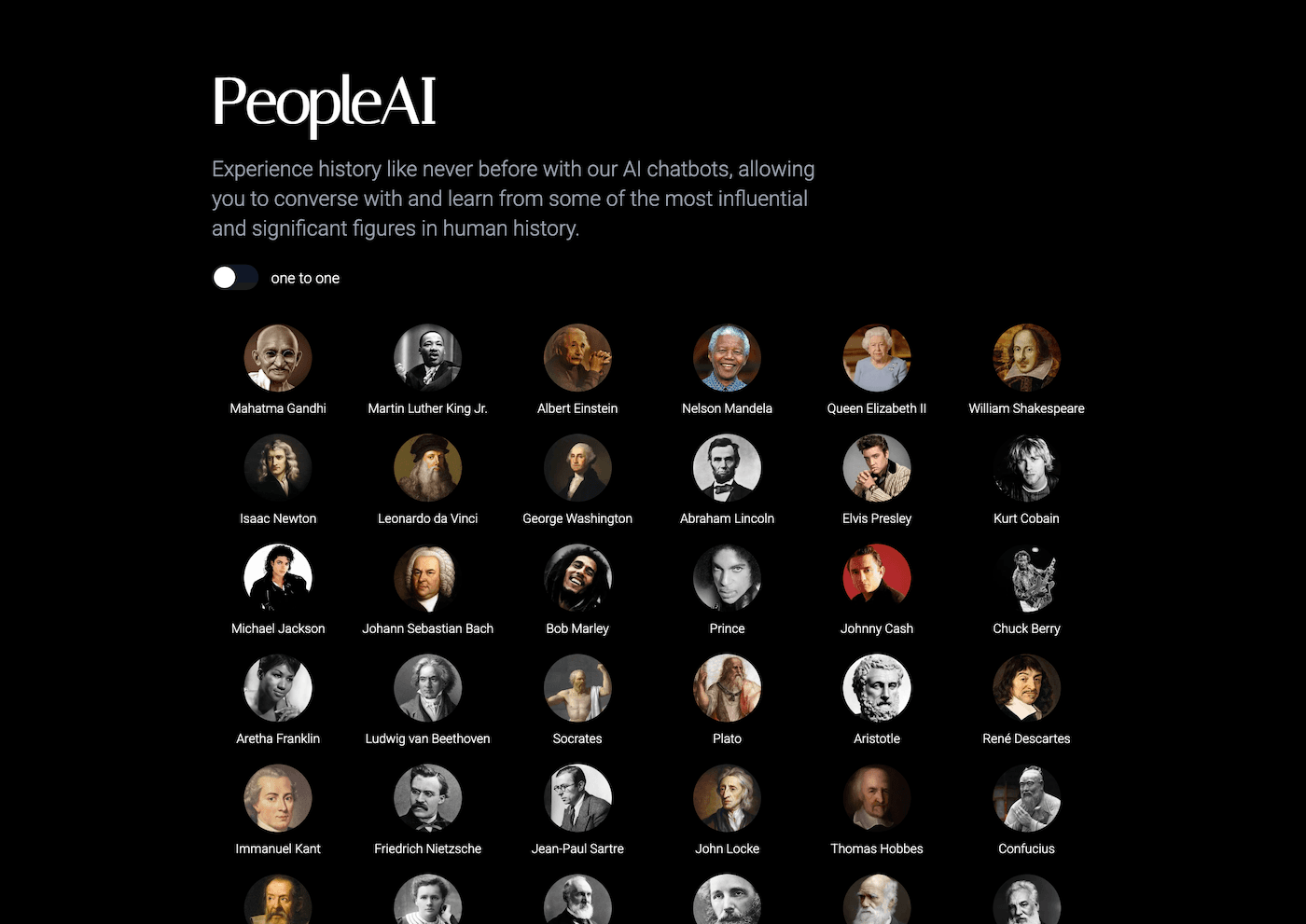
6. Reflection & Feedback—As a Video: Fliki
Forget traditional self-assessments until you try this workflow: students script a one-minute "what I learned/what I struggled with" after every big project. Fliki turns this text into a narrated video (choice of voice and mood!), complete with auto-generated supporting visuals. We share best clips in class, creating a real sense of community, and I get genuine insights—plus, kids publish in a genre they actually watch outside of class. Amazing for metacognition and parent communication, too.
Try Fliki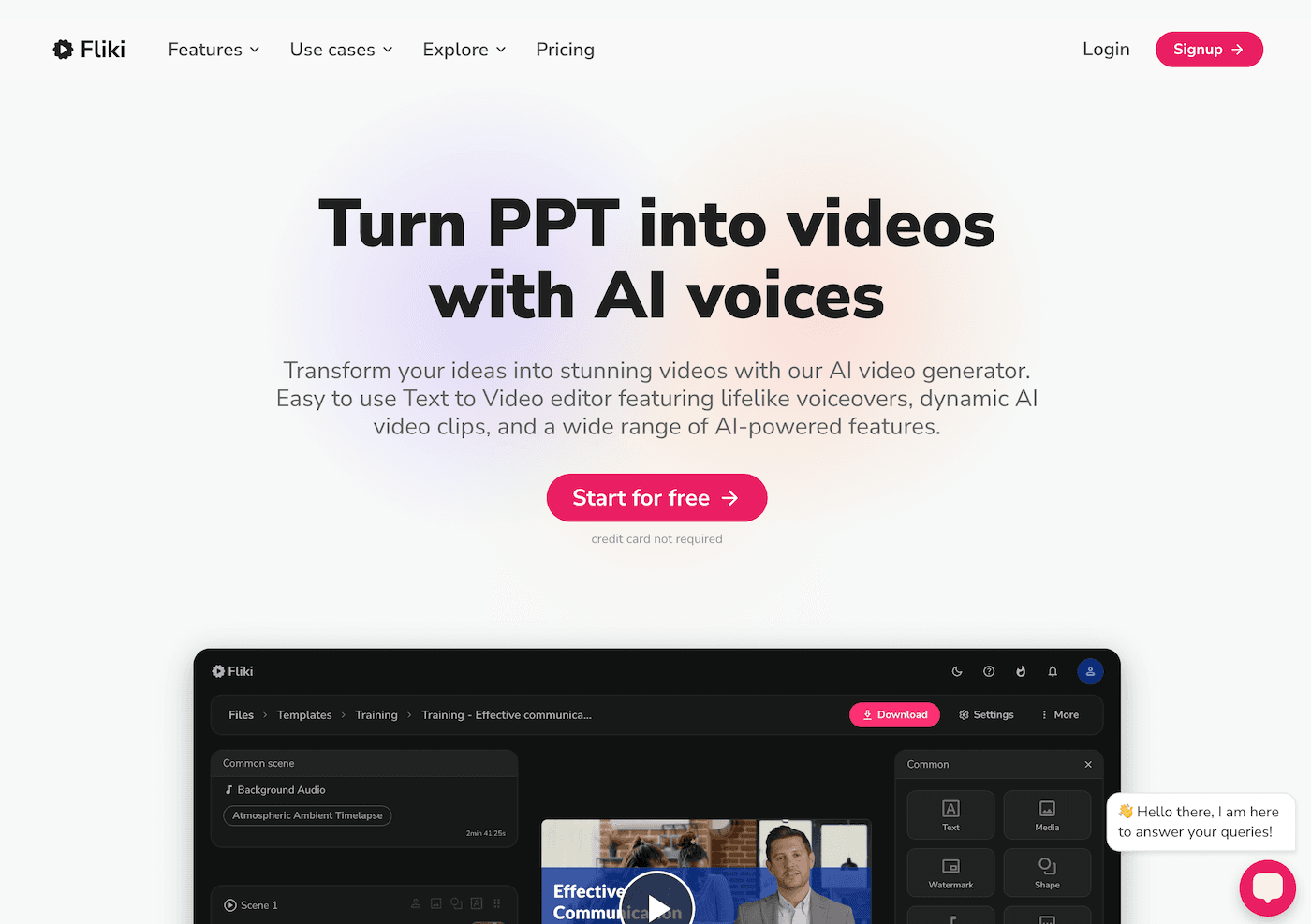
7. Collaborative Quizzes, Made By Students: Jungle
Instead of me cranking out review materials, students use Jungle to co-build quiz games and flashcards for peers throughout a unit. But here’s the upgrade: each group makes one deck of misconceptions ("trick questions," common pitfalls, myths from media). We hold tournament-style reviews and, for extra gravity, invite admin and other teachers in to play. It’s rowdy, hilarious, and often unearths holes I would have missed. Every student ends up authoring at least one card—the most inclusive assessment method I’ve found for project-driven work.
Try Jungle
Final Thoughts: Tools FOR, not INSTEAD OF, Creation
Here’s what I learned—if an AI tool couldn’t help my students create (not just consume), it didn’t last in our workflow. The best ones don't script the process; they amplify student agency, make the messy work of creation visible, and slash your prep time so you can focus on the best part: real, thinking work and proud, public moments.
My advice? Pick the workflow that feels most "stuck" or repetitive and invite your students to co-pilot the next tool. The next group project might just surprise you—and you’ll finally have time for the creative teaching that drew you here in the first place.
Are you a teacher-creator using AI in bold ways? Drop your best hacks, flops, or gallery links below! We need more hands-on stories (and tech hacks) from the real front lines.