AI Tools for Teachers Who Hate Grading
Confession: I became a teacher for the explanations, not the grading. There’s nothing quite like that “lightbulb” moment… but there’s also nothing like the sinking feeling on a Friday night when you realize you’ve got seventy essays, three project rubrics, and a teetering pile of late work waiting for a red pen.
If you’re exhausted by feedback loops, dread rubric roulette, or want to make assessment actually helpful (but seriously less painful), I’ve collected my most surprising workflow wins from this year. This isn’t just another tech listicle or a shortcut guide for AI fans—these are real tools that made my feedback faster, deeper, and yes, saved a few Saturdays.
1. Feedback that Actually Reaches Kids – with Gradescope
I was skeptical of any AI making sense of my students’ scribbly paragraphs and barely legible equations. But after a grading panic one quarter, I tried Gradescope. The magic isn’t that it replaces you; it’s that it sorts work by type of error or success. Write feedback once for a pattern ("Careful: thesis statement missing evidence"), and it applies to that group—freeing you up to write personal feedback for the outliers (the really struggling kid, or the one who surprises you). My students now tell me the comments make sense, and I actually get to spend my energy on the students who need it most.
Try Gradescope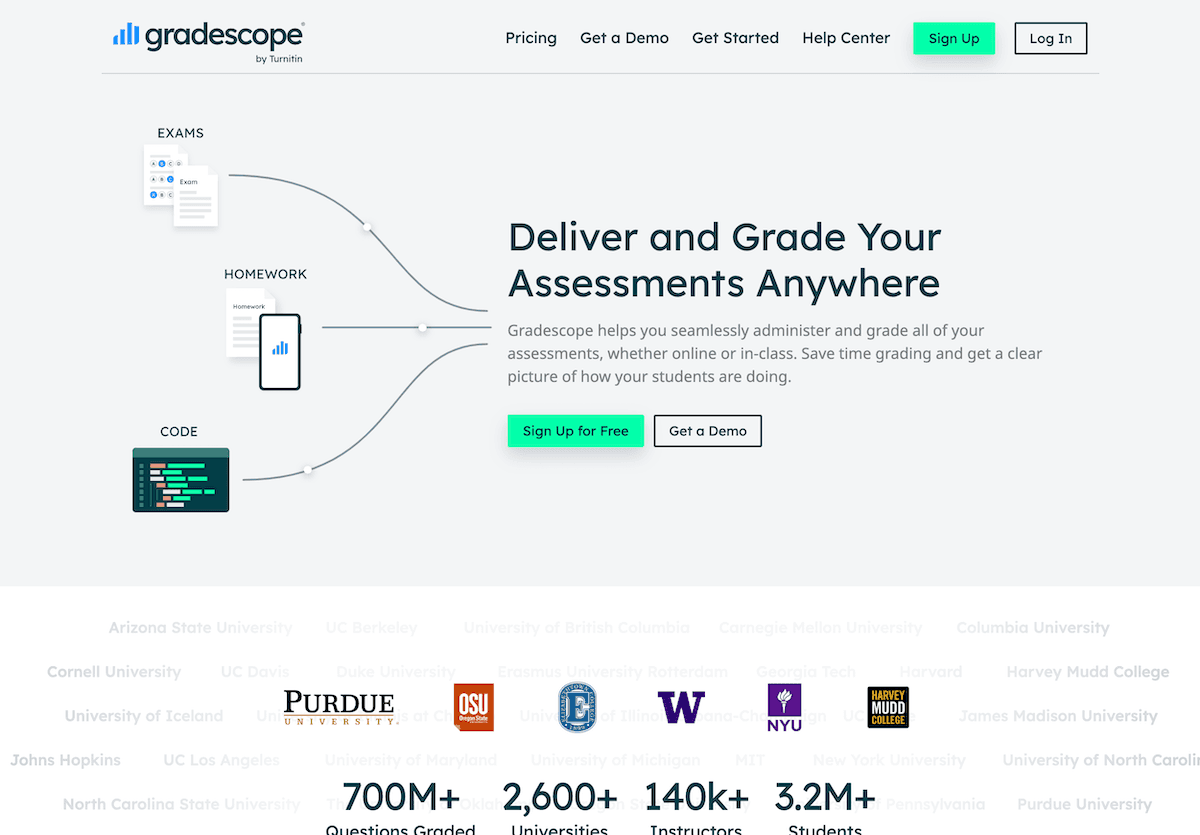
2. Rubrics and Peer Review (Without Tears) – Conker
Rubric drama: half my class ignores them, and peer review used to mean “nice job!” scrawled in the margin. Enter Conker. I plug in assignment goals ("evidence use, clarity, engagement"), and it instantly builds a plain-English peer review checklist students understand. The best part: I can assign the same tool for my rubrics. Grading project presentations? Slide a Conker-generated rubric into your stack, and suddenly comments are faster, clearer, and more meaningful. Even better: students give each other better feedback too.
Try Conker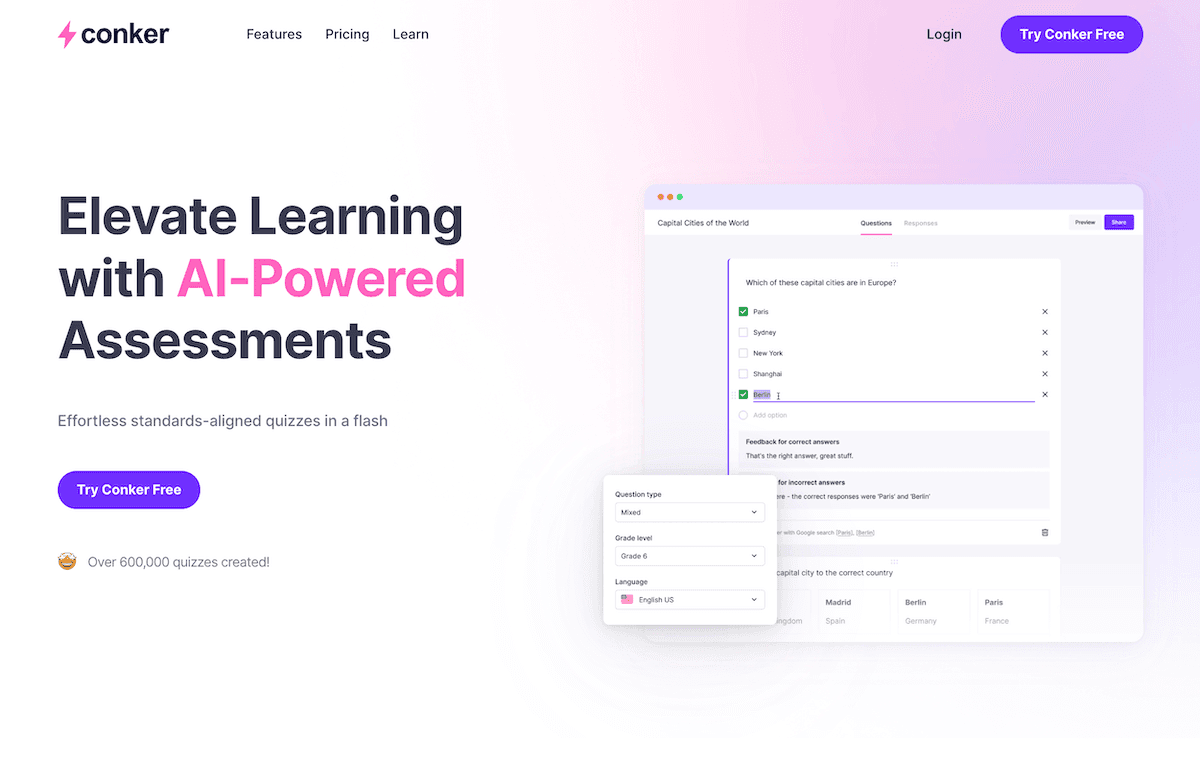
3. DIY Grading Workflows – With Kuraplan (Not Just Lesson Plans)
Kuraplan is everywhere for planning, but the surprise use for me was customizing assessment checkpoints before I hit the grading pile. I use its unit mapping not just for schedule, but for building in formative “mini-checks” with automatic feedback seeds, so students already know what to look for. By the time I reach the final project, half the questions and pitfalls have already been pre-addressed—making the end-of-term marathon actually manageable. I also use Kuraplan’s parent templates for feedback summaries, which saves my inbox when report cards go out.
Try Kuraplan
4. Auto-Generated Practice and Review – Jungle
Endless vocab drills and review quizzes are NOT what I want to mark by hand. Jungle lets students generate their own digital flashcard decks after each unit ("confusing terms," "phrases I always forget," whatever their pain points are). Then, when grading or review comes around, the AI checks answer accuracy and gives students instant feedback—no extra work from me. I use Jungle’s quiz report to see where kids struggle, and double down on those in my next lesson, not in another feedback essay.
Try Jungle
5. Fast, Differentiated Quiz Creation—Diffit
I lost hours writing slightly different quiz versions for ELLs, students with IEPs, or just anyone who needed another shot. Diffit lets me import my quiz or worksheet, and with one click, adapts language, adds scaffolds, or offers text at multiple reading levels. I hand-pick the version for each student, but the actual grading comes back uniform—letting me fly through the stack while keeping everyone supported. It’s a lifesaver during midterm crunch or when you get that late-night “my kid is sick but wants to stay caught up” email.
Try Diffit
6. Video Projects That Grade Themselves – Fliki
Tired of grading PowerPoints, I tried, as an experiment, assigning short explainers that students made into Fliki videos. The catch: students had to submit a script and reflection with their video. Fliki’s AI walks them through clear, voice-narrated slides, making their argument and key points visible. Now, instead of marking fifty identical slideshows, I walk through scripts and check that the Fliki production nails communication, accuracy, and creativity. It’s engaging for students—and for me, quicker (and less mind-numbing) to grade than my old presentation rubrics.
Try Fliki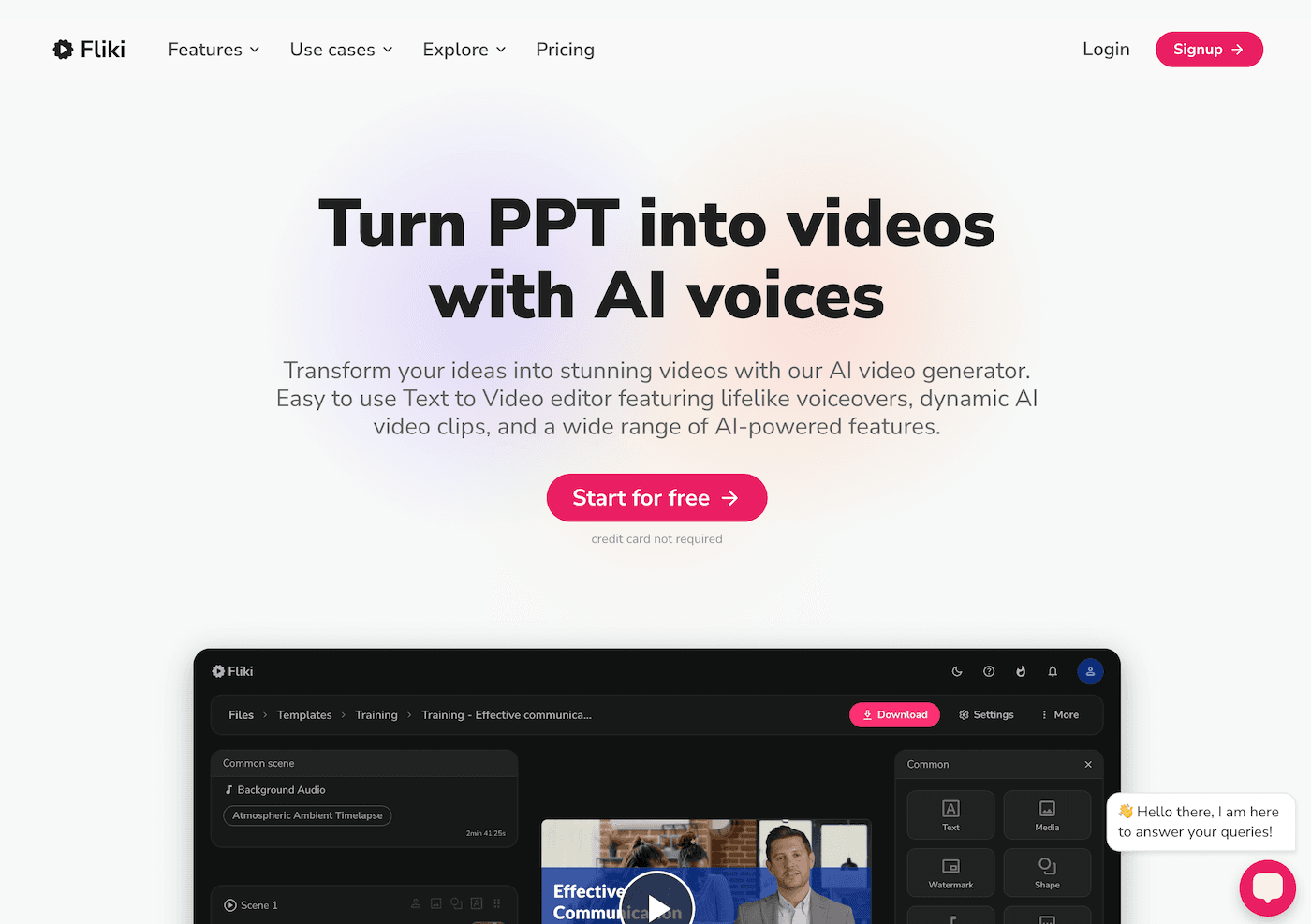
7. Live Progress Checks, Not Piles – Gamma
If you’ve ever felt buried by a sudden wave of late or missing work, Gamma is your secret weapon. I use it for live, in-class progress presentations: students upload a screenshot of their draft, experiment, or project, and Gamma builds a shareable slide deck for a quick check-in round. I skim ten slides in ten minutes, give rapid feedback in the moment, and suddenly I’m not sitting up at midnight grading rough drafts. The AI helps structure and present, but you stay the guide—and the grading snowball stays small.
Try Gamma
Final Words: Grading with a Bit More Joy (and Sanity)
Look, no AI tool is going to make grading actually fun—let’s be real. But these tools changed the game for me: less time spent on repetition, more energy for real feedback, and the ability to spend my downtime on planning next steps (or, you know, actually resting). The secret isn’t in automating everything: it’s in working smarter, and using AI to do the heavy lifting you always meant to stop doing at 6pm.
My advice?
- Start by automating the piece you hate most—maybe it’s sorting errors, maybe it’s building scaffolds, or just tracking late work.
- Be honest with your students: show them how you use AI to make feedback richer, not just faster.
- Save your emotional energy for the comments and connections only a human teacher can make.
If you have an AI workflow or tool that’s rescued your weekends, please share—because as long as there’s grading, we’re all in this (and this feedback run) together.