AI Tools for Veteran Teachers (Who've Seen It All)
After 20+ years in the classroom, you get used to fads—SMART Boards gathering dust, endless app-of-the-week emails, PD sessions on “innovative” tools that are mostly new ways to make seating charts. More than once, I’ve muttered: “I’ll stick with what works, thanks.”
But this past year, tough classes, compressed prep time, and an open-minded new para convinced me to experiment with AI—not because I needed a miracle, but because there just has to be a smarter way to do the job I love. My ground rule: I only kept (and recommended) tools that solved problems I’ve lived through since the days of overhead projectors.
Below are the AI tools I now keep in my "real-deal" veteran teacher toolkit. Consider this a straight-talking, skeptical guide—ditch the ones that don’t match your style, and steal the ideas that make your work lighter, not harder.
1. Sane, Smart Unit Backbones (Without Starting Over)
I’ll never swap my own binders for a robot’s lesson. But
Try Kuraplan
lets me keep my favorite units—and quickly generate new, standards-aligned skeletons for those subjects I cover every third year (Ancient China, persuasive writing across the curriculum…). It handles pacing, checks the latest standards, and even proposes formative checkpoints I’d forgotten. I just copy-paste my old tricks into its framework—and end the week a little less burnt out.
2. Flashcard Games—Powered by Students, Not Boredom
Veteran teachers know: the best reviews are student-driven.
Try Jungle
is my new after-test ritual—students create flashcards about the unit’s “sneaky misconceptions,” wild facts, or trickiest diagrams. The group then runs a class-wide game: students try to stump each other, and the AI helps find overlaps and new ways to combine the decks each time. It’s less “study for the quiz” and more genuine mastery—with laughs when someone sneaks in a red herring or meme image (and the tool is smart enough to flag it, just in case).
3. Visual Schedules for Any Classroom Curveball
I’ve taught block, trimester, and even six-period days—and they all come with last-minute chaos. With
Try Gamma
, I plug in the schedule (or let students help!), and out pops a visual plan with icons, reminders, and even rotating group assignments. On sub days, field trips, or parent-teacher conference weeks, Gamma makes sure everyone knows what's coming—even the para or new kid who started on a Tuesday. I can update on my phone, nobody misses a beat, and anxious students have less to worry about.
4. Adapt Any Article—No More Scrambling for Leveled Texts
Remember yellowed copies of news articles and “high/low” readers? Now, with
Try Diffit
, I upload any article—current event, student writing, even a handout from a colleague—and the tool spits out versions tailored for every reader in the room, complete with vocab and comprehension checks. I keep the originals, but don’t panic when the admin walks in mid-themes unit and asks how I’m differentiating. The hours this saves… you have to see it to believe it.
5. Real Feedback, Fast—No More Red Ink Marathons
I’ve written “stronger topic sentence needed” at least 10,000 times.
Try Gradescope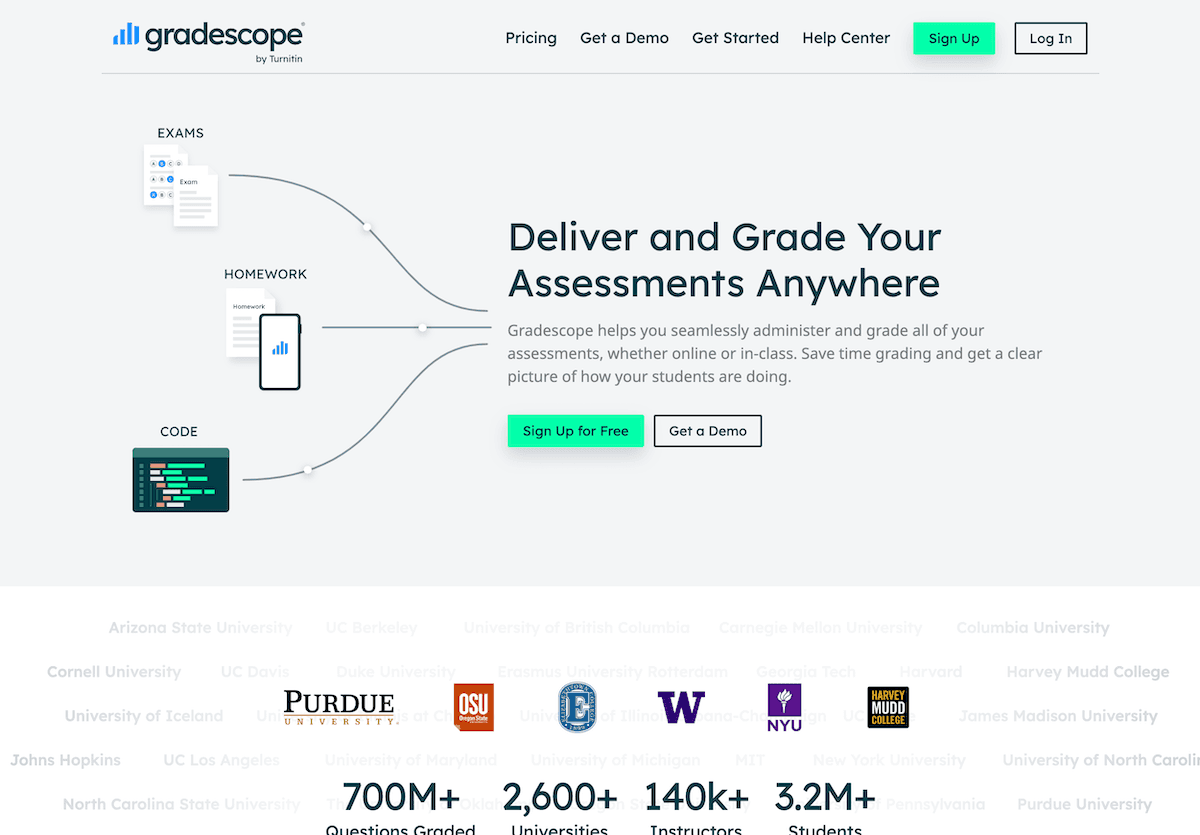
groups student work by common responses or errors (across hand-written, typed, or even scanned assignments), so I write my best feedback once and the tool auto-applies it—leaving me time to individualize comments for the essays or solutions that really warrant a personal touch. My students get clear, targeted notes—and I leave school before the janitor.
6. Guest Speakers for Every Topic—Without Cold Calls
It’s not the 90s; getting a NASA engineer to visit is nearly impossible. Now, I have students prep questions for figures from our curriculum, like “an early American settler” or “a scientist explaining vaccines.” We use
Try People AI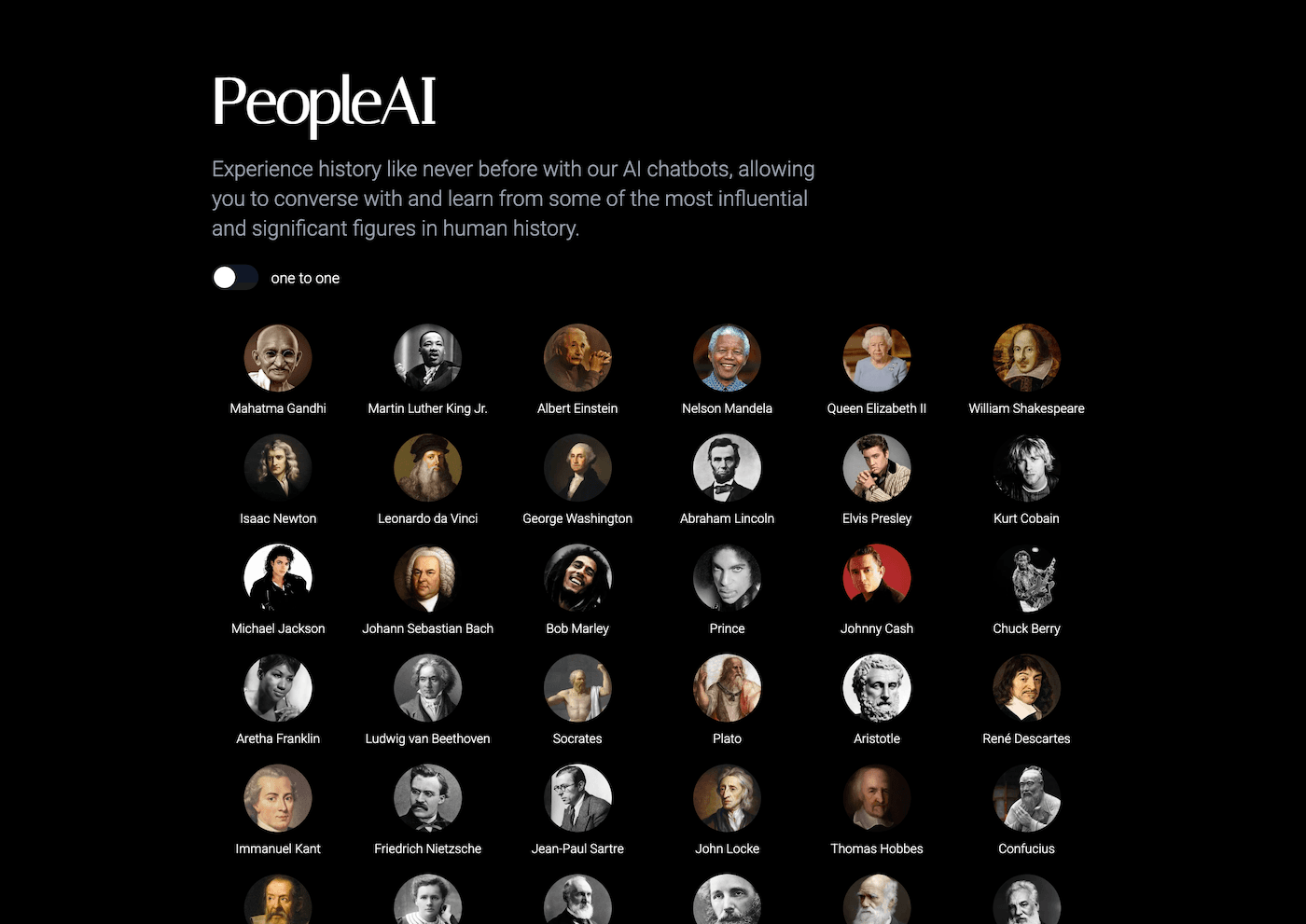
, so students run the interview (live or in writing), debate the answers, and—most importantly—feel their voices matter. Even the surliest seniors have jumped in to outwit “Shakespeare” or interrogate “Rosa Parks.” The tool isn’t perfect, but it fills in when I just can’t wrangle a real guest.
7. Songs, Chants, and Rituals—For Real-World Classroom Wins
You know that old transition song you still use? My students were ready for something new. With
Try Suno AI
, I let kids (yes, even high schoolers) write fresh lyrics for content, classroom routines, or club themes, and the AI creates the music. It’s my new trick for pep rally chants, brainstorm sessions, or just breaking the ice—especially in spring, when everyone’s tired. It even works for making custom birthday anthems or “clean up” songs when they pretend not to hear my voice.
Honest Advice from the Old Guard
- Pick one AI tool for the part of teaching you dread most: late-night feedback? Tracking accommodations? Visual schedules when life gets wild? Don’t let an app “fix” what’s already working.
- Let students use the tools—you’ll be amazed at the hacks they invent (and you might learn something new yourself).
- Share your wins and fails with colleagues—AI doesn’t care about your years in, and some of the best workflows come from the staff room, not the software training.
At the end of the day, no tech will replace community, humor, or high expectations built over a career. But a little help from AI? That’s finally the “next big thing” I’m not too proud to borrow—especially if it means one less Sunday lost to paperwork.
What’s the best AI trick you’ve added to your veteran repertoire? Let’s swap stories—and keep showing the new crowd that teaching can get easier, not just busier, with a few smart upgrades.