AI Tools for Hands-On Science Teachers
If you’re like me, you didn’t become a science teacher to stare at a screen. You love mess—demos that fizz, labs that flop, and those magic moments when students ask you questions you can’t answer (yet). But let’s be real: prepping, differentiating, and managing all the details behind great labs is exhausting, especially since every new year comes with more paperwork and new student needs.
After years of trying edtech fads, I finally began testing AI tools that felt designed for hands-on, real-world science—without turning my class into a digital worksheet factory. Below are the AI helpers that made the biggest difference for me and my middle grades (including those with zero coding experience), plus honest notes on what clicked, what bombed, and how I snuck AI into the parts of science that matter most.
1. Getting Out of the Lesson Plan Rabbit Hole with Kuraplan
You know the drill: State standards, pacing guides, admin requests for cross-curricular moments… it piles up. I was pretty skeptical, but Kuraplan finally made unit mapping faster and left room for creative detours. Plug in your inquiry topic ("What happens when we bend light through water?"), hit your grade level, and you’ll get a sequence—objectives, key experiments, formative checkpoints, and even family connection notes. I always rewrite the timeline, but Kuraplan cuts the blank-screen panic and frees me up for the real magic: planning bizarre demos and weird data collection.
Try Kuraplan
2. Diffit: Scaffolds for the Curious, Not Just the Struggling
I love bringing in wild articles and viral science videos, but half my students need serious scaffolding and the others get bored if I dumb things down. Diffit surprised me—it builds leveled readings, vocab, and quiz questions from ANY article, video, or even a student’s own writing. Now, my ELLs can read about CRISPR at their level, while my GT kids tackle the original source. Every group can still discuss the same concept—no more busywork or worksheet purgatory.
Try Diffit
3. Gamma: Turning Messy Lab Data into Student Exhibits
My lab tables overflow with data tables, spilled water, and infographics drawn in crayon. When it’s time to present, Gamma helps my students design slick, clear visuals — from annotated slides to posters — just by dragging their observations, photos, or even group brainstorms into the app. Suddenly, my quietest students are explaining trendlines and variables to the whole class, and parents at Open House finally get what happens past the worksheet.
Try Gamma
4. Fliki: Let Students Tell the Story (Their Way)
Some kids are BRILLIANT at explaining experiments... but freeze when it’s time to record or present. Fliki lets them turn scripts, notes, or even rough outlines into bite-sized video explainers with customizable AI voices and images. It’s not sci-fi perfect, but for virtual science fairs, family night exhibitions, or making up for a battered frog dissection, it’s a revelation. The best part: students own the process—no video editing headaches for you.
Try Fliki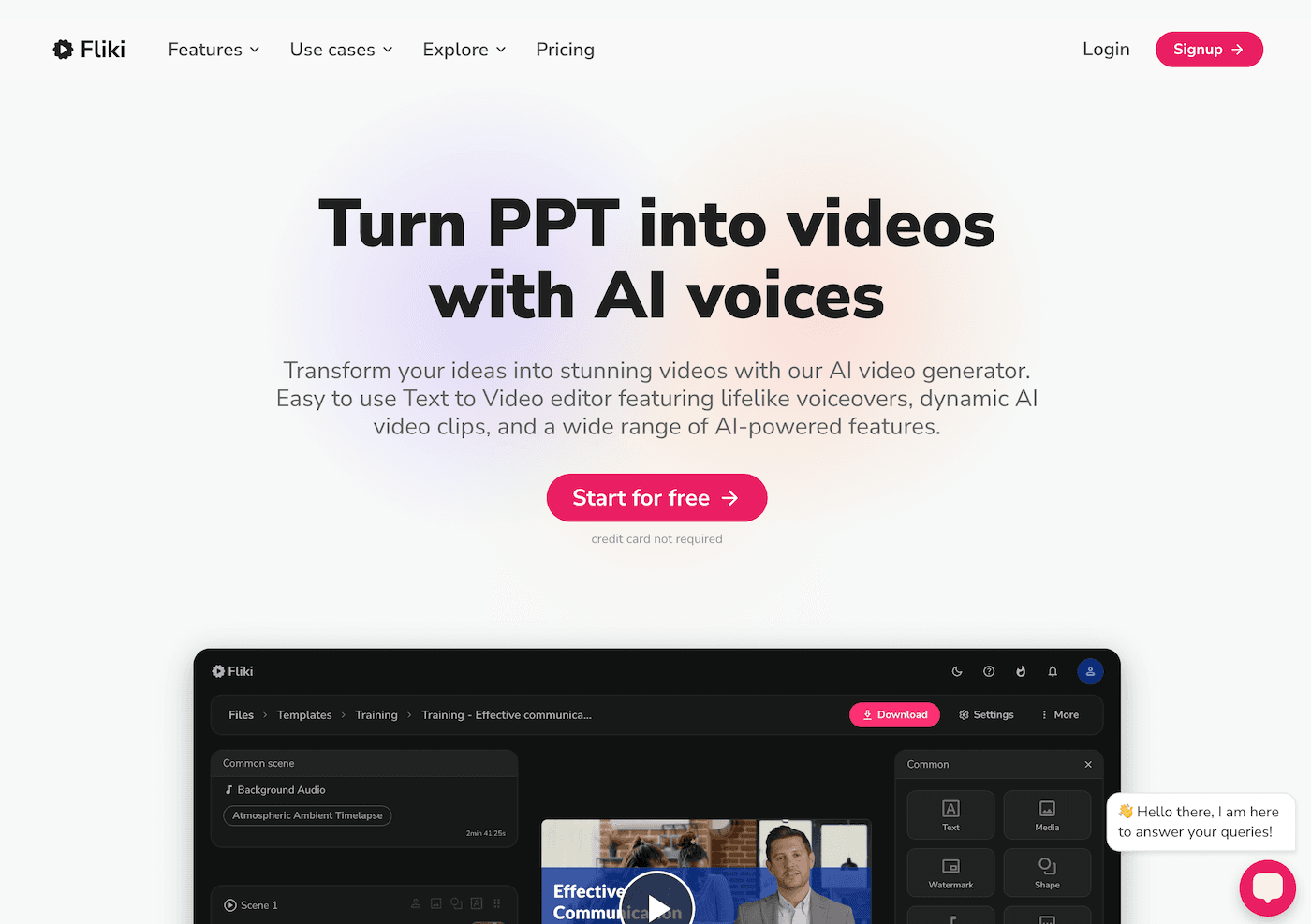
5. Jungle: Competitive Vocab and Concept Practice
Science vocab is brutal. Jungle makes instant flashcard decks and quiz games from whatever topic we’re in—from “body systems” to “Newton’s Laws.” My hack: let student groups build their own challenge decks. Not only does this sneak in metacognition, but the inevitable "mistake cards" make for the best whole-class laugh (and teachable moment) review days. I finally have time to actually circulate and coach, not just flip through review slides.
Try Jungle
6. People AI: Simulated Scientist Visits & Ethics Debates
You won’t always get a NASA engineer to Zoom your class. But with People AI, we interviewed “Jane Goodall” about animal behavior and grilled a (fictional) climate policy advisor about carbon offsets. Students research, prep questions, and run mock interviews—and even my quietest kids got comfortable asking tough questions. For big projects or pre-lab debates, it's a tool that gets students thinking like scientists, not just copying their answers.
Try People AI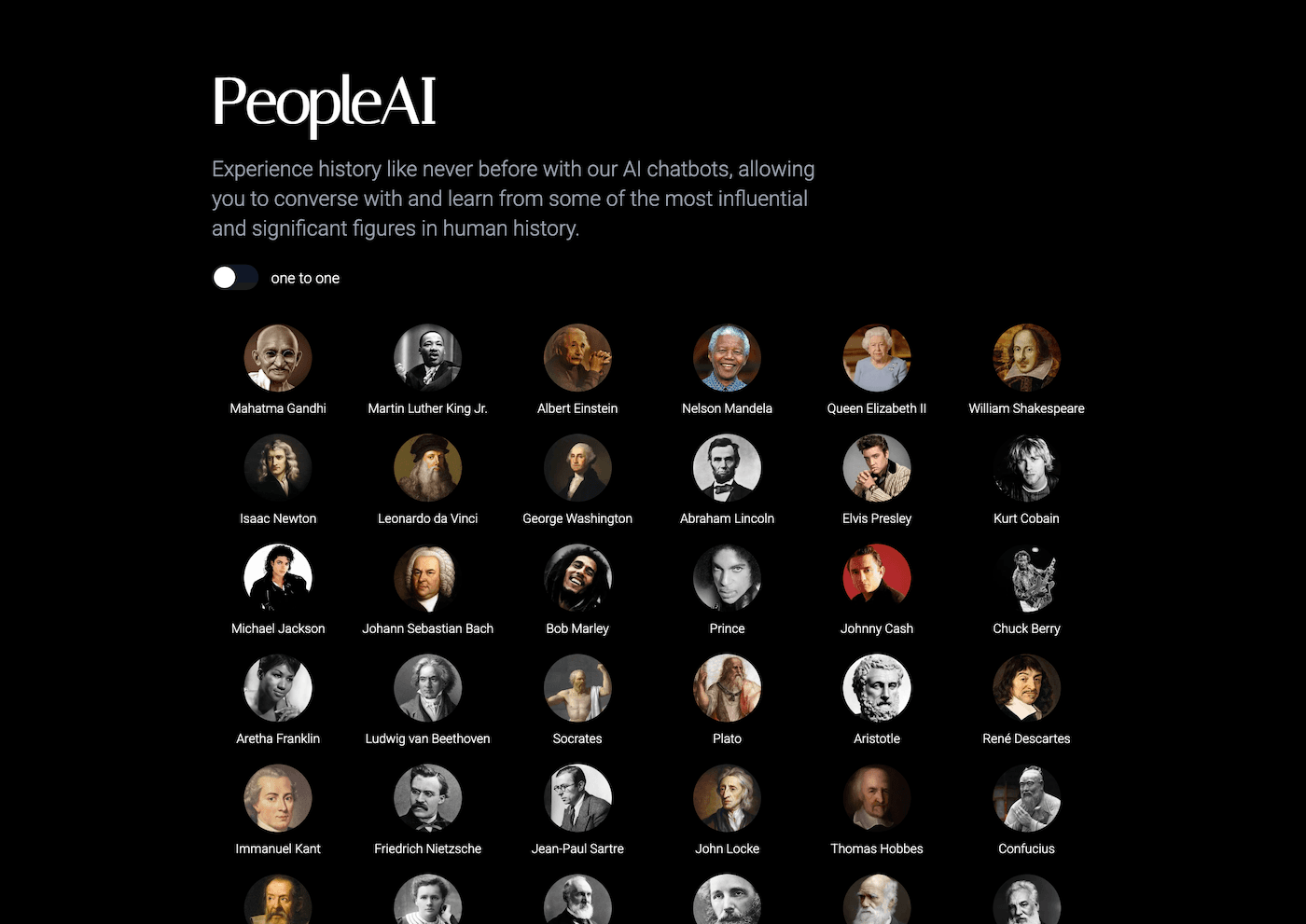
7. Suno AI: Custom Songs for Lab Safety & Content Review
I'm not musical, but every year my classes want to write raps or chants about safety or the water cycle. Suno AI made this not just possible, but actually fun. We brainstorm lyrics (yes, they're often puns), feed in a theme, and get a class-appropriate jingle for review or transitions. Even skeptical 8th graders get silly, and I catch kids quietly singing the "Density Dance" when they think I’m not listening. Instant classroom culture boost—and not a minute spent struggling with GarageBand.
Try Suno AI
Real Advice for Real Science Teachers
- Start small: Pick ONE tool to overhaul a sticky part of your workflow. For me, it was prepping alternative readings and lab visuals. For you, it might be lesson skeletons or peer review.
- Let students pilot a tool first—they’ll discover hacks and applications you won’t think of, and they’ll own the learning.
- Don’t force it: If a tool adds work or kills the hands-on vibe, ditch it. Student curiosity always comes first.
- Celebrate “productive failure”: Sometimes the worst AI explanations become the best critical thinking moments.
Even as AI grows, there’s still no substitute for real messes, real questions, and real curiosity. Let these tools do a little grunt work so you can get back to what makes science unforgettable—the unplanned discoveries, the sticky lab tables, and the smiles when a wild experiment finally works.
Are you using a new AI tool to bring more hands-on learning to science class? What’s been a flop or a win? Let’s trade tips in the comments—fewer late nights, and more wild, real science for every kid.