6 AI Tools for Out-of-the-Box History Teachers
If you became a history teacher because you love big questions, unexpected debates, or seeing students argue about which events matter, you know bland textbook routines just don’t cut it. Maybe your best lessons happened in a hallway gallery walk, a student-run trial for Genghis Khan, or that infamous "evidence scavenger hunt" that spilled into the cafeteria. I’ve survived (and thrived) as a teacher who sees the past as a living argument—not a chart to be memorized.
But between pacing guides, standards, and the never-ending demand for “engagement,” it’s easy to lose your creative mojo—or waste hours prepping activities that fizz out after lunch. This year, I went hunting for AI tools that work for history teachers who never follow the script: apps and hacks that amplify argument, make sources real, and keep student voice at the front of your room (and admin walk-throughs). Some are famous with a twist—Kuraplan is in here, yes, but only where it actually helped me keep my wildest units on track.
Ready to risk a little chaos and spark history into life? Here’s my toolkit for 2025’s rebellion-in-the-classroom crowd.
1. People AI — Debates and Dialogue Across Time
Forget the "founding fathers" roleplay your credential program taught you. With People AI, students dream up any persona—real, lost, or reimagined ("grumpy Roman senator," "abolitionist newspaper editor," even "Moctezuma’s chief astrologer")—and the AI voices their side. My best workflow? Let student pairs invent, question, and revise their interview target. Then, the whole class grills the character live: street-rat questions, anachronistic connections, ethical brain-benders. We use it for hot-seat roundtables, "ghosts of the Industrial Revolution" panels, or improvising new laws with voices rarely heard. Suddenly, agency is king, and shy students swap in when they’re ready—the AI holds the seat so no pair gets stuck.
Try People AI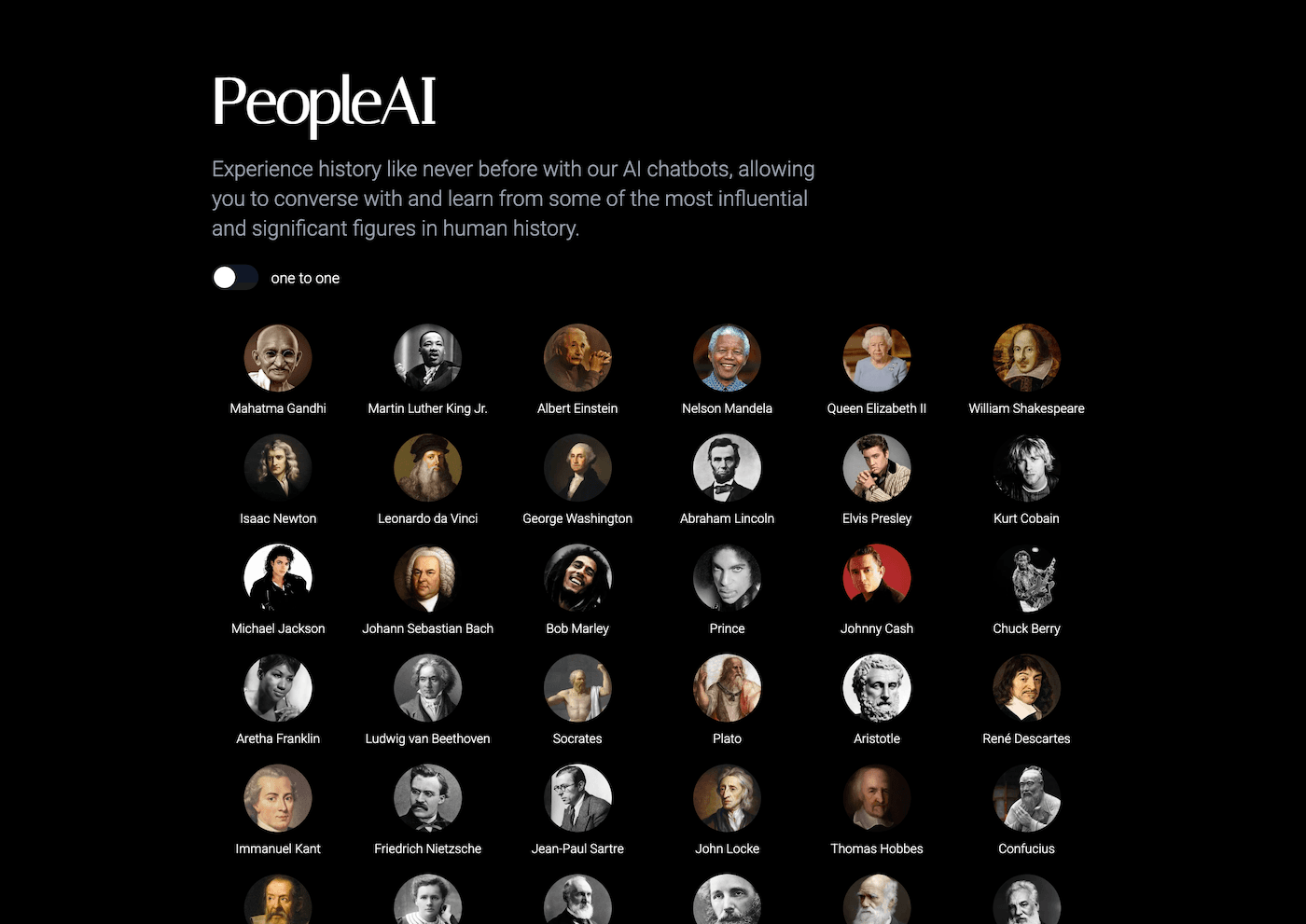
2. Kuraplan — Building Living Maps for Messy Units
I used to dread the big projects: oral histories, student documentaries, "change the narrative" zines. Kuraplan finally gave me a draftable backbone—not a lesson lockbox. I sketch the driving question ("What makes a revolution?"), plug in required skills, then throw the map up for my class to co-edit. Every pivot becomes a checkpoint: "peer podcast day," "exhibit timeline swap," "debate the sources week." Admins love the standards, students love the visible process, and I update the plan after every detour so nobody is lost.
Try Kuraplan
3. Gamma — Museum-Style Portfolios and Debrief Boards
Ever run a gallery walk that deserved to live longer than a Monday hallway display? Gamma is my afterparty: students collage their drafts, poster snapshots, source annotations, or mid-debate flowcharts, and Gamma’s AI auto-builds a digital exhibit. We annotate, trace "controversy pivots," and share the board for peer reviews or end-of-unit debates. The best bit? Each group curates their "process highlight," spotlighting not just what they finished, but where their thinking went sideways, got rescued, or crashed into something new. Parents finally get why groupwork looks like chaos, and my class leaves a visible record for next year’s rebels.
Try Gamma
4. Jungle — Student-Sourced Revision and Challenge Cards
History review should never be about fact regurgitation. Instead, after every project phase, my students write challenge cards: “an argument that nearly worked,” “a misleading primary source,” “the source nobody believed,” even “what did we leave unresolved?” Jungle filters, sorts, and builds debate decks for hot-seat rounds or revision games. Half our exam review is now class trivia, but with a twist: students score points for upending consensus, finding bias, or defending an unpopular view (with evidence!). Bonus: I archive the wildest cards to open next year’s "what we still don’t know" seminar.
Try Jungle
5. Magicbook — Epic Publishing for Alternative History
Unit stories don’t have to be stuck in essays. With Magicbook, each group composes a story page, cartoon, "untold family history," or imagined primary source, and the AI collates, lays out, and illustrates a living class anthology. We make counterfactual timelines ("What if Japan didn’t close its borders?"), family myth books, or "Lost Histories" collections. You can share as eBooks at parent night or display them on hallway screens. Students beg to see their chapter—and suddenly, even skeptical kids want to write their side of the story.
Try Magicbook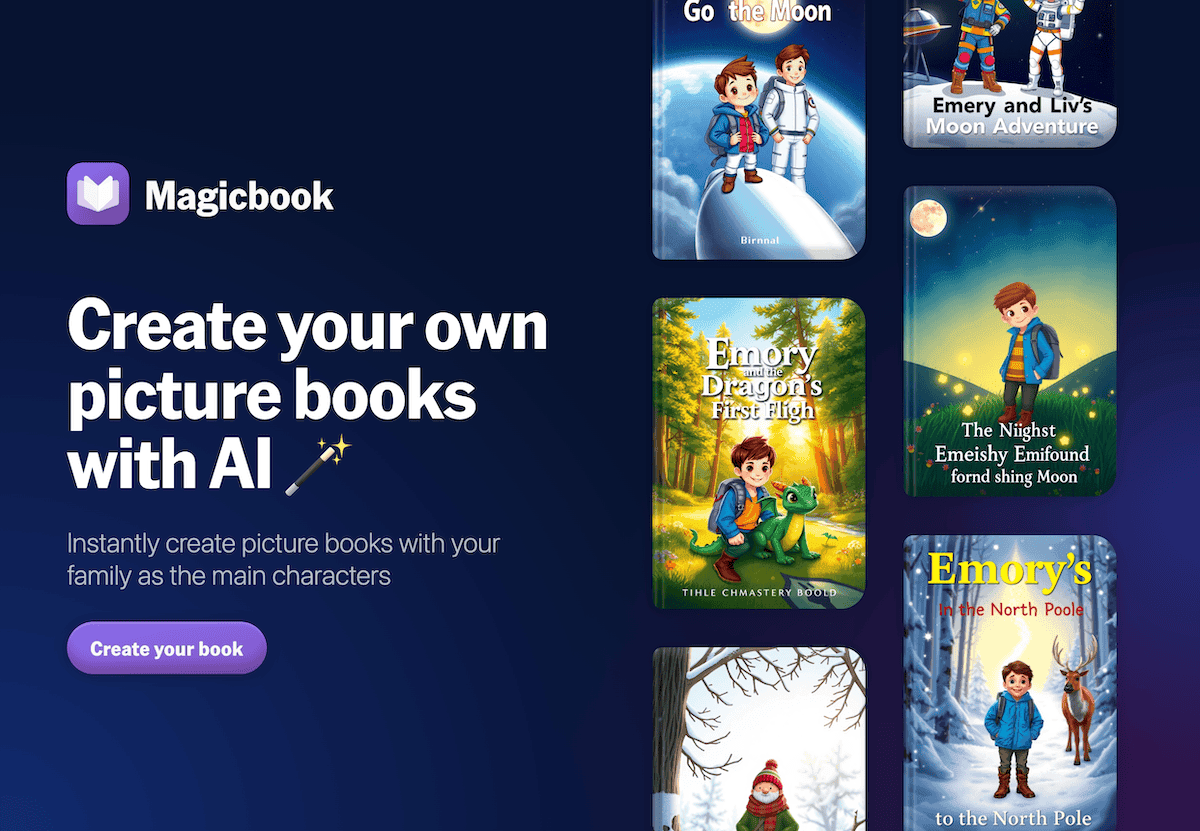
6. Suno AI — Ritualizing Reflection, Conflict & Closure
Every history unit needs closure (and celebration). Suno AI is our mood-setter: after a tough debate, museum walk, or failed timeline pitch, I let groups crowdsource prompts for a class anthem (“Ode to the revolution we disagreed about,” "Song for the source that tricked us all," “Victory lap for the Trojan horse builders”). Suno AI generates original songs we play as intro, reset, or closing walkout music. Even my most debate-fatigued students now see closure as a creative act, not just one more paragraph. Bonus: our class playlist always gets requested when a sub visits.
Try Suno AI
Final Advice for History Teachers Who Break the Mold
- Treat every tool as a co-conspirator—not a script: the real win is making your process visible, so arguments, pivots, and uncertainty become part of your teaching identity.
- Let students drive the debate and the documentation: with Gamma, Magicbook, and Jungle, student voice and revision are always on display.
- Use planning tools only as much as you need them: Kuraplan is a guardrail; don’t let it leash your best ideas.
- Make ritual and closure a tradition: Suno songs and debate boards keep student work (and memories) alive beyond the test.
Already running wild in your history classroom? Have a favorite tech hack, best “failed” debate, or student publication workflow? Drop it below. The best history teaching is weird, collaborative, and full of beautiful detours—AI should make that journey richer, not routine.