7 AI Tools for Teachers Who Want Less Busywork
I've been in the classroom long enough to know that the teaching we love—the guiding, connecting, and creative stuff—gets buried under mounds of repetitive tasks. If you've ever looked at your "to copy" pile, tried to decipher your own seating chart edits, or spent a prep period reworking another worksheet, you know what I mean. This year, I set myself a goal: find AI tools that genuinely reduce busywork, without making my lessons more generic or my role less meaningful.
Below are the seven AI helpers I now keep on my shortlist for making everyday teaching smoother, less paper-heavy, and actually more student-focused. I've included how each fine-tunes (not replaces) my own workflow—a must for any teacher not sold on "one size fits all" tech. And yes, Kuraplan is here (but only when it really makes sense).
1. Gamma — Instant Visuals for Everyday Instructions
You know those moments when you want a clean, clear slideshow for your do-nows, transition routines, or even a last-minute revision game—but just do not want to spend your evening becoming a designer? With Gamma, I paste my quick instructions or content steps, and the tool generates simple, readable visual slides in seconds. I use it for everything from station directions to field trip reminders. It’s fast, customizable, and students are way less likely to miss (or tune out) key info. No more fiddly PowerPoint tweaks, ever.
Try Gamma
2. Kuraplan — Mapping Without the Micromanagement
I love dreaming up unit ideas, but hate getting bogged down in standards crosswalks, day-by-day outlines, or what to do if half the class is out on a Thursday. Kuraplan lets me throw in my big concept or essential question, grade, and pacing, and instantly generates an editable unit skeleton—including formative checks, differentiation notes, and parent comms suggestions. I always do my own remix, but treating planning as a draft (instead of starting from a blank screen) has honestly given me back my Sunday afternoons.
Try Kuraplan
3. Jungle — Student-Powered Practice (That’s Actually New)
Figuring out what to review before a test—or how to differentiate practice—used to mean endless worksheet sorting. These days, after every quiz or big discussion, I have students build their own flashcard decks or quiz questions in Jungle. The AI checks for duplicates, shuffles up the cards, and generates instant games for the whole class. The win? Students get ownership over what they most need to revisit, and I spend way less time doing manual sorting or wondering what just didn’t stick.
Try Jungle
4. Diffit — Worksheets for Every Level On Demand
Whether it’s adapting a current event, a tricky passage from the textbook, or something a student brought in (“Can we read this for class?”), Diffit lets me drop in any text or video and get differentiated worksheets—vocab, comprehension, leveled readings—in minutes. It doesn’t just help my struggling readers; it's a creative springboard for extension tasks and sub plans. I rarely reuse “canned” packets anymore.
Try Diffit
5. Gradescope — Feedback in Batches, Not Dribbles
If paperwork burnout has a face, it’s grading the same short-answer or open-response question fifty times. Gradescope groups similar answers together, so I can write one clear comment for all students who (for example) misread a graph, while still giving individualized feedback to the standouts or outliers. The difference isn’t just speed, but better, more consistent feedback—which means less student confusion (and fewer frantic emails).
Try Gradescope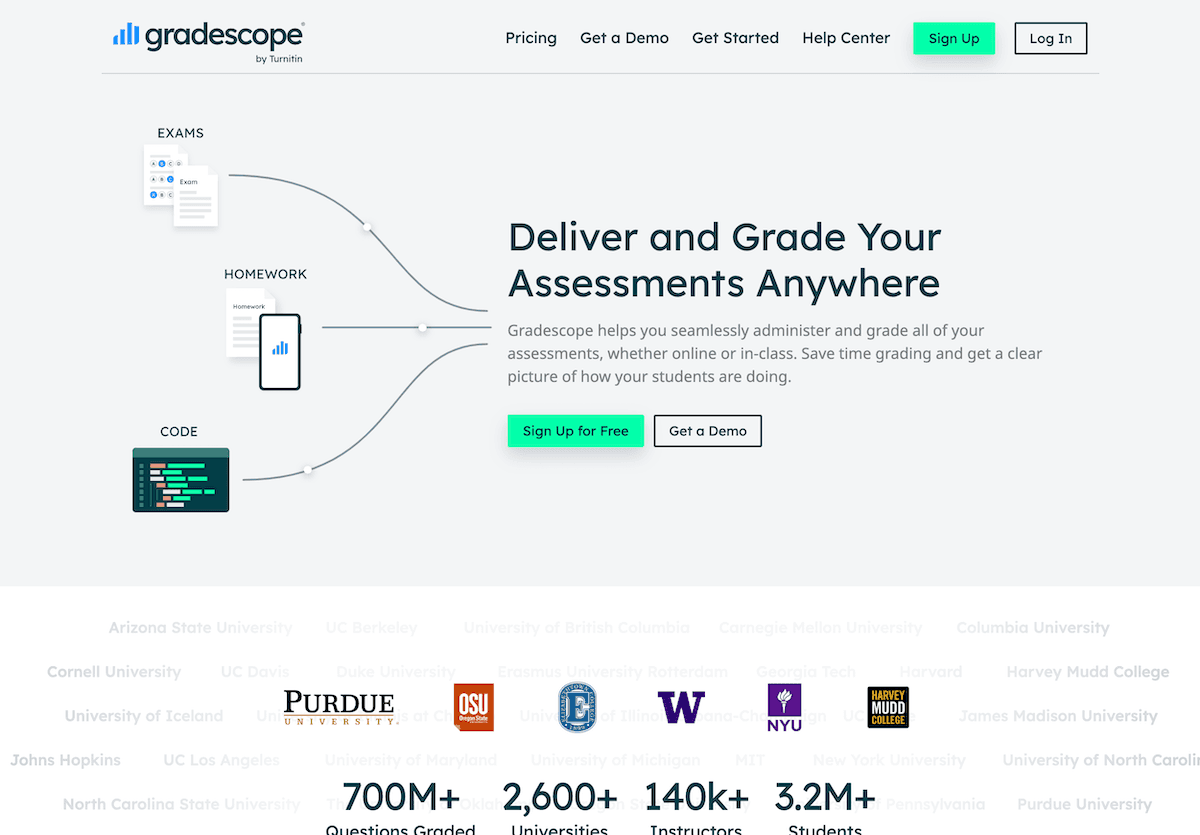
6. Suno AI — Custom Signals and Brain Breaks
Transition cues and classroom rituals work, but they get stale—plus, coming up with new ones is another item on the list. With Suno AI, I whip up a quick prompt (“Line up for dismissal,” “Brain break time,” “Finish your partner check-in!”) and get a fresh, short song or motif on the spot. Kids now look forward to transitions, my guidance is never ignored, and even the noisiest class knows when it’s time to switch gears. I’ve even had students submit their own prompts for the next day’s signal.
Try Suno AI
7. Conker — Peer Review and Quick Checks Without the Hassle
Peer and self-evaluation used to mean collecting half-finished rubrics and wading through unclear comments. Conker instantly generates easy-to-understand review checklists tailored to your specific lesson or project. I customize prompts based on my goals (“Did your group stay on task?”, “Was evidence used in your poster?”), and let students do structured peer review that’s actionable—no more “Looks good!” or blank stares. I use the results as formative feedback, not another stack on my desk.
Try Conker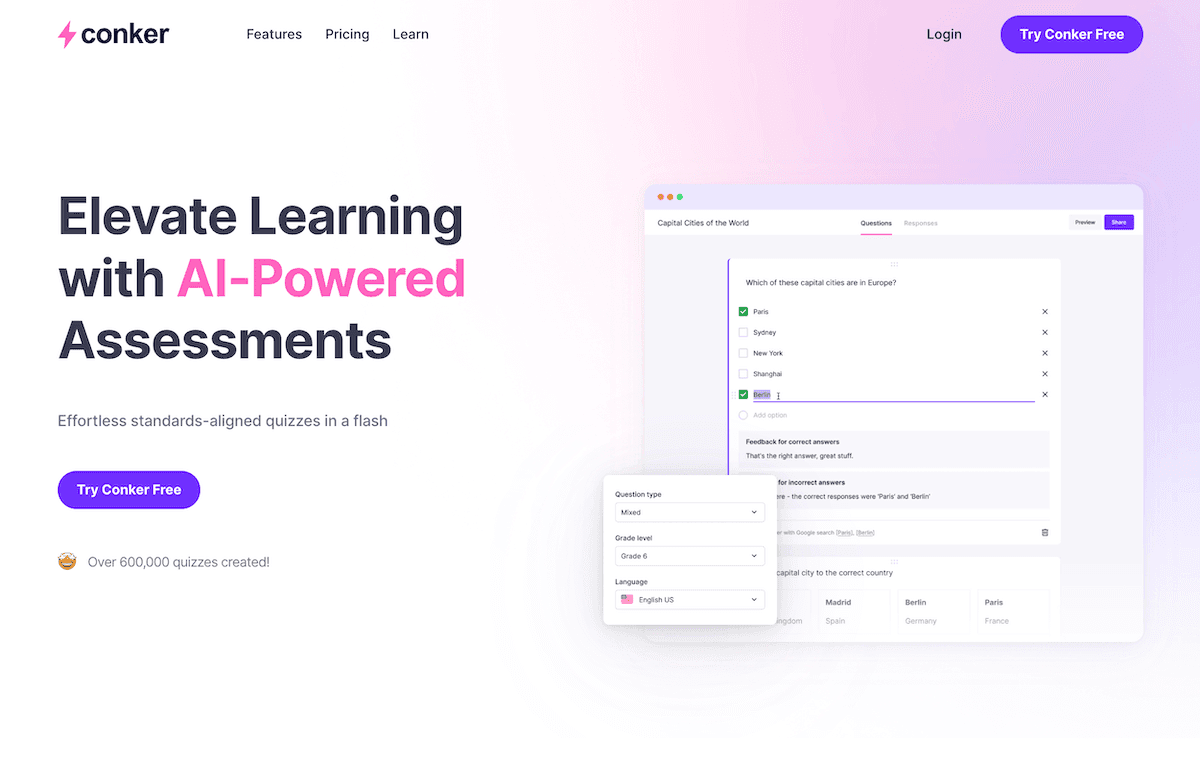
Honest Tips for Fellow Teachers Tired of Busywork
- Start with the one task that drains you most—lesson skeletons, daily directions, quick checks—and see if an AI can do 60% of it. Edit, don’t reinvent.
- Involve your students: let them build practice sets, signal transitions, or propose checklists. The more they own, the less you do alone.
- If a tool adds clicks or confusion, drop it. Anything that truly reduces busywork will make your evenings—and your students’ learning—lighter.
I’ll never give up writing on the board, impromptu discussions, or last-minute lesson changes. But these tools actually feel like an assistant I’d hire (if I had a budget). If you’re using a new AI trick to cut down on the admin, drop your link or story below—I’ll trade you my best Suno classroom anthem in return!