7 AI Tools for Teachers Who Love Project Chaos
If you’re the kind of teacher whose heart beats a little faster at the phrase “open-ended project,” you know that the real magic (and mayhem) of learning happens outside the script. Maybe your class capstones sprawl into museum nights, debate tournaments, or bake-sale fundraisers. Maybe you embrace student-driven detours, tackle wild research topics, or let a single “what if” rewrite next week’s plan by Tuesday.
But, let’s get honest—project-based teaching is a logistical nightmare. Every year, I swear off color-coded trackers and assessment templates, only to end up with missing rubrics, lost permission slips, and a classroom that runs on sticky notes and “did you email the guest speaker?” reminders. This year I dove deep into the world of AI—with one rule: I’d only keep the tools that made creative project chaos easier, more inclusive, and less overwhelming. (And yes, I finally found a use for Kuraplan that didn’t crush my spontaneity—more on that in a sec.)
Here are the seven AI helpers that actually survived my wildest units—tested across 6th to 12th grade, in science, ELA, and exploratory electives. Not every tool will fit your style, but if your planning is as unpredictable as your students, these are your new secret weapons.
1. Notebook LM – Turning Mess into Shared Genius
Inspired by my students’ ability to generate more documents, brainstorms, and “add this link!” Slack messages than even I can organize, I started dumping everything—voice notes, interview transcripts, screen grabs, even failed prototypes—into Notebook LM. Here’s the twist: the AI finds connections ("Did you notice your hypothesis matched the script from Episode 2?") and scripts reflection podcasts or debate banter from our material. My class now closes every unit with a “Greatest Successes, Weirdest Fails” podcast, capturing lessons I would’ve missed. If you love project sprawl but want a record of the process, this is your AI memory vault.
Try Notebook LM
2. Gamma – From Brainstorms to Exhibition in 10 Minutes
Every project teacher knows: the real work comes AFTER the fun—wrangling messy whiteboard maps, progress doodles, and presentation blurbs into something worth showing off. Gamma is now my go-to for student project showcases: groups drag in notes, spreadsheets, memes (!), and selfies, and the AI spins up beautiful interactive galleries or case studies (think science fair boards, argument timelines, or project highlight reels). The result? My students care as much about the story as the score, and admin finally see the full journey.
Try Gamma
3. Kuraplan – Flexible Scaffolds, Not Cages
I’ll admit, I feared Kuraplan would script project weeks to death—but here’s what works: whenever my students dream up ambitious ideas (“Let’s host a community podcast festival!” “Run a service-learning campaign!”), I punch just the core proposal into Kuraplan. It spits out a draft sequence with checkpoints, feedback cycles, and (bless it) built-in parent communication templates. I put the plan up for student edits, and we throw out what doesn’t fit. The AI backbone means we always have a path back when we get lost without ever killing the vibe. Use it to keep chaos productive—not to control every turn.
Try Kuraplan
4. Fliki – Publishing Projects in Real Time
If you’ve ever wanted students to publish their process as they go (not just at the finale), Fliki is a game-changer. Any group can narrate a daily “lab log,” turn it into a quick, AI-voiced video, and share with the class or parents. The bonus? Students who hate presenting LOVE narrating in Fliki’s voices. Suddenly, your project documentation becomes ongoing, visible, and fun—even if the actual build flops. My parent open house now includes a looped playlist of student-made demo day trailers, lab disaster explainers, and “try again next year” messages.
Try Fliki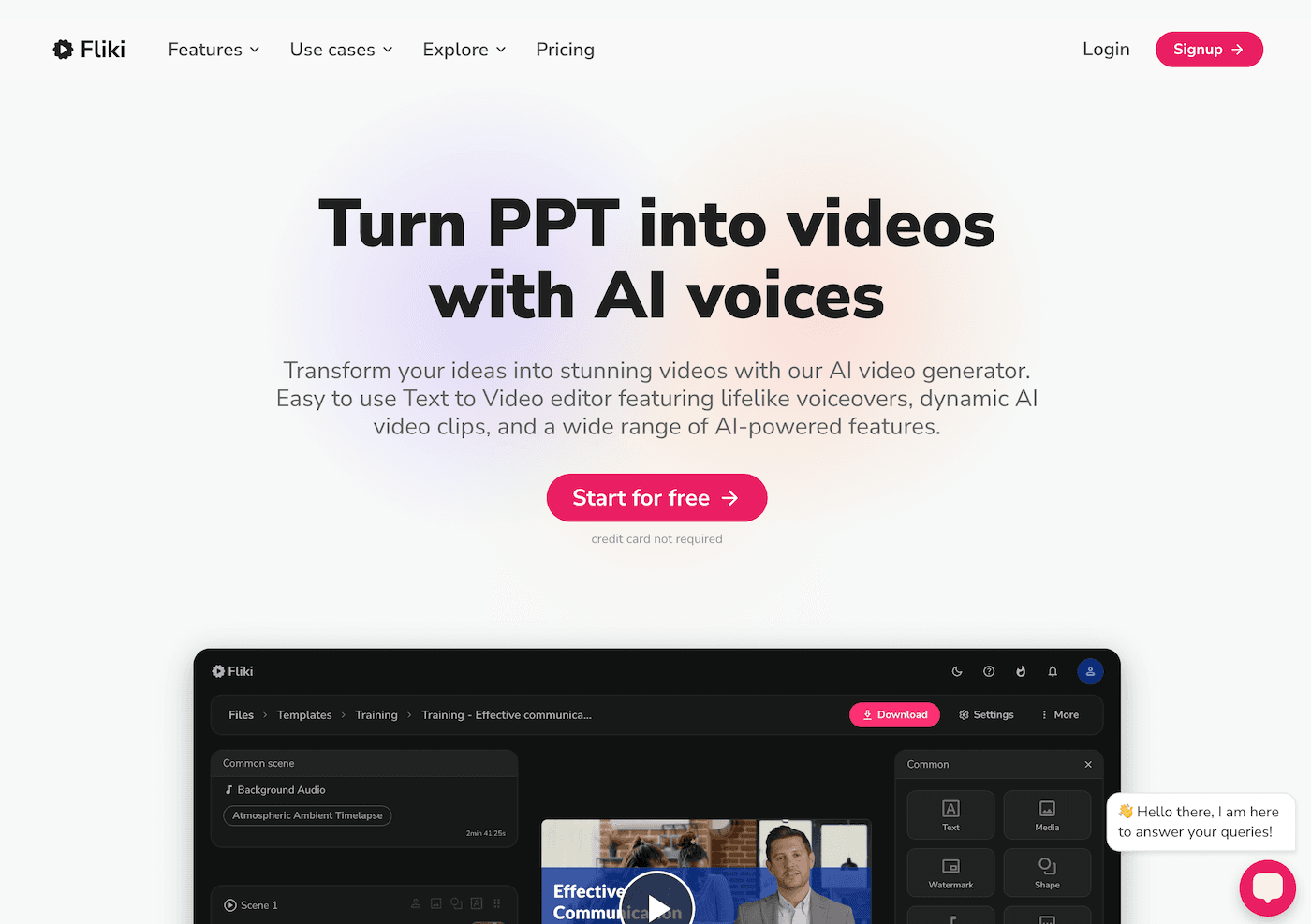
5. Jungle – Letting Students Build Their Own Review (and Revise It!)
Reflective teachers know that the best “finals” are more about what students discovered (or struggled with) than about a right answer. With Jungle, I had student groups create flashcards, review quizzes, and even “my biggest surprise” decks after every project checkpoint. The kicker? Peer groups remix or challenge these decks—sometimes turning misconceptions into bonus rounds. Not only did review become a riot, but I saw which skills and ideas actually landed, and where we needed a mid-project pivot days before grades.
Try Jungle
6. Diffit – Real-World Resources for All Project Paths
Project-based learning means students pick the sources—and those rarely come at perfect reading levels or ready to use. Diffit changed my workflow: every time a group wanted to use a research podcast, TikTok transcript, or local news story, we pasted it into Diffit and instantly got leveled versions, vocab, and comprehension questions. Whether it was an AP research group or a group of newcomers, everyone had access to meaningful, real-world research. Best of all, students now take the lead, adapting their finds for the class and building annotated archives for next year’s learners.
Try Diffit
7. Suno AI – Class Rituals, Celebrations, and Reset Songs
Any project teacher will tell you: success is 90% rituals—group huddles, celebration chants, or just a reset after a rough critique. My class adopted Suno AI not only for pre-presentation pump-up songs (“Pitch Day Anthem,” “Make Feedback Fun!”), but also for daily reflection: post a line about what you learned, and Suno creates a new, weirdly catchy project jingle. Our “Failure Ballad” is now a rite of passage. Even the shyest students want to contribute a verse when the class closes a major unit. I’ve never seen buy-in for SEL and project reflection like this in 16 years of teaching.
Try Suno AI
Final Wisdom: Celebrate the Chaos, but Get AI Help
Embracing messy, real project work is the best kind of risk you can take as a teacher—but it’s also easy to drown in the details, lose momentum, or forget to capture what really matters. My advice?
- Use AI tools for the part of chaos you avoid: organizing brainstorms, scaffolding timelines, making review fun, or leveling the playing field for diverse learners.
- Let students own the tools—most of my best workflows were invented by kids remixing what I started.
- Focus on process, not just outcomes. The best learning happens as the project unfolds, not just at the showcase.
Are you a teacher who runs on project madness? Share your favorite AI trick, proudest mess, or biggest win in the comments—let’s keep each other sane, celebrate the controlled chaos, and make project learning joyful (for us and our students) in 2025.