AI Tools for Reluctant Tech Teachers
Confession: I’m a self-described analog loyalist. I love my sticky notes. I still handwrite attendance on the back of envelopes. My lessons have always leaned more toward Socratic discussion and hands-on projects than screens and gadgets. So when admin started pushing “AI integration,” let’s just say I wasn’t the first in line at the PD sessions.
But curiosity (and, eventually, exhaustion) won out. This past year, I tried a slow, skeptical experiment: Could any AI tools make teaching easier—without sacrificing my style or flooding my classroom with tech for tech’s sake?
What I found surprised me. A small set of practical, non-gimmicky AI apps genuinely helped, even for folks like me who'd rather write on a whiteboard than teach code. Here’s my no-spin, low-hype guide for teachers who think they’re “not tech people”—but still want their prep time (and sanity) back.
1. Unit Mapping—Without the Jargon (Kuraplan)
I dreaded lesson planning platforms—they always felt cookie-cutter or demanded every detail up front. Kuraplan changed my mind. You enter your weekly topic or big idea, skip fancy jargon, and it drafts an outline—objectives, lesson seeds, and a basic sequence—without going overboard. Think of it as someone rough-sketching your big map so you can focus on what you love: the stories, the labs, the in-class experiments. I don’t follow the outline strictly, but it knocks out blank-page paralysis and crosswalks standards for me so I don’t have to Google them again.
Try Kuraplan
2. Instant Visual Schedules (Gamma)
I don’t have time to fiddle with templates for each class, but my students (and honestly, I) get lost if the flow isn’t in sight. Gamma lets me paste my class agenda (“Debate,” “Stations,” “Gallery Walk”) and in seconds, generates clean, readable slides I display or print. I can drag-and-drop icons, add reminders for field trips, and even have students help design the week’s “look.”
Nothing flashy—just less time making my own visuals and more time actually teaching.
Try Gamma
3. Differentiating Materials In Seconds (Diffit)
As a hands-on teacher, I love pulling in oddball articles and student samples during class. But when I want to adapt a news piece or short story on the fly, Diffit is a godsend. Paste in the text or a link, and instantly get leveled versions plus vocab and comprehension questions. No endless formatting. This is my go-to when a reading is too dense (or too light) for my group—or when I get a late-night text about a new kid joining mid-unit.
Try Diffit
4. Crowd-Sourced Exit Tickets (Jungle)
My formative check-ins were stuck on sticky notes and cold calls. Jungle changed how I do exit tickets: students quickly make digital flashcards based on what stuck (“What’s the most confusing vocab word? Propose a test question for next week.”), then shuffle and self-test in pairs. This snuck in formative assessment and student voice, without giving up my analog vibe. I can review the top cards after class to see if my message landed.
Try Jungle
5. Songwriting for the Non-Musical (Suno AI)
If you’re like me, you avoid the “make a TikTok” project or group karaoke. But my students wanted more music—so with Suno AI, I type in a theme (“Epic Failures in History,” “Photosynthesis Blues”) and get a classroom-friendly song. Sometimes, students pen their own verses, sometimes we just laugh at the AI’s quirks. Instant community, no musical skills or fancy software needed.
Try Suno AI
6. Better Peer Feedback, Less Drama (Conker)
Peer review used to equal “nice job!” scribbled on crumpled rubrics. Conker lets me type in my assignment goals (“Does the claim have evidence? Is the writing clear?”), and instantly creates a peer review checklist. Students give real feedback, and no one worries about hurting feelings—it’s all guided. The best part: grading revision days now feels actually productive.
Try Conker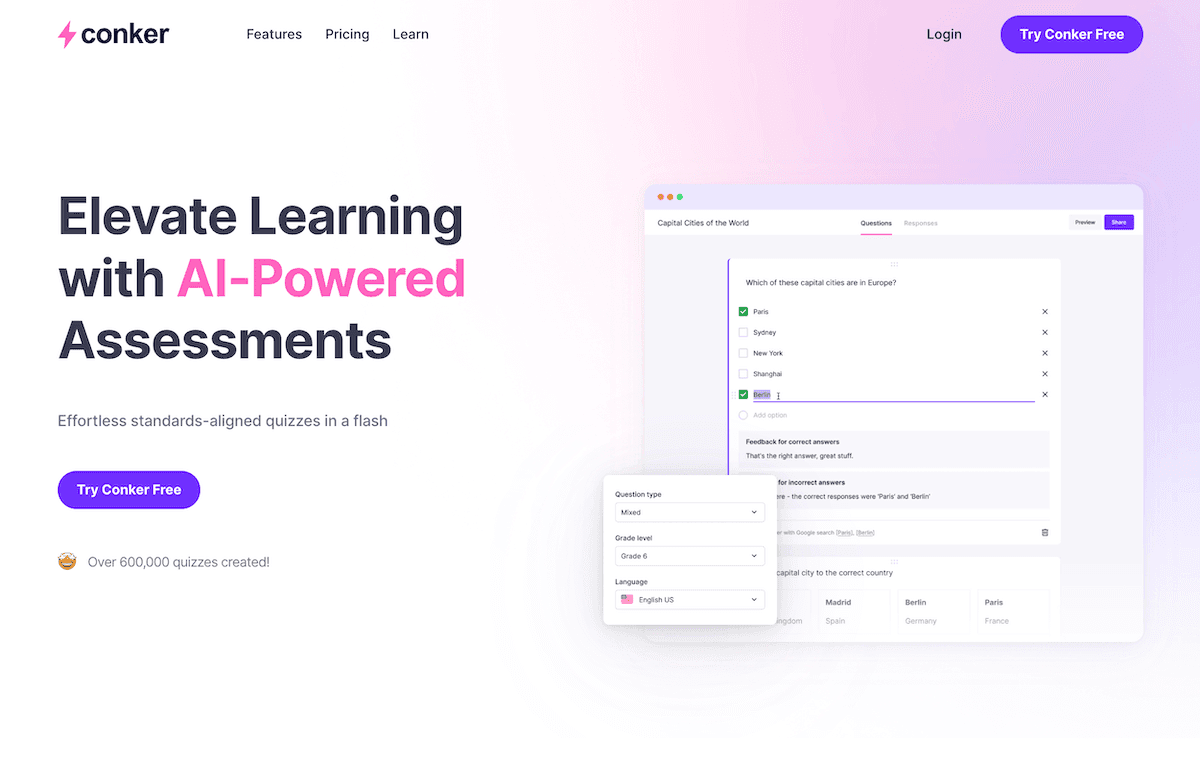
7. Real-World Voices with No Guest Speakers (People AI)
I rarely have time (or the contacts) to bring in experts. People AI lets students “interview” historical or literary figures on demand. We“invited” Marie Curie during our science week and later had an in-class chat with Malcolm X for a social studies project. My role: help students prep questions and analyze the answers, like any real interview. The AI fills the gap, and I still get to play the old-school guide.
Try People AI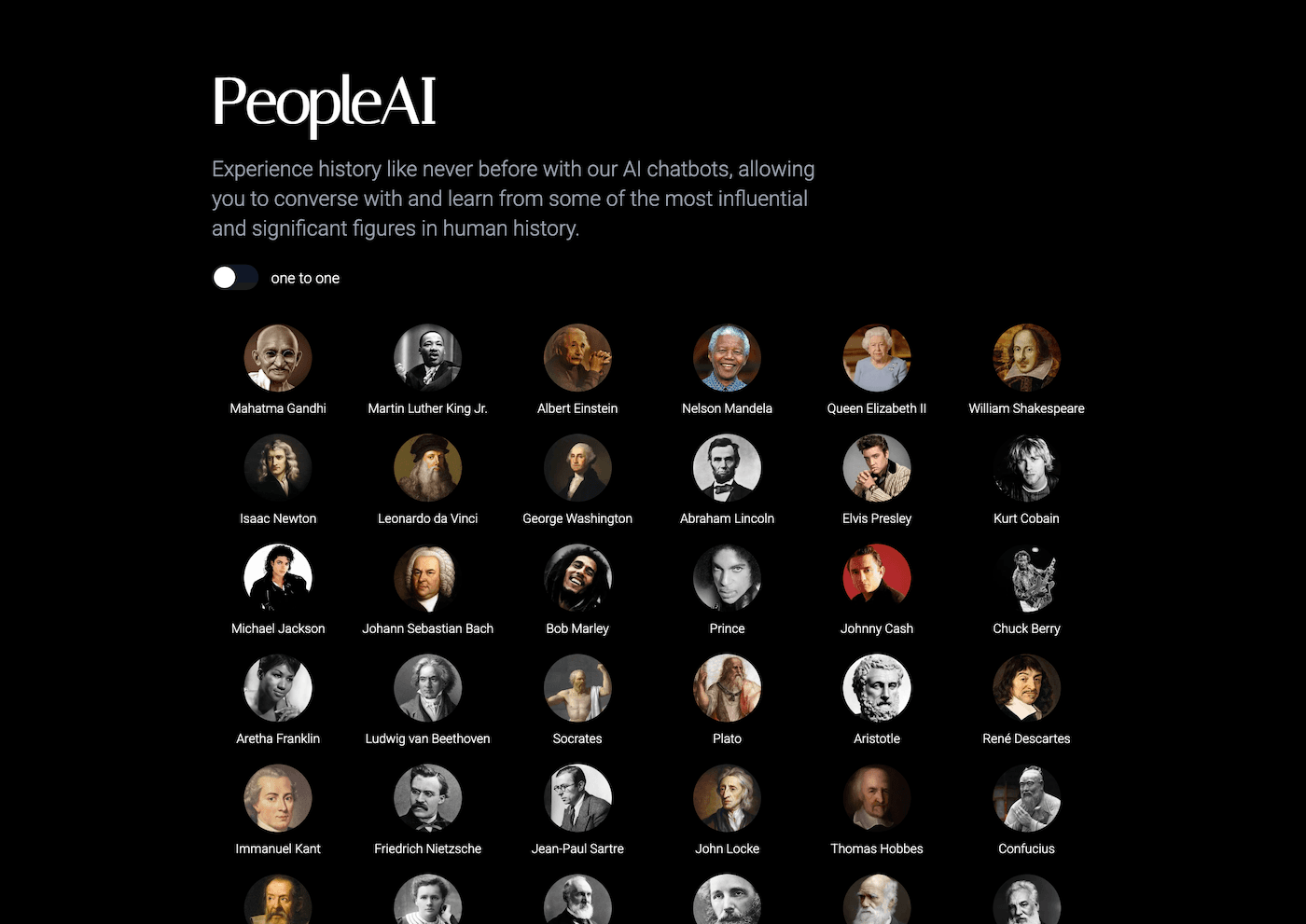
Candid Advice for Skeptical Teachers
- Start with ONE task you hate. (Mine was wrangling standards and classroom visuals.)
- Let students drive—many already know these tools, and love teaching you.
- Don’t buy the hype: If a tool adds work, ditch it. If it gives you your style plus a little breathing room, keep it in the mix.
- Stay human. AI is just a good notebook that doesn’t run out of pages—or patience.
You don’t need to flip your teaching style for the sake of innovation. For tech-reluctant teachers, the right AI can be like a great assistant: mostly invisible, always practical. If nothing else, you might finally clear your desktop of overdue to-dos…and maybe even keep your favorite pen in action a little longer.