7 AI Tools Every STEM Teacher Should Try
As a STEM teacher, you’re expected to be a lab safety enforcer, math explainer, engineering project architect, and tech everything—all while keeping kids curious and keeping up with standards (and, let’s admit, keeping the glue guns from being used as light sabers). Sound familiar?
When my district rolled out the latest “AI for education” buzz, I groaned—do I really want more screens and apps? But, a wild robotics season and a particularly messy physics unit convinced me: if an AI tool could save me time and make learning more authentic, I’d give it a real chance. Turns out, there’s a new generation of AI helpers that do more than automagically grade quizzes or pop up tired project ideas. These tools are changing how I teach STEM—and how my students engage, argue, build, and share what they learn.
If you’re curious (or exhausted, or both), here are seven AI tools that made a real difference in my STEM classes. (And yes, I do use
Try Kuraplan
for mapping out those wild, multi-week engineering and coding projects. But that’s not the only AI worth knowing!)
1. Fliki – Video Explainers Made by Students, Not Just Teachers
I used to spend hours hunting for science or math explainer videos that actually matched my lessons. Now, I have students script their own explanations or project recaps and use Fliki to turn them into short, narrated videos with custom images and voices. This is a game-changer for English learners, shy mathletes, and project groups that groan at slide presentations. Our "Explain an Impossible Problem" Fliki film fest is now a midterm highlight—and parents finally see what their kids are doing in science!
Try Fliki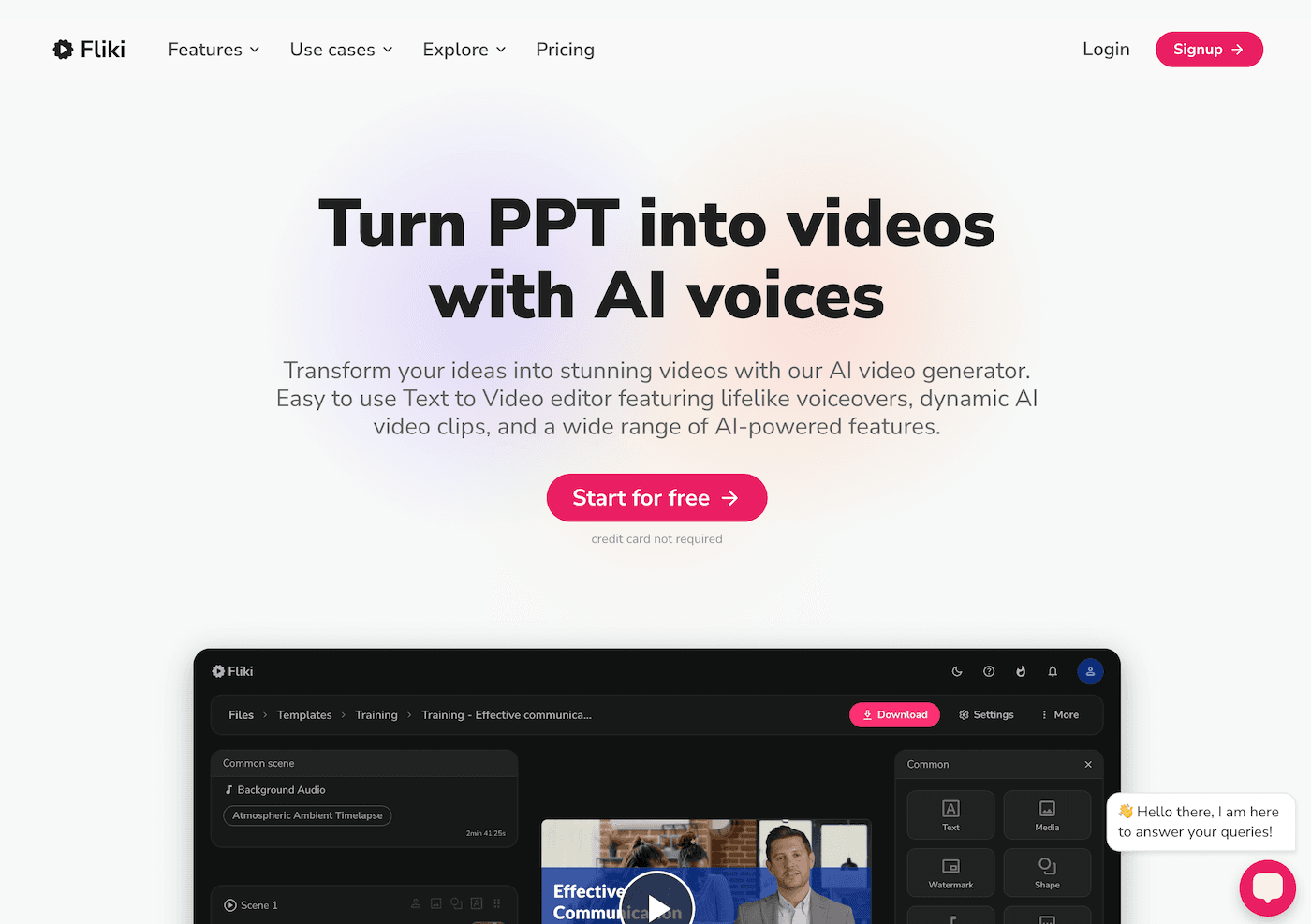
2. Kuraplan – Engineering and Coding Project Blueprints (and Rescue)
Honestly, I love a student-led design challenge or robotics build. But the scaffolding and standards mapping? Not so much. That’s where
Try Kuraplansaves me: I enter my project theme ("build a bridge from pasta," "design a recycling sorter with Arduino"), pick my grade, and Kuraplan drafts a sequence—including key checkpoints, peer review, extension ideas, and even ways to loop in ELA or social studies standards. The outline isn’t perfect, but it means I can spend time tweaking and coaching—not spinning my wheels making rubrics and calendars from scratch.
Try Kuraplan3. Sizzle – Real-Time Math Troubleshooting (That Students Use!)
No matter how many times I explain factoring, some students need another voice (and another… and another). Sizzle is like a friendly ChatGPT—if it spoke only math. Students snap a pic of a stubborn equation or type in a process question, and Sizzle walks them, step-by-step, through their mistake. My workflow: I have students use Sizzle first when stuck, then meet with me for targeted help. Not only does it free me up for deeper coaching, but some of my quietest students now get unstuck on their own (and sometimes teach me a new trick).
Try Sizzle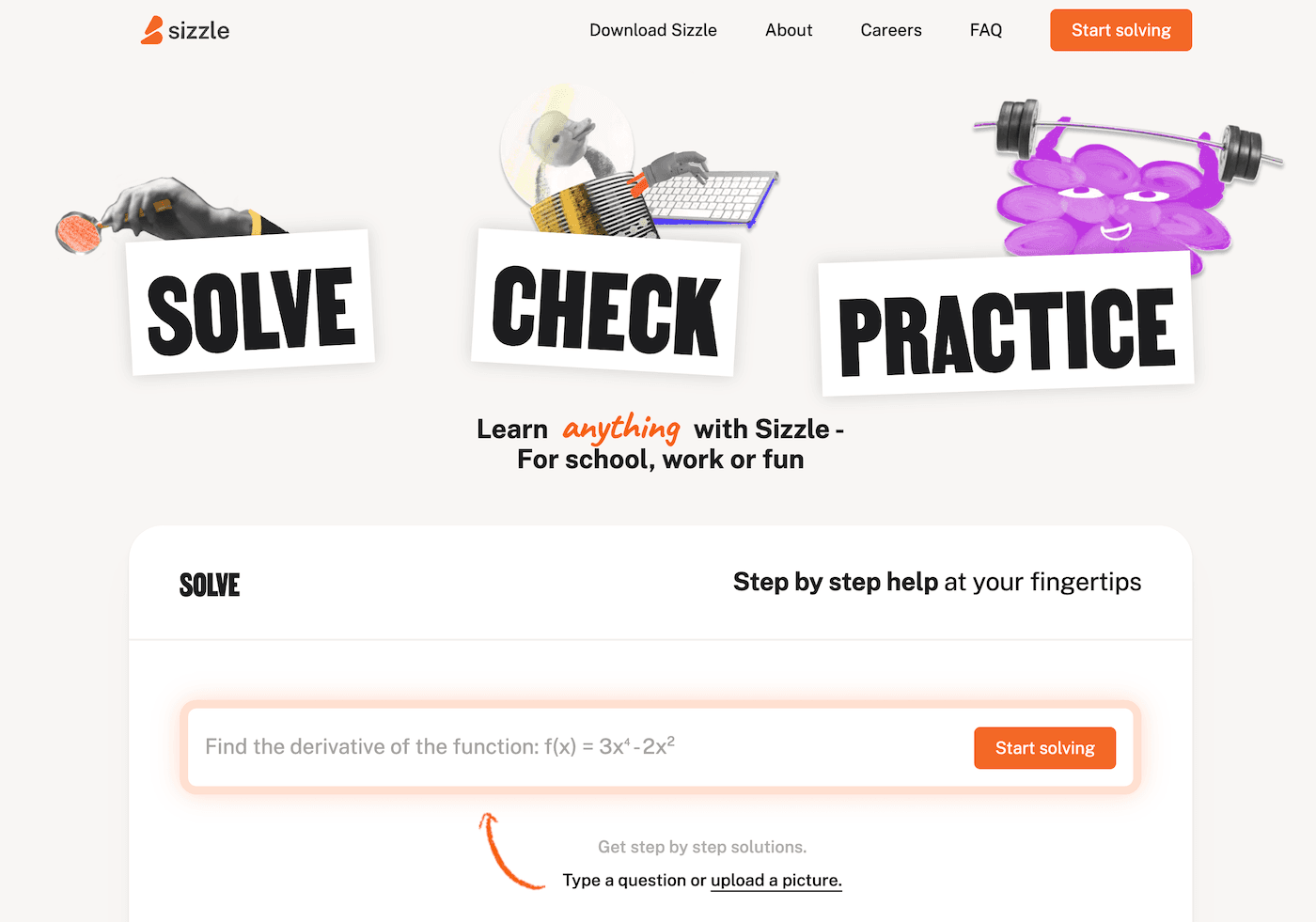
4. Jungle – Lab Vocab and Coding Review, as a Game
Flashcards aren’t sexy, but my students need vocab games for biology, engineering, AND coding terms (variables, syntax, sensors, you name it). Jungle lets me—or, even better, my students—generate flashcard decks and quiz games for any topic. I’ve used it for test review, prepping for Science Olympiad, and even as a "Jungle coding debug challenge" (try it: have students create decks of their most common coding mistakes and “stump the teacher” in review rounds).
Try Jungle
5. Gamma – From Raw Data to Science Fair Presentations
Every year, I dread helping students turn their messy EKG data or spaghetti bridge results into shareable science fair boards. Gamma lets them toss in photos, data tables, graphs, and notes—then generates polished, interactive slides ON THE SPOT. The best part is students can focus on analyzing patterns and storytelling (not about fighting with Google Slides layouts or getting lost in formatting). I now require students to revise their Gamma decks collaboratively, debating what their data really means—makes expo night smoother and more student-driven.
Try Gamma
6. Diffit – Adapting Real Science and Tech News for YOUR Students
Ever find an awesome Wired article or a rocket launch update that’s wildly over your 7th graders’ reading level? With Diffit, I paste in any article or transcript and get versions at different reading levels, plus vocab and comprehension questions. My hack: I send independent groups to find new discoveries, run them through Diffit, and then peer-teach using the adapted versions. You’ll hear the most hesitant readers leading discussion on quantum dots or 3D printing before you know it.
Try Diffit
7. Suno AI – Science Anthems and Engineering Soundtracks
We love a good lab chant or math hype song, but I do not have the time (or talent!) to write one for every unit. Suno AI lets students invent class anthems—think “Gravity is Real (and So Am I)," “Happy Coding,” or even safety jingles. I make this a group ritual: brainstorm lyrics, pick a genre, generate the song, and perform to celebrate every major build, breakthrough, or flop. My classes are rowdier, but also way more invested in each other—and, honestly, the learning sticks.
Try Suno AI
Honest STEM Teacher Advice (from Someone Who’s Flooded Labs and Lost Code)
- Start with ONE tool—pick your class’s greatest pain point, and test-drive the best-fit AI. Your goal is NOT to automate great teaching but to buy yourself (and your students) creative space to experiment, build, and reflect.
- Let your students lead: ask for feedback, encourage them to remix, and build with the tools themselves. Suddenly, AI goes from buzzword to co-pilot.
- If an AI adds more stress, ditch it. The best tools fade into the background and make noisy labs, big asks, and wild ideas possible again.
If you’re already using one of these tools in STEM class—or have a wild classroom hack I need to steal—drop your story below! Here’s to fewer late-night lesson pivots and more STEM discoveries (mess and all) in 2025.