AI Tools for Teachers Who Love Student Projects
If you’re the kind of teacher who gets a thrill from a messy build day, a classroom debate, or a research project that takes on a life of its own, you already know: student-driven work is where magic (and total chaos) lives. But project-based learning comes with some serious behind-the-scenes work—differentiation, tracking progress, last-minute resource hunts, and giving every student a real audience (not just your tired eyes on a Friday afternoon).
This year, I set myself a challenge: only use AI where it let me say YES more often—to wild ideas, real-world audiences, and actual student ownership of the process. Here are the tools that actually delivered, with specific hacks, hard-earned by trial and error. Yes,
Try Kuraplan
is here (spoiler: not just for unit planning). Ready to elevate your project chaos? Let’s go.
1. Making the Mess Manageable: Gamma for Visual Progress & Showcases
Every project, from 3rd grade model cities to AP Science Capstones, seems to leave a trail of sticky notes, photos, and handwritten data in students’ backpacks. Enter Gamma. Instead of piling everything into Google Drive folders nobody checks, we drop group artifacts—pictures, brainstorms, quick reflections—into Gamma at every major milestone. The AI turns them into a visual progress log or a polished "project history" (complete with timelines, check-ins, and even team reflections).
Parents love seeing progress at every step. Even better: halfway through, students spot their own lags and strengths ("We spent HOW long on interviews?"). At the expo, we display their project logs, not just the shiny final.
Try Gamma
2. Student-Led Structures: Kuraplan as a Co-Planning Portal
Forget scripted units: the real fun starts when students help direct the workflow. Mid-year, I started sharing my screen as I plugged our big question ("How can we make our school greener?") into Kuraplan, showing students how the draft timeline, checkpoints, and peer feedback moments emerged. Then I let them edit—removing steps, adding presentations, or reordering the sequence.
Kuraplan took the scramble out of planning, but the breakthrough was giving students power to customize. The "AI backbone" meant I could say yes to their wild project twists without worrying we’d lose all rigor or miss a deadline.
Try Kuraplan3. Instant Project-specific Scaffolds: Diffit for Diverse Reading Tasks
Research days kill momentum when half the class is lost in the first source. Diffit is my go-to for any reading, video, or even student-generated text. During our social justice poster project, students pulled local news, advocacy blog posts, and municipal meeting transcripts—then used Diffit to generate leveled versions and comprehension questions for their research partners.
Result? Students lead their own mini-research seminars, and nobody gets left behind just because the best article is written for grad students or buried behind jargon.
Try Diffit
4. Turning Project Data into Real Reports: Jungle for Group Reflection & Quiz Creation
I used to end every project with a Google Form survey. This year, I tried having students create "what I wish we knew before" flashcard decks on Jungle—compiling common hurdles, discoveries, and even misconceptions (“Our prototype didn’t actually float – add a question on buoyancy!”). We then turned those decks into post-project review games, which the next cohort uses as a pre-project warmup.
The review process is student-authored, authentic, and a lot more engaging than my old reflection packets. Instant, gamified meta-cognition.
Try Jungle
5. Publishing & Sharing: Magicbook for Community Impact Books
Projects feel "real" when they circle back to the wider world. My students’ favorite capstone move: compiling their findings or stories into a collaborative digital picture book using Magicbook. The big win isn’t just for little kids—this tool lets advanced students simplify big findings, turn interviews into narratives, and publish class anthologies for families, school partners, or community organizations.
We mailed our "How Clean is Our Local River?" book to the mayor, printed "Our Food Waste Solutions" for the cafeteria, and even submitted a class "Student Histories" collection to the regional archives. Nothing beats seeing students see their work published—and taken seriously.
Try Magicbook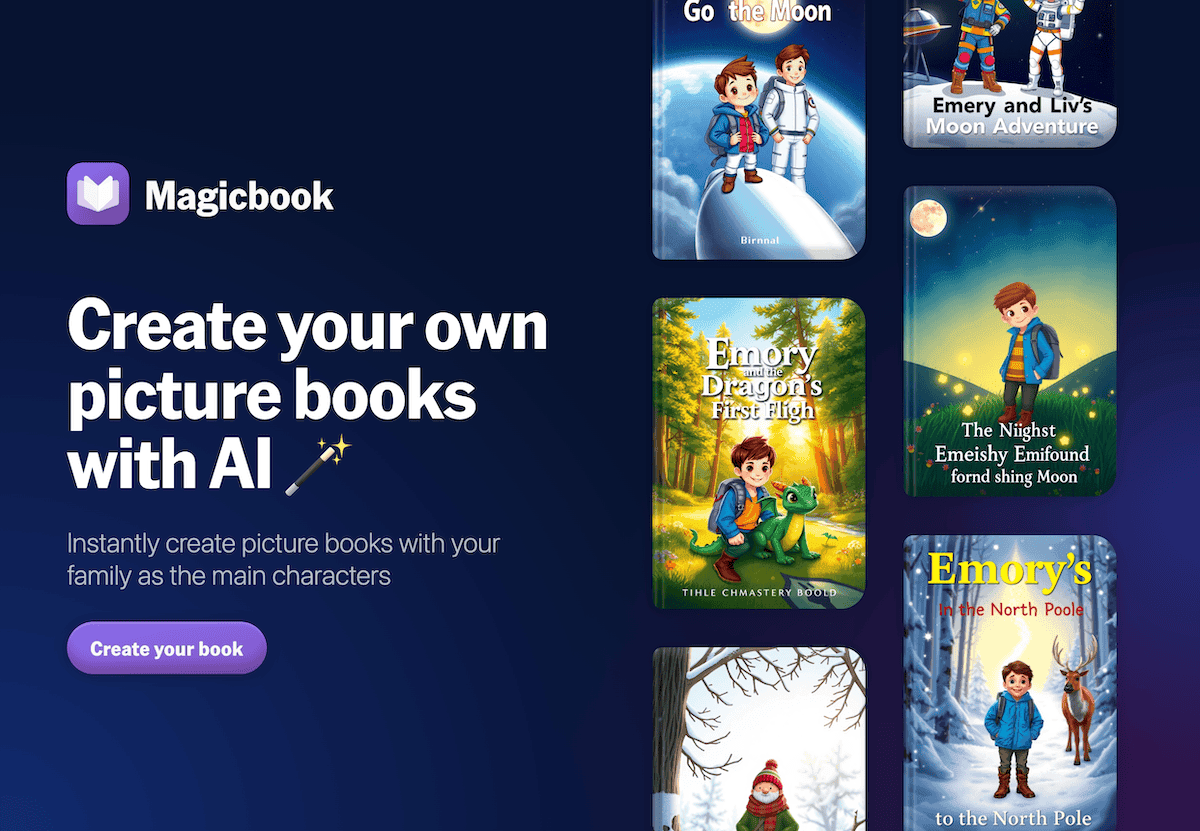
6. Curating Expert Voices: People AI for Real Interviews & Role Play
When students debated school uniforms, prepped for a local advocacy campaign, or researched World War I, "let’s get an expert" was always tough. With People AI, groups prep interviews for historical figures, imaginary advocates, or field "experts" who answer with surprising nuance (no more boring role-play scripts).
Best workflow: students vet the AI’s responses, fact-check, and revise their questions—building real inquiry and authentic skepticism. Even reticent kids get to "interview" someone, and our end-of-project panel always includes at least one “AI guest.”
Try People AI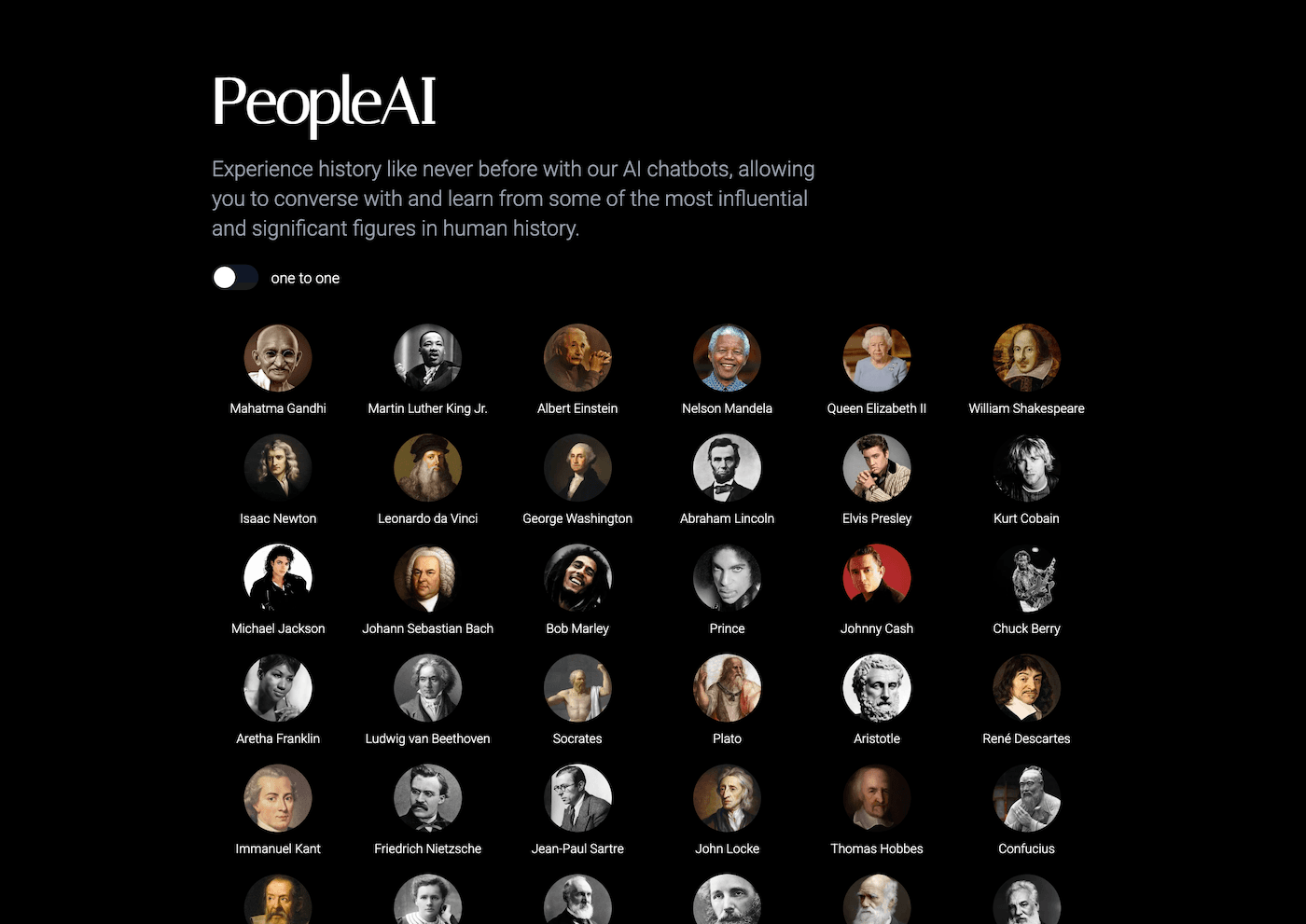
7. Student-Created Project Soundtracks: Suno AI for Rituals & Celebration
Projects aren’t just about the work—they’re about the vibe. For each major milestone, a student team scripts our own "process anthem" (one group did a marine debris ballad, another a science fair hype track) and Suno AI turns the lyrics into a shareable song. We play these on project launch days, before presentations, or at our end-of-project party.
It’s a quirky, kid-generated ritual—but it unifies teams, gives introverts a creative voice, and makes every stage memorable. I even had families ask for "our class song" at conferences.
Try Suno AI
Final Advice to Fellow Project-Loving Teachers
- Let students co-own the tools. The more control they have, the more invested they’ll be—from adjusting the Kuraplan timeline to editing the Gamma showcase.
- Use AI for the heavy lifting—timelines, differentiation, publishing, and organizing communications. That leaves your focus for the messy human parts—coaching, troubleshooting, and, crucially, laughing through the flops.
- Make every project public. Whether it’s Magicbook anthologies mailed out, a Gamma timeline in the lobby, or a Suno-created crowd chant, if it’s student-made, show it off.
- Don’t be afraid to pilot one tool per project. You don’t need it all at once—start with the bottleneck that always slows your teams down, and expand as your classroom gets bolder.
If there’s one thing I learned this year, it’s that the best AI can do is help you say YES more often—to deeper learning, weirder ideas, and student-driven work that lasts.
Are you using an AI tool that changed your project workflow? Have your students found a use you never expected? Drop your stories below—let’s get better at building (and showcasing) great student work, together.