Hidden AI Tools for Flexible Teachers
I'm that teacher: always tweaking, swapping, and reimagining on the fly—sometimes by necessity (sub no-show, surprise admin visit, or a lesson that flat-out flops), sometimes because student energy just isn't what I planned for. If your classroom runs on flexibility and your secret power is thinking on your feet, you know classic edtech advice often falls short: who has time for a 20-step workflow or all-day professional development when the plan never survives first contact with Monday?
This year, I challenged myself: Could AI help when the plan melts? Not just automate grading or crank out another worksheet—but get me out of the weeds when something big shifts. What I found were a handful of lesser-known, shockingly adaptive tools I now keep ready for those days when structure is a dream, chaos is the reality, and agency (mine and the students') is the main ingredient.
Here’s my honest, not-sponsored, truly field-tested roundup of AI helpers for the teachers who run on change, creativity, and the occasional controlled explosion. None of these tools will replace your flexibility—but they WILL hand you a lifeline when (not if) you have to pivot on a dime.
1. Notebook LM: From Resource Swamp to Student-Led Podcast
We all have those days: a pile of handouts, random web links, half-baked student notes, and a sudden need for something engaging. Notebook LM is my go-to for instant coherence—upload any mix of materials, and the AI will pull out themes, connect ideas, and even suggest a Q&A script. But here’s the secret sauce: within a period, students can turn these Q&As into a podcast episode—live, for review, or even as an exit ticket. Suddenly a messy file folder is a whole-class conversation starter or a collaborative doc that actually goes somewhere.
Notebook LM works best with just-in-time learning—think: "What really happened in the Watergate tapes?" or "Can we explain the weird trend in our science lab?" My student groups now compete for who can pull the wildest connections. Total game changer for resource-wranglers and creative lectures.
Try Notebook LM
2. Kuraplan: Last-Minute Sequencing—Without Scripted Lessons
Sometimes I want just enough structure to keep me from spinning out: a unit outline, check-in posts, and a few checkpoint ideas—not a full script. That’s where Kuraplan clicks. On field trip days, sudden schedule changes, or when I inherit a new prep overnight, I dump what I know ("Romeo and Juliet with ELLs and three school assemblies") into Kuraplan, and get a timeline I can edit fast.
Key: I skip the generic lesson plans and grab the sequence skeleton and checkpoints. My students see a real framework, not a day of "whatever." Kuraplan is now my safety net for messy weeks—not my lesson overlord. It probably saved me from three or four panic attacks this year.
Try Kuraplan
3. Suno AI: On-the-Spot Rituals, Routines, and Recovery
Transitions are peak chaos time—which is when Suno AI is pure gold. I keep a list of three go-to prompts—"brain break for rainy days," "line up quickly to a beat," and "celebrate a random win"—and have Suno generate a new quick tune whenever class energy is tanking. Last month, when my projector crashed, we ran an impromptu songwriting contest on fractions, and Suno made each group’s chorus come to life in minutes.
Pro-tip: Let the students throw in their own distractions, topic requests, or goofy transitions—then make them part of the workflow. Even my most distracted classes snap to attention (or at least smile) when their song comes through the speakers. Works wonders for sub days when your only plan is “keep the peace.”
Try Suno AI
4. Jungle: Emergency Review, by Students, for Students
Need a review—yesterday? Sick teacher, lockdown drill, or group work gone off the rails? I now have students build flashcard decks and mini-quizzes using Jungle—pulling the biggest misconceptions, high notes, and class memes from our last lesson. Assign groups, give them ten minutes, then rotate decks for a competitive, weirdly effective review activity. (Yes, someone always tries to sneak in a joke card.)
Bonus: When I’m pressed for time (or voice), I can instantly assign the decks for digital or paper review, and Jungle tracks which questions stump the class as a bonus formative snapshot. Finally, a real community tool for "no prep" days.
Try Jungle
5. Gamma: Rapid-Fire Brainstorms and Visual Remixes
For those "I have five minutes and thirty post-its" moments, Gamma is my shortcut: I toss in brainstormed ideas, rough notes, or a student paragraph, and instantly the class has a visual map or a choice board to drive discussion or next steps. We’ve built collaborative argument maps on controversial topics, unplanned project outlines, and even "what to do when the field trip bus is late" strategy sessions.
Even when my lesson tanked, Gamma let students see their own thinking—making it easy to pivot to Plan C, D, or Z. Sometimes the best learning happens after the derailment, not before.
Try Gamma
6. People AI: Unscripted Discussion When Engagement Crashes
When my openers just... don’t land (hello Wednesday after lunch), I pass the wheel to People AI. Students pick a figure (real, historic, even fictional), brainstorm wild questions, and cross-examine live. Last week, we grilled “Ada Lovelace” about AI ethics, then let the class argue with her. No lesson prep, but suddenly everyone is arguing, listening, and learning—even the ones who didn't do the reading. Pro tip: let students pair up to roleplay as their own experts and let People AI "fact-check" their takes.
Best for when the vibe is flat and a guest speaker is out of reach—but a good argument (or debate) is exactly what class needs.
Try People AI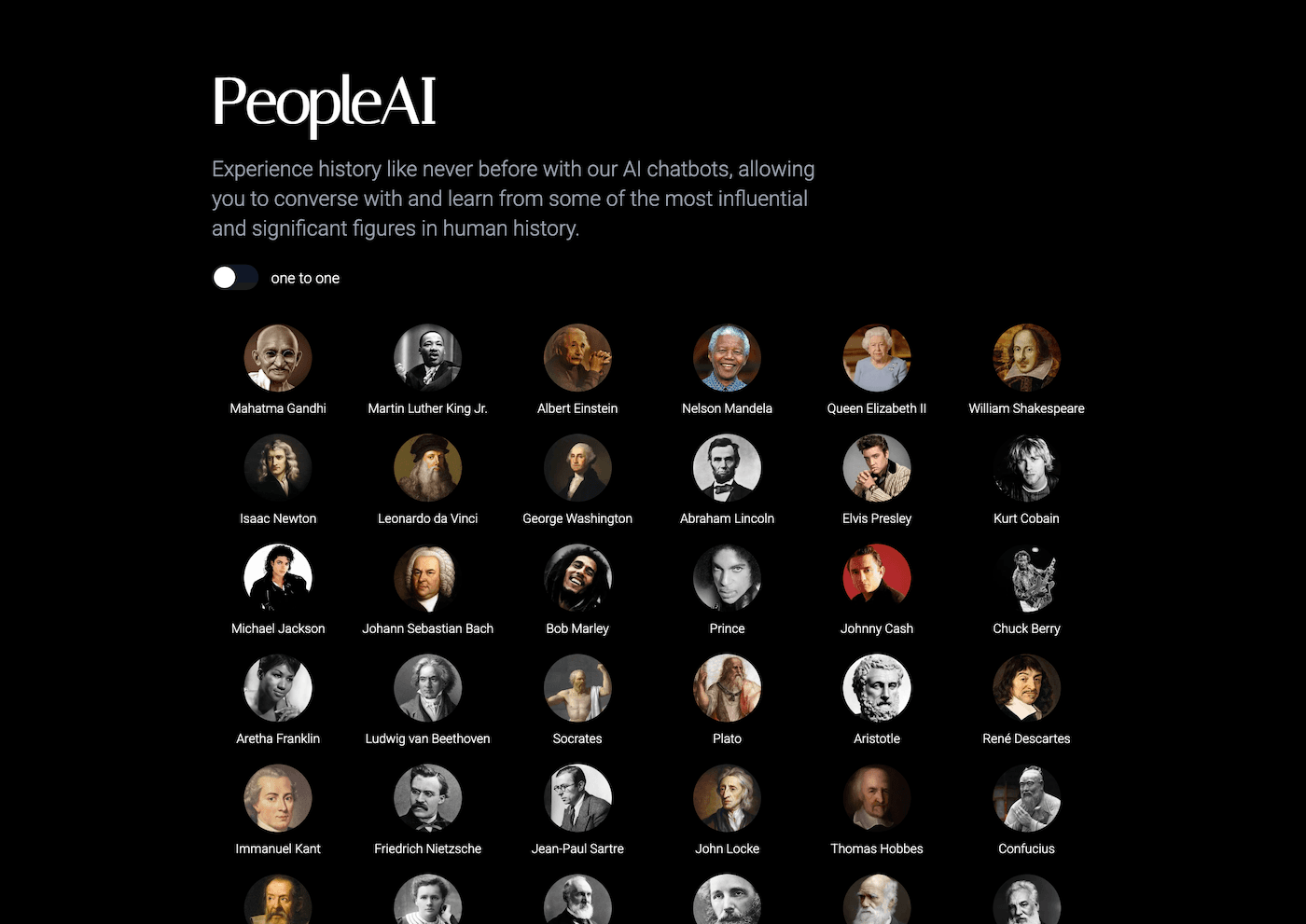
7. Fliki: Turning Chaos into Quick Reflection (or Sub Plan Magic)
If your day truly derailed (or you’re slammed with sub coverage), Fliki makes five-minute reflection videos from whatever student writing or class notes you can mine. I have students script a "what we learned (or didn’t!) today" summary, upload to Fliki, and instantly generate a quick explainer or class update—great for absent students, parent comms, or as a starter for tomorrow’s "let’s try that again" round.
It’s not Oscar-worthy, but that’s not the point—reflection is fast, visible, and everyone leaves the room knowing something stuck, no matter how weird the day got.
Try Fliki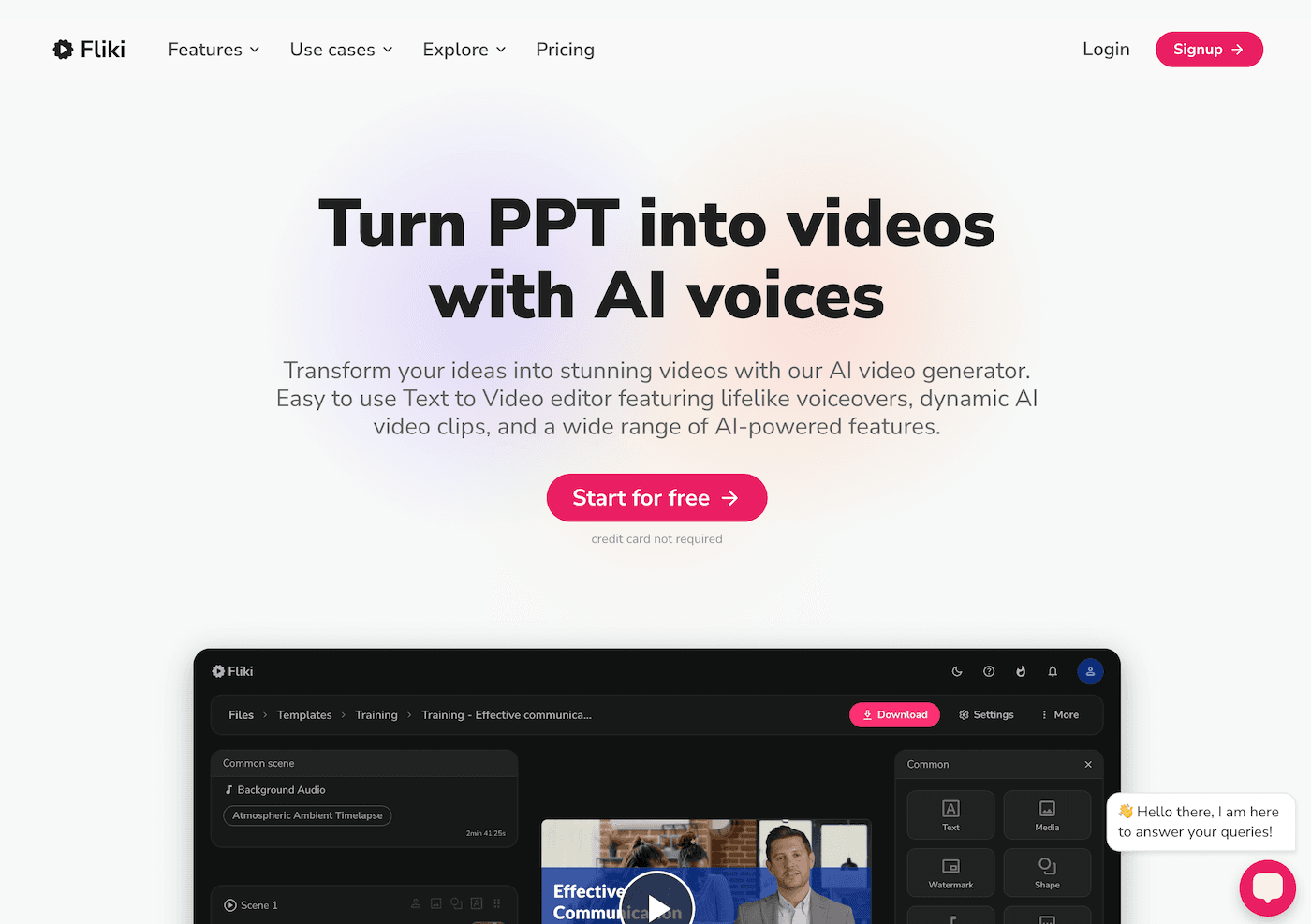
Real-World Tips for Surviving (and Enjoying) the Chaos
- Embrace the pivot. Start with ONE tool—let your class try it, break it, remix it, and report back.
- Student agency over tools: The more I hand over, the more invested they become—especially when the plan changes.
- Keep the workflow simple—these are lifelines, not another 12 tabs to manage.
- Let go of perfection: Sometimes, the messiest day is the most memorable. AI can turn chaos into creativity—if you trust your knack for improvising.
If you’re the teacher who thrives on plan B (or C, or D), try one of these helpers next time class goes sideways. Got a better AI trick for classroom curveballs? Drop your story or recipe below—I’ll swap you for my favorite Suno AI routine or a no-fail sub plan template. Let’s stay flexible, stay honest, and keep the learning real.