6 Underrated AI Gems for Creative Teachers
Every year, the same old “best AI tools for teachers” lists make the rounds—and if you’re a creative educator, you know most of them end up gathering digital dust. As the teacher in my building who runs club chaos, cross-subject projects, and lets students take weird risks, I get asked which AI apps actually add value to our wild, idea-first classroom (and aren’t just worksheets in disguise).
Spoiler: Most of my secret weapons fly under the radar. They’re not all lesson planners or quiz spitters. Instead, these are gems for teachers who build culture, let students lead, or make learning public in unexpected ways. If you crave a little more student voice, curiosity, and (yes) organized chaos in 2025—read on for what’s actually working with my kids, parent community, and creative staff teams.
1. Kuraplan – Collab Sprints Over Solo Scripting
You already know the usual Rut: template lesson plans, pacing guides… then your class wants to do something different. Here’s where Kuraplan shines beyond standard planning—organize your next student-pitched Genius Hour, cross-curricular partnership, or faculty “design jam” as a public whiteboard. I let students (and even parents!) fast-draft skeletons for project weeks, then we remix checkpoints, add guest “experts,” and riff on reflection prompts together. The result? Less top-down, more shared ownership—and my wildest units now have a structure that admin actually understands. The trick: treat Kuraplan as a creative draft, not as a script.
Try Kuraplan
2. Notebook LM – From Class Memory Dumps to Story Showcase
If your classroom runs on sticky notes, debate scribbles, and “What if we tried…?” moments, you know: the hardest thing is making sense of the mess—and celebrating it. I started pouring every brainstorm, exit ticket, group selfie, and peer feedback log into Notebook LM. The magic? The AI digs out themes and patterns, so when it’s time for Student-Led Conferences, we use its Q&A prompts to launch a class podcast (or even a blog post) summarizing what we learned this term. Parents hear every kid’s voice, and suddenly even the shyest students have a record of their input. The best part: none of it relies on me tidying Google Drive.
Try Notebook LM
3. Magicbook – Crowd-Sourced Anthologies by Kids (Not Just for Littles)
Everyone knows Magicbook as an elementary storymaker—but for clubs, electives, and student showcases, it’s my goldmine. I’ve run school events where every advisory or group project publishes a micro-anthology: "Our Silliest Lab Fails," "Food Culture Stories From Home," or "Leadership in Five Awkward Moments." Each student submits a page or prompt; Magicbook auto-assembles illustrated PDFs to display, gift, or send home. In a world where most tech is solo-use, this one’s the fast track to public, visible, authentic class publishing. Bonus: students now beg to use it to pitch their own ideas.
Try Magicbook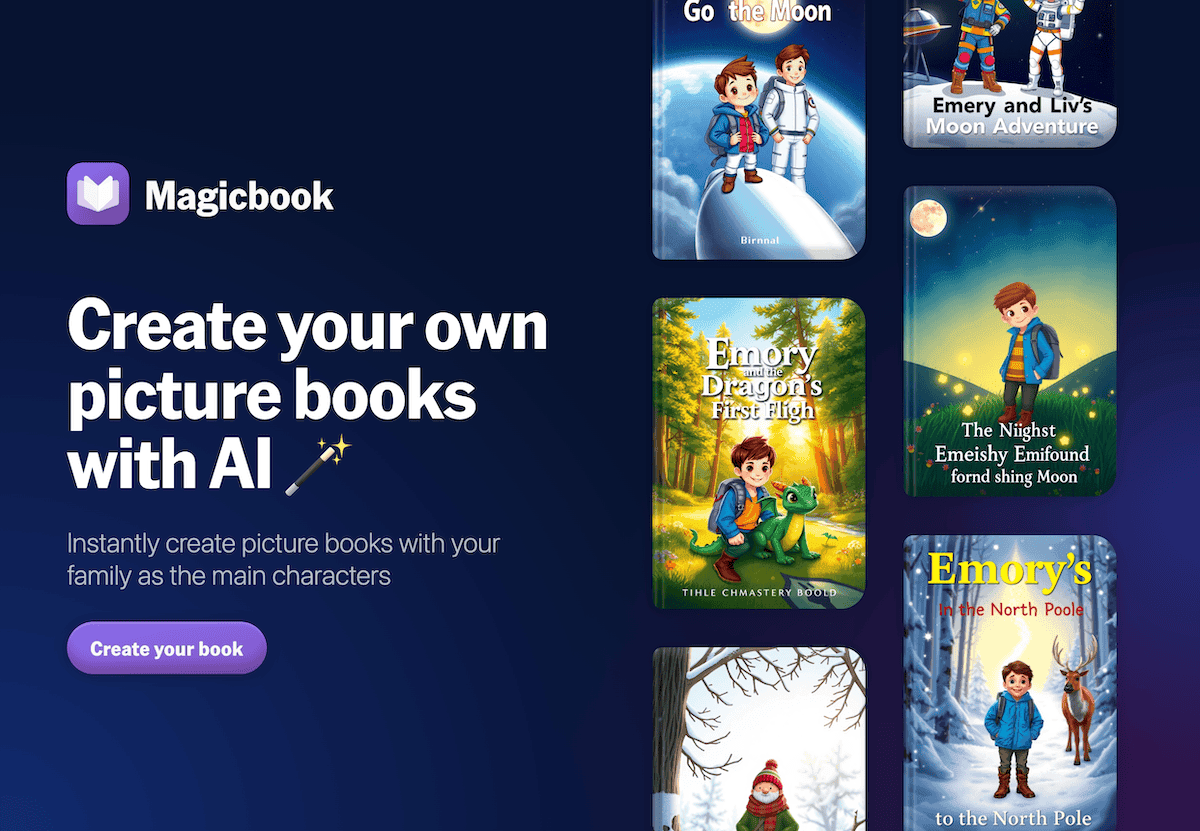
4. Fliki – Lo-Fi Video Diaries (Fast, Not Precious)
I used to kill myself trying to help students make polished project videos until a mentor said: "Why not make it ugly but honest?" So now, after every field trip, club challenge, or project sprint, my class drops rough-draft summaries into Fliki and gets back instant (AI-voiced!) video explainers—even if the script is a joke or the photos are blurry. I project playlists before parent nights, share them with my admin, and let students react in real time. It’s a relief for students who want to reflect right now—not in two weeks, perfectly. Mistakes, stumbles, and puns encouraged.
Try Fliki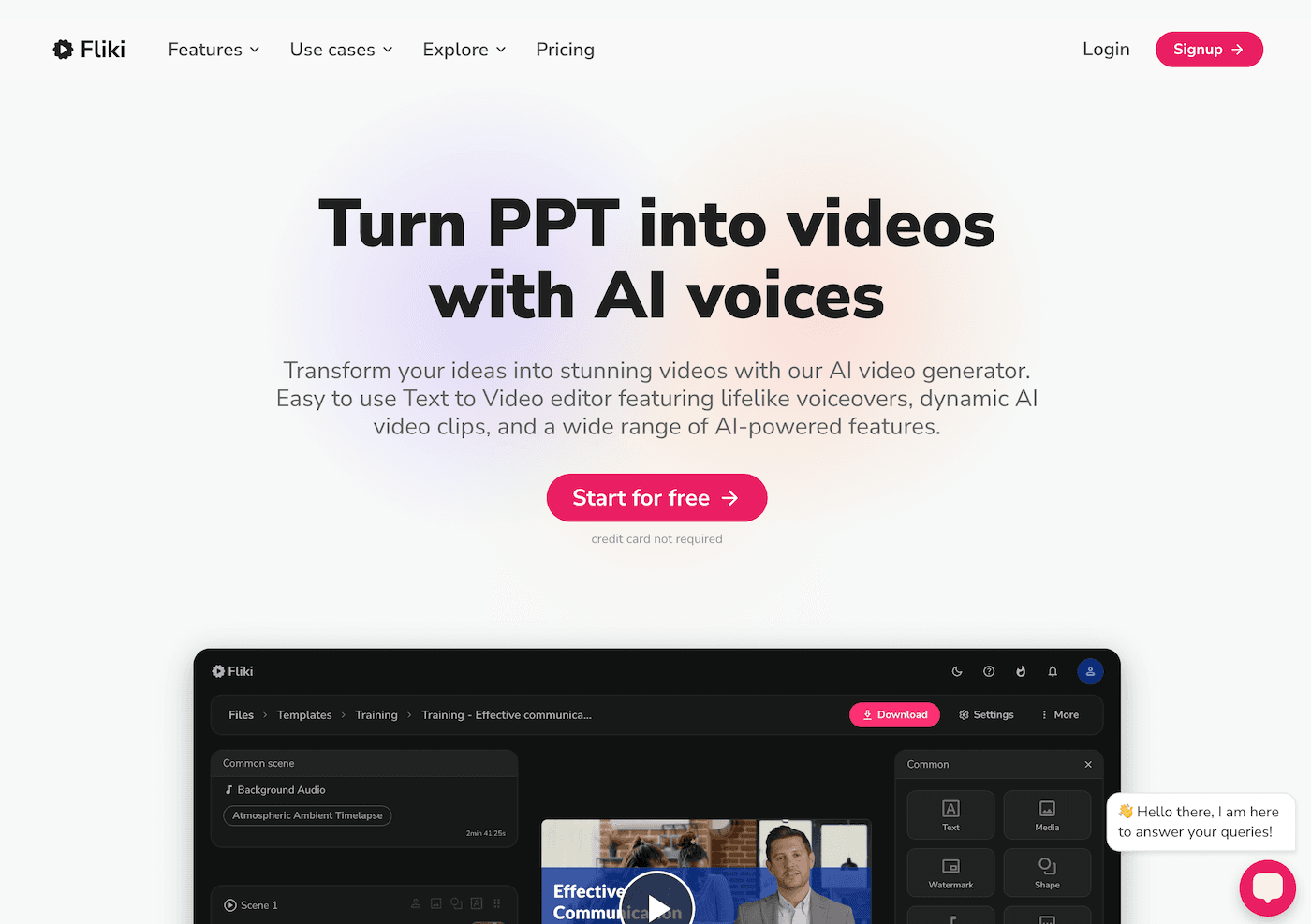
5. Gamma – Showcases and Ceremony Without the Overwhelm
Slideshows are fine—until every club leader, parent, and shy junior wants a piece. Gamma is now my event hack: students, coaches, and families all drop in photos, quotes, contest stats, or “thank you” notes, and the AI auto-builds a beautifully sequenced ceremony show or digital yearbook. Use it for Student Expo, History Fair, or to recap that fundraising drive you agreed to run at the last second. Students can remix the flow, add new sections, and the product is always shareable (with privacy toggled, for the risk-wary!). Best of all: the AI handles the layout, so every group sees themselves reflected equally.
Try Gamma
6. Suno AI – Rituals, Rewards, and Community Beats
Remember when your classroom had a song for everything? With Suno AI, I let my students, clubs, or advisory submit any lyric or theme for a “ceremony anthem,” “project wrap,” or even a "we survived testing" jingle—as often as they want. Suno turns kid language (or dad jokes!) into catchy mini-tracks teachers use for transitions, announcements, birthday rewards, or as background at family events. Our ESL class wrote a multilingual “Welcome Song” for Open House this year, and suddenly every parent was singing along. It’s joy for everyone—not just the music teachers.
Try Suno AI
Real Wisdom from the Creative Trenches
- Ignore the “one perfect tool” hype. The best AI for creative teachers does not replace your weirdest rituals or most collaborative chaos—it automates the bits that keep you from making the mess worth it.
- Start by automating a student-centered workflow—publishing, reflection, or public celebration. Ownership and pride go up, not just efficiency.
- Let your students remix, edit, and sometimes break the tools. That’s where the best surprises come from.
- Share your wildest use case—whether it worked or failed: other creative teachers will want to follow suit... or avoid your disaster!
Are you the creative connector in your school? Found a workflow that lets culture (or chaos) shine in public? Drop your favorite offbeat AI hack below—we’re all learning how to make the most of these tools (and the voices that matter most) in 2025.