7 Underrated AI Tools for Curious Science Teachers
If you teach science, you know the joy (and, let’s be real, the chaos) of trying to get students genuinely curious about the world. But curiosity alone doesn’t prep experiments, differentiate content, or help you recover from a lab gone sideways. After a year of chasing after every flashy “AI for teachers” headline, I set myself a new challenge: could less-hyped AI tools actually fuel discovery, not just automate my chores?
The answer: yes—but not from the usual suspects.
Below are the 7 tools I kept using in my high school Biology and Earth Science classes. They made my labs more inclusive, my reviews more student-driven, and my planning far less painful (without sucking the human touch from teaching). Yes,
Try Kuraplan
makes an appearance—but this isn’t just a lesson-planning plug. If you’re tired of “create a worksheet in 2 seconds” gimmicks, these are for you.
1. Science Club-Style Brainstorms – Notebook LM
Ever wish your unit intro felt more like a club meeting than a slideshow? I started using Notebook LM to throw all our wild hypotheses, news clippings, lab photos, and student questions into one messy “notebook.” The AI suggests Q&As, then helps students turn their own ideas into podcast-style discussions—reframing labs as group investigations, not just "follow the procedure." On days when a demo goes bad, we feed the aftermath into Notebook LM and the students create their own "debrief episode"—it’s learning, not just recovery.
Try Notebook LM
2. Messy Unit Maps in Minutes – Kuraplan
Not every science topic fits a neat scope and sequence. That’s why I keep starting — and restarting — in
Try Kuraplan: I put in my anchoring phenomenon (“Why are high tide lines changing?”), two wild student questions, and a guilt-inducing note about “include more hands-on.” Kuraplan spits out a project backbone, embedded checkpoints, and even prompts for home connections. Then I let my students vote on which offbeat detour (field study, interview, community science) to add next. The tool gets me un-stuck, fast—especially in project-based units where admin wants rigor but kids want wiggle room.
3. Real-World Data, Fast – Diffit
When students bring in breaking science news (“Did you see the octopus video?”) or we spot a local headline about water quality, I run the text or video link through Diffit. Out come readings at three levels, vocab sets, and comprehension checks—perfect for multi-ability labs or ELL/ESL classes. Bonus: students use Diffit to prep news analysis rounds and even submit questions for current-events bellringers. The result? My science class debates are more inclusive and grounded in real, current data—not just whoever can read the hardest source.
Try Diffit
4. Student-Made Explainervids Without Editing – Fliki
We all want students to explain their thinking, but teen tech skills (and time for video editing) are…variable. Enter Fliki. I assign mini projects (“Summarize today’s lab error or success,” “Teach osmosis like you’re making a TikTok”) and Fliki turns their text into fast, AI-voiced explainer videos—no green screens required. Students love pitching their own takes and I use their videos to launch new topics or as quick review before an assessment. It’s assessment, SEL, and creativity in one low-stakes workflow.
Try Fliki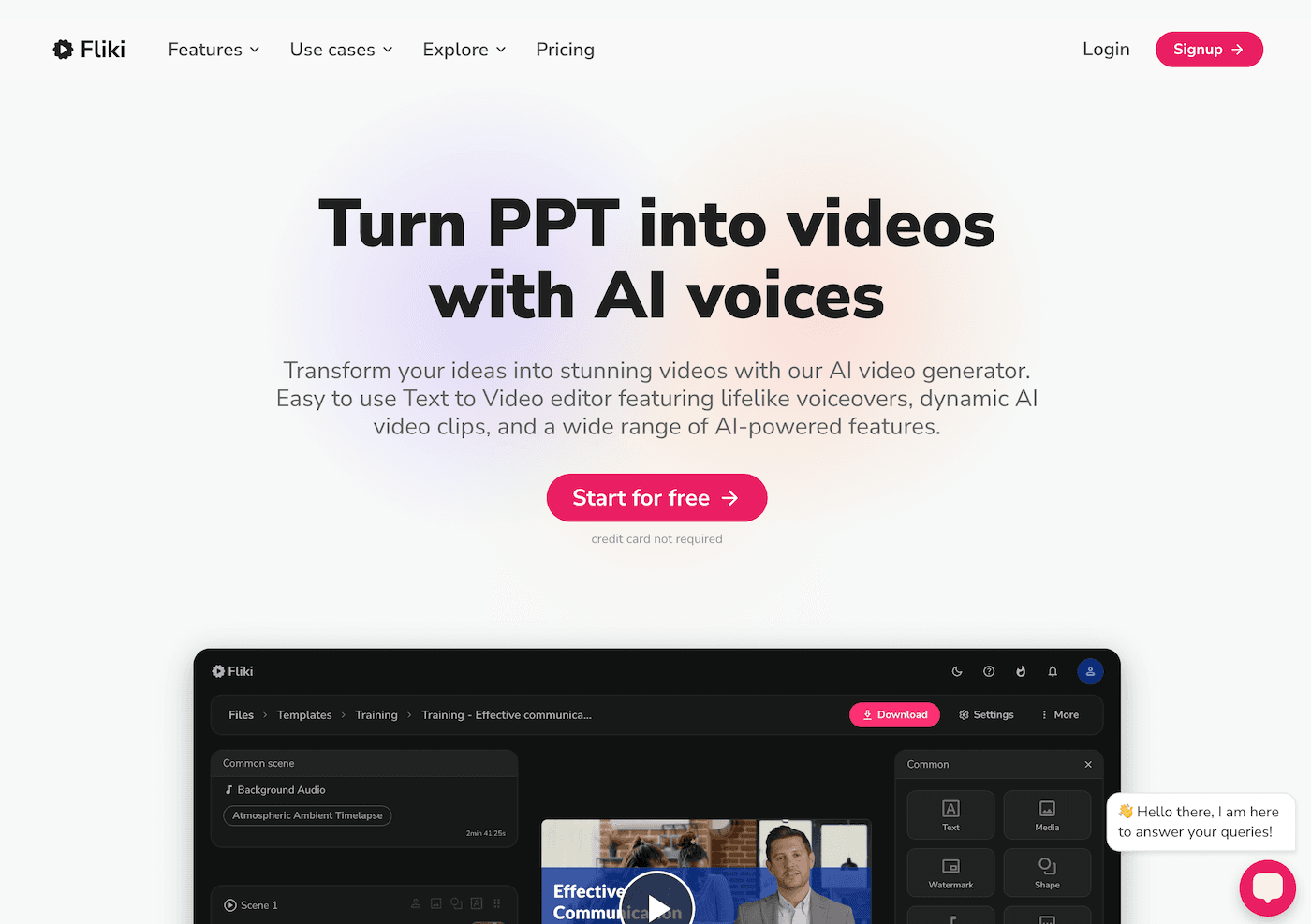
5. DIY Data Visualizations on Demand – Gamma
Graphs, charts, and results slides eat up precious class minutes. I started tossing our real lab group data (often messy, handwritten, chaotic) into Gamma, letting the AI turn table scraps into clear, shareable visual stories—annotated graphs, comparative slides, even interactive timelines. Now, students do the interpreting: “Why does our graph spike here?” “Compare two groups’ data!” Not only does it speed up results review, it spotlights critical thinking over copy-pasting charts.
Try Gamma
6. Rapid-Fire Hypothesis Testing – Jungle
Before, review days meant Kahoot or (let's be honest) the least-worst worksheet packet. Now, I ask students to create their own flashcard sets and quiz decks with Jungle—testing misconceptions from that week’s labs or building "What Went Weird In Our Experiment?" cards. The best rounds are when they use each other's decks, challenge assumptions, and write new questions after seeing which ideas stumped their peers. Jungle made formative assessment genuinely collaborative, not just another online quiz.
Try Jungle
7. Unexpected Science Songs – Suno AI
I’m no musician, but my students are obsessed with content-based music: the enzyme rap, a "Let’s Do Safety" chant, or a song about gravity (that only gets funnier with wrong lyrics). With Suno AI, I type in a science concept (“photosynthesis superhero,” “mitosis rock ballad,” “safety procedures for dissections”) and let students tweak lyrics or beats. These become class traditions, brain breaks, and even review sessions. The music is a little weird—but it sticks, and everyone participates.
Try Suno AI
Real Advice for Science Teachers Who Want More Curious Classrooms
- Co-create with students: Use AI tools to build, remix, and explain together—not just to automate every prep step.
- Start with your bottleneck: Don’t add everything at once. Pick the workflow that’s draining you most (review? data sharing? lab debriefs?) and swap in the tool.
- Use AI as a student voice amplifier: The best discoveries this year came from students pitching their own uses and hacks for a tool, not from my plan.
- Keep it messy and human: If the tech ever makes your class less weird, less creative, or less hands-on, ditch it and try again. Science learning is still all about experiments (the wild kind included).
Tried a hidden AI tool in your science program? Or have a student-led success (or epic fail) story using one of these? Let’s swap notes—I’m always trying to make the next unit a little more open, a little more practical, and a lot more fun.