6 Unexpected AI Wins for Veteran Teachers
I’ve seen more so-called “transformational” edtech come and go than I’d like to admit. (I still have an overhead transparency tucked in my desk for emergencies. Don’t judge.) If you’re like me—a teacher who can run a class by instinct, still mutters “not another app,” and has survived every PD fad—AI might sound more like another buzzword than real help.
But after another year of tighter timelines, heavier caseloads, and new faces who expect you to keep up with the latest, I took the plunge. These are the six AI tools I kept using—not because they’re the new shiny thing, but because they genuinely made my job lighter, my classroom sharper, or even brought back a little of that day-one optimism (yes, really).
Below, you’ll find honest takes: No hype, no jargon, and exactly how I use each to complement a seasoned teacher’s intuition (not overwrite it). And if you only try one? I’ll show you where Kuraplan actually made a difference for a 20-year vet.
1. Jungle: Review Games That Actually Work—for Every Age
Worksheets, trivia, and flashcards feel like old news—until you see what happens when students create the review games themselves. With Jungle, I started letting classes build post-unit decks (yes, even AP kids): they submit their toughest questions, wildest misconceptions, or that one fact everyone forgets before the test. Jungle assembles these into quiz games—digital or printable, for bellringers or sub plans. The shocker? My class hates to lose to last year’s deck, and I spend zero time inputting questions. It’s now a tradition, not a chore.
Try Jungle
2. Kuraplan: The Rare Planner That Honors Your Experience
I swore I’d never let an algorithm touch my pacing guides (I have binders three decades deep). But a colleague challenged me: “Try Kuraplan, but don’t start from scratch. Use it to prototype that unit you always end up teaching at the last minute—like the one where state standards just changed, or your co-teacher is out.”
Here’s what worked: I entered my unit themes, flagged my real-world class quirks, and let Kuraplan generate a draft. I pasted in my favorite readings and projects, swapped out what didn’t feel right, and finally addressed those cross-curricular links admin is always asking for. Result: The lesson sequence was flexible, and the built-in checkpoints saved me a few embarrassing “How will I know if this stuck?” moments later on. Kuraplan won’t replace your wisdom, but it will clear the clutter so you can focus on what you do best.
Try Kuraplan
3. Gamma: Instant Schedules, Visuals, or Sub Day Lifesavers
Every veteran teacher knows: change is the only constant. Field trips, sub days, test schedule chaos… and that’s before register corrections. Gamma became my go-to for quick visual agendas, last-minute announcements, and sub slide decks. Drop your daily plan, station rotations, or even club reminders into Gamma and it creates slick, readable slides in seconds. My anxious students (and new support staff) keep asking for "the Gamma slides," and I never have to wrestle with PowerPoint templates between periods again.
Try Gamma
4. Diffit: Leveling Up—For the Articles That Never Fit
Remember the hunt for just-right articles for every reading group, new student, or parent outreach? Diffit changed that game for me. Now, I can instantly adapt a news article, primary source, or even a student’s own writing—creating multiple reading levels with vocabulary support and comprehension checks. I save my favorite texts, cut the time I waste searching for “high/low” folders, and confidently toss in current events without worrying about who’s left behind. Diffit is a differentiator, not a detour.
Try Diffit
5. Gradescope: Feedback Without the Endless Red Pen
After years of writing “great evidence, but missing analysis” on every other paper, I found a better way: Gradescope. The trick isn’t that it grades for you, but that it auto-groups similar answers and mistakes. Write your best feedback once and it’s applied to every student in that group—while you still have the chance to personalize outliers. Result: more consistent, actionable feedback, less time with the pen. My grading load feels less hopeless, and my students report they can actually use my comments.
Try Gradescope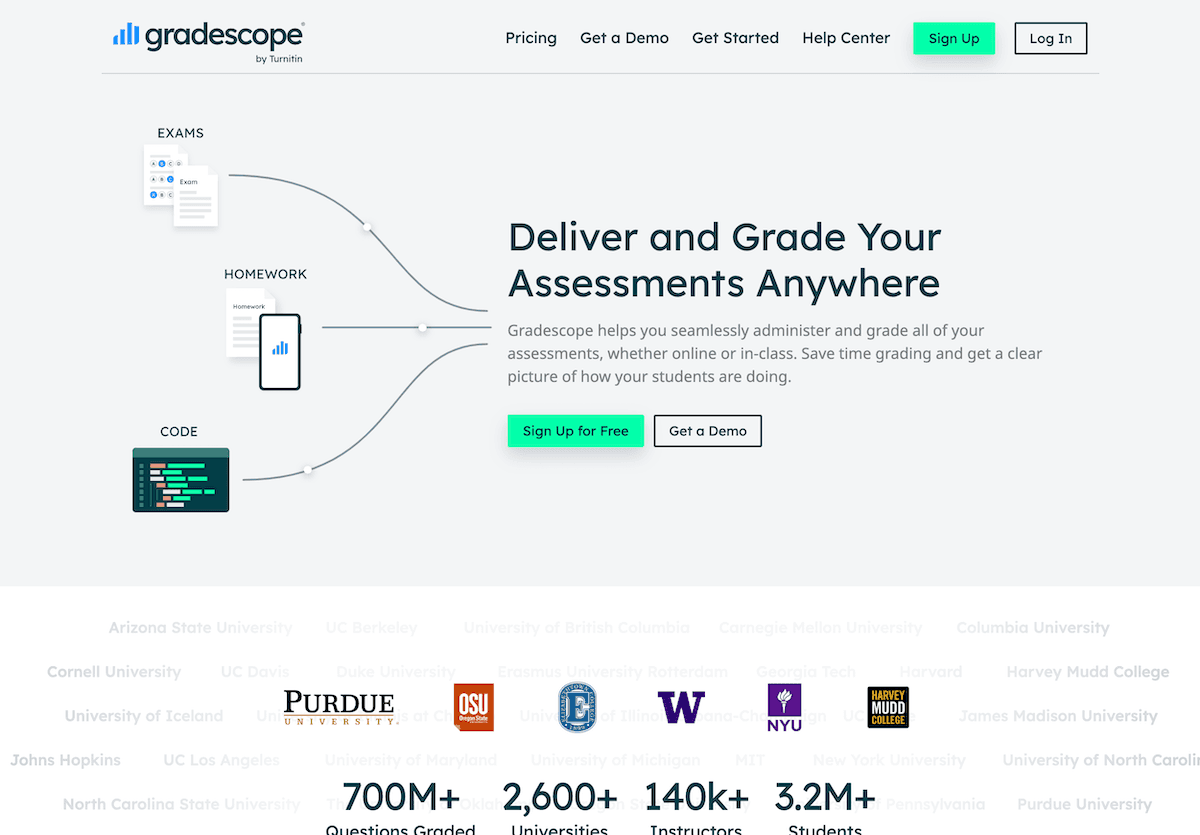
6. Suno AI: Routines With a Fresh Sound (and Fewer Groans)
Students of a certain age pretend they’re too cool for transition songs, but even my juniors now request their personalized clean-up track. Suno AI lets you—or your class—write new anthems for procedures, routines, or even content review. I use it for club intros, schoolwide campaigns, or that infamous “turn in your phones” moment. A handful of keyboard clicks, and suddenly routines aren’t just tolerated—they’re a highlight. Even the grumpiest class loves to hear “their” song before a big test.
Try Suno AI
Final Reflections: You Don’t Need to Start Over
The best thing about these tools? They don’t require you to pretend you’re a brand-new teacher—or to trash those units, rubrics, or tricks you’ve spent decades perfecting. They’re assistants, not replacements. Start with the task you like least or the day when the wheels always come off—test a tool there. Invite your students in. Share the wins (and fails) with a colleague who’s skeptical.
After 20+ years, it’s rare for a new tool to become a habit. But this year—even just one of these—helped me reclaim time, raise expectations, and enjoy the job a little more. And if nothing else, you’ll never worry about another transparency jam again.